Install and Configure Molecule for Efficient Ansible Role and Collection Testing
By Luca Berton · Published 2024-01-01 · Category: installation
Step-by-Step Guide to Installing Molecule on Your Local Machine and Setting Up Testing Platforms for Accurate Automation Workflows
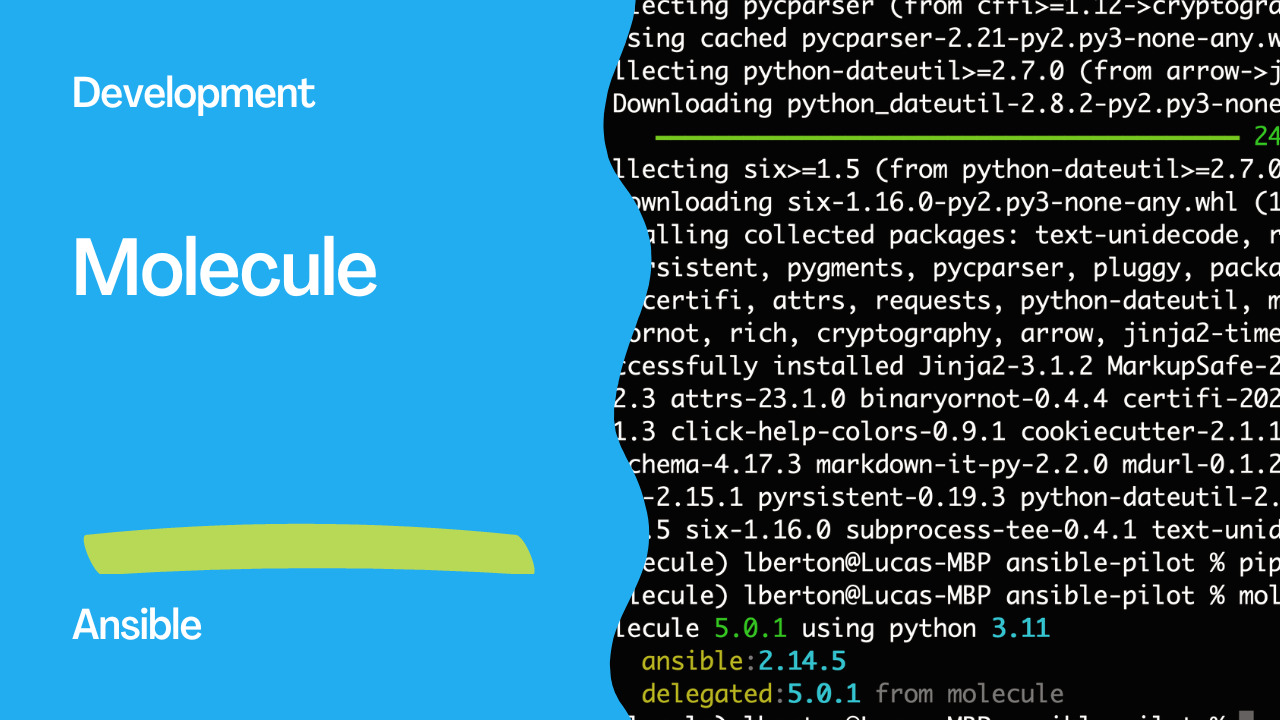
As an Ansible automation expert, I often rely on the Molecule testing framework to test my Ansible roles and playbooks. Molecule makes it easy to validate your Ansible content across different operating systems and configurations, ensuring that your automation workflows are reliable and consistent. In this article, I will guide you through the steps to install Molecule on your local machine.
Step 1: Install Python
Molecule requires Python 3.6 or later to run. Check your current Python version by running the command python --version. If your version is lower than 3.6, you will need to install Python 3.6 or later. You can download and install Python from the official website.
Step 2: Install pip
Pip is the package installer for Python, and it is used to install Molecule and its dependencies. To install pip, run the following command:
curl https://bootstrap.pypa.io/get-pip.py -o get-pip.py
python get-pip.py
Step 3: Install Molecule
Once you have pip installed, you can use it to install Molecule by running the command:
pip install moleculeThis will install Molecule and its dependencies on your local machine.
The full requiremets.txt:
ansible-compat==3.0.2
ansible-core==2.14.5
arrow==1.2.3
attrs==23.1.0
binaryornot==0.4.4
certifi==2023.5.7
cffi==1.15.1
chardet==5.1.0
charset-normalizer==3.1.0
click==8.1.3
click-help-colors==0.9.1
cookiecutter==2.1.1
cryptography==40.0.2
enrich==1.2.7
idna==3.4
Jinja2==3.1.2
jinja2-time==0.2.0
jsonschema==4.17.3
markdown-it-py==2.2.0
MarkupSafe==2.1.2
mdurl==0.1.2
molecule==5.0.1
packaging==23.1
pluggy==1.0.0
pycparser==2.21
Pygments==2.15.1
pyrsistent==0.19.3
python-dateutil==2.8.2
python-slugify==8.0.1
PyYAML==6.0
requests==2.30.0
resolvelib==0.8.1
rich==13.3.5
six==1.16.0
subprocess-tee==0.4.1
text-unidecode==1.3
urllib3==2.0.2
You can verify that Molecule is installed correctly by running the command molecule --version.
molecule 5.0.1 using python 3.11
    ansible:2.14.5
    delegated:5.0.1 from molecule
Step 4: Install Docker (Optional)
If you plan to use Docker as the testing platform for Molecule, you will need to install Docker on your local machine. You can download and install Docker from the official website. Once Docker is installed, you can test the Docker connection by running the command docker ps.
Step 5: Initialize Molecule
To initialize Molecule for a new Ansible role, navigate to the role directory and run the command molecule init scenario --driver . The driver name specifies the testing platform for Molecule. For example, if you want to use Docker as the testing platform, you can use the command molecule init scenario --driver docker.
Links
Conclusion
Molecule is a powerful testing framework that helps Ansible developers validate their automation workflows. By following the steps outlined in this article, you can easily install Molecule and its dependencies on your local machine. With Molecule, you can test your Ansible roles and playbooks across different operating systems and configurations, ensuring that your automation workflows are reliable and consistent.
See also: Ansible Dev Tools v26.4.0: Complete Development Toolkit Guide
Related Articles
Category: installation