Creating an Azure Virtual Machine Scale Set using Ansible
By Luca Berton · Published 2024-01-01 · Category: windows-automation
Effortlessly Deploy and Scale Your Infrastructure with Ansible and Azure Scale Sets.
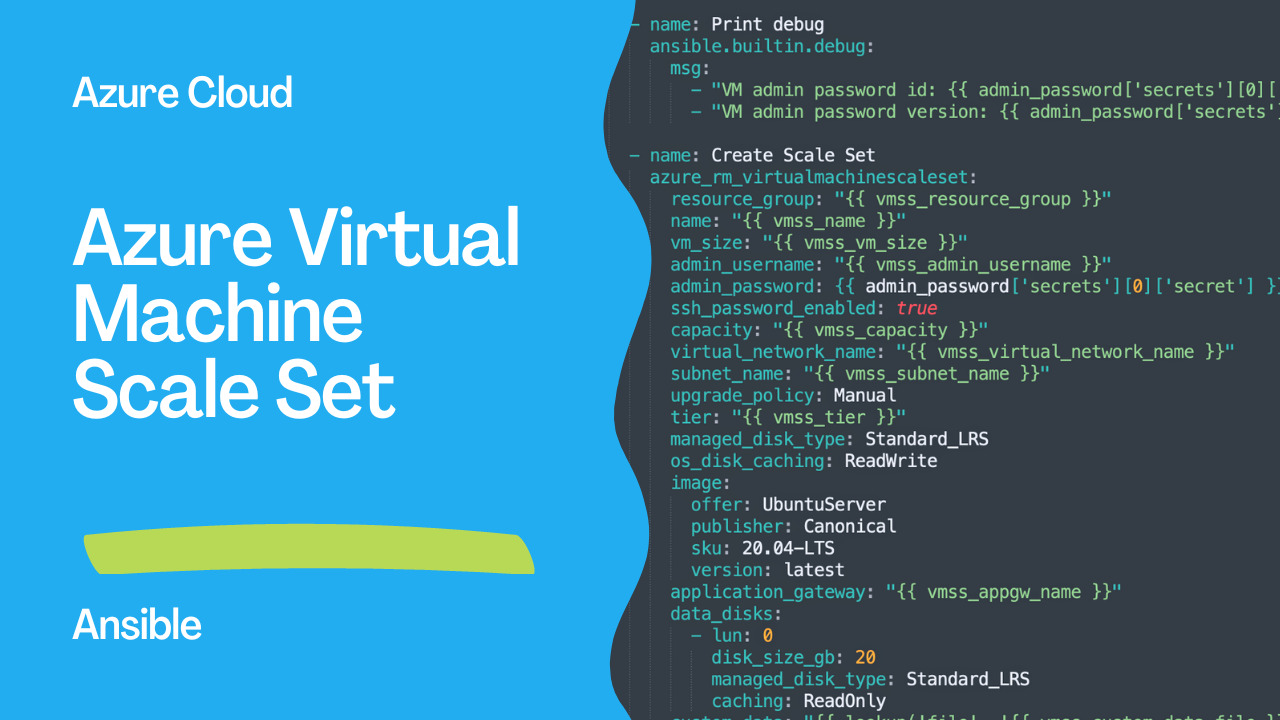
Creating an Azure Virtual Machine Scale Set using Ansible
In the world of cloud computing, scalability is a critical requirement for many organizations. When it comes to managing virtual machines, Azure Virtual Machine Scale Sets is a powerful solution that provides automatic scaling of VMs. Ansible, the popular configuration management tool, also provides a module for managing VM Scale Sets in Azure. In this article, we will explore how to create an Azure Virtual Machine Scale Set using Ansible.
See also: Creating an Azure Virtual Network with Ansible Playbook
Overview of Azure Virtual Machine Scale Sets
Before we dive into the details of creating a VM Scale Set, let's first understand what it is and how it works. A VM Scale Set is a group of identical, load-balanced virtual machines that can automatically scale up or down based on demand or a schedule. This makes it easy to deploy and manage a set of VMs, while also providing high availability and scalability.
A VM Scale Set can be created in Azure using either the Azure Portal, Azure CLI, or Azure PowerShell. In this article, we will use Ansible to create the VM Scale Set.
Creating an Azure VM Scale Set with Ansible
The Ansible module for Azure VM Scale Sets is azure_rm_virtualmachinescaleset. This module provides a simple way to create, update, and delete VM Scale Sets in Azure. Let's take a look at the playbook in detail.
The playbook starts with defining the hosts and variables required for creating the VM Scale Set. The variables include vmss_vm_size, vmss_admin_username, vmss_capacity, and vmss_tier. These variables are used to define the size of each VM, the admin username for the VMs, the number of VMs in the Scale Set, and the pricing tier for the Scale Set.
The playbook then uses the azure.azcollection.azure_rm_keyvaultsecret_info module to retrieve the administrator password for the virtual machines from an Azure Key Vault. This module retrieves the password and registers it as a variable admin_password.
The playbook then prints debug information about the administrator password using the ansible.builtin.debug module.
Finally, the azure_rm_virtualmachinescaleset module is used to create the VM Scale Set with the specified configuration. The azure_rm_virtualmachinescaleset module creates the Scale Set with the following configuration:
- The virtual machines in the Scale Set are created in the specified virtual network and subnet.
- The virtual machines use an UbuntuServer image from the Canonical publisher with version 20.04-LTS.
- The virtual machines have a 20 GB read-only data disk attached at LUN 0.
- The virtual machines have the specified custom data file injected.
- The virtual machines are associated with the specified application gateway.
- The virtual machines have their OS disks cached with ReadWrite and use Standard_LRS managed disks.
Links
- azure.azcollection.azure_rm_virtualnetwork
- azure.azcollection.azure_rm_subnet
- azure.azcollection.azure_rm_publicipaddress
See also: Ansible AWS EC2: Automate Ubuntu Instance Creation & Data Collection
Code
This Ansible playbook creates an Azure Virtual Machine Scale Set with the specified configuration. The playbook defines the following variables:
vmss_vm_size: The size of each virtual machine in the scale set.vmss_admin_username: The username for the administrator account on each virtual machine in the scale set.vmss_capacity: The number of virtual machines to create in the scale set.vmss_tier: The pricing tier for the scale set.
- Uses the
azure.azcollection.azure_rm_keyvaultsecret_infomodule to retrieve the administrator password for the virtual machines from an Azure Key Vault. - Prints debug information about the administrator password.
- Uses the
azure_rm_virtualmachinescalesetmodule to create the scale set with the specified configuration.
azure_rm_virtualmachinescaleset module creates the scale set with the following configuration:
- The virtual machines in the scale set are created in the specified virtual network and subnet.
- The virtual machines use an UbuntuServer image from the Canonical publisher with version 20.04-LTS.
- The virtual machines have a 20 GB read-only data disk attached at lun 0.
- The virtual machines have the specified custom data file injected.
- The virtual machines are associated with the specified application gateway.
- The virtual machines have their OS disks cached with ReadWrite and use Standard_LRS managed disks.
---
- name: Create Azure Scale Set
  hosts: all
  vars:
    vmss_vm_size: Standard_DS1_v2
    vmss_admin_username: sysadmin
    vmss_capacity: 2
    vmss_tier: Standard
  tasks:
  - name: Get administrator password
    azure.azcollection.azure_rm_keyvaultsecret_info:
      name: VMAdministratorPassword
      vault_uri: "https://{{ vmss_vault_name }}.vault.azure.net"
    register: admin_password

  - name: Print debug
    ansible.builtin.debug:
      msg:
        - "VM admin password id: {{ admin_password['secrets'][0]['sid'] }}"
        - "VM admin password version: {{ admin_password['secrets'][0]['version'] }}"

  - name: Create Scale Set
    azure.azcollection.azure_rm_virtualmachinescaleset:
      resource_group: "{{ vmss_resource_group }}"
      name: "{{ vmss_name }}"
      vm_size: "{{ vmss_vm_size }}"
      admin_username: "{{ vmss_admin_username }}"
      admin_password: {{ admin_password['secrets'][0]['secret'] }}
      ssh_password_enabled: true
      capacity: "{{ vmss_capacity }}"
      virtual_network_name: "{{ vmss_virtual_network_name }}"
      subnet_name: "{{ vmss_subnet_name }}"
      upgrade_policy: Manual
      tier: "{{ vmss_tier }}"
      managed_disk_type: Standard_LRS
      os_disk_caching: ReadWrite
      image:
        offer: UbuntuServer
        publisher: Canonical
        sku: 20.04-LTS
        version: latest
      application_gateway: "{{ vmss_appgw_name }}"
      data_disks:
        - lun: 0
          disk_size_gb: 20
          managed_disk_type: Standard_LRS
          caching: ReadOnly
      custom_data: "{{ lookup('file', '{{ vmss_custom_data_file }}') }}"
Conclusion
Azure Virtual Machine Scale Sets provide a scalable and highly available solution for managing VMs in the cloud. Using Ansible, we can easily create, update, and delete VM Scale Sets in Azure. The azure_rm_virtualmachinescaleset module provides a simple way to manage VM Scale Sets using Ansible. With this module, we can define the configuration of the Scale Set and create multiple identical VMs with a single command.
See also: Configuring Ansible for AWS: Setup Guide & Playbook
Related Articles
Category: windows-automation