Create Ansible AWX Superuser in Docker: Admin Account Setup (Guide)
By Luca Berton · Published 2024-01-01 · Category: installation
How to create an AWX superuser admin account in Docker containers. Reset passwords, manage users, and troubleshoot AWX authentication with step-by-step.
How to Create an Ansible AWX superuser in Docker containers?
Ansible AWX superuser has the power to configure all the settings and has unlimited power inside the modern web-UI and API interface.See also: Build Ansible AWX in Docker Containers Easily
Links
Playbook
How to Create Ansible AWX superuser in Docker containers. Ansible AWX admin user enables you to access the Ansible AWX Web-UI and the Ansible AWX API endpoints that require authentication. The user creation is performed using the docker exec command using the awx-manage utility:
$ docker exec -ti tools_awx_1 awx-manage createsuperuserA successful execution to create the example user as follows:
[lberton@ansible awx]$ docker exec -ti tools_awx_1 awx-manage createsuperuser
Username: example
Email address: example@example.com
Password:
Password (again):
Superuser created successfully.
[lberton@ansible awx]$
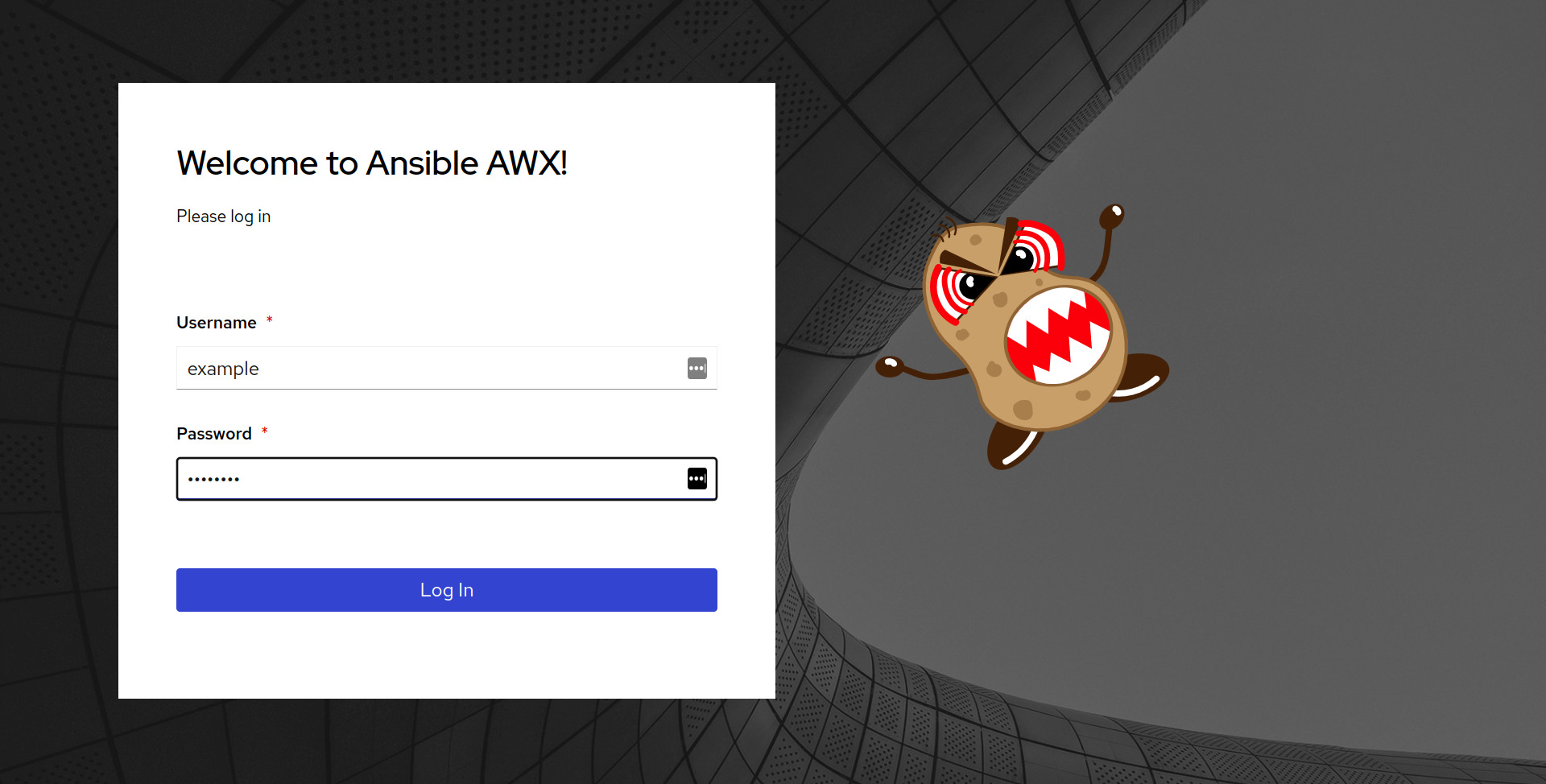
Once a superuser is successfully created you can access the Ansible AWX Web-UI and Ansible API autenticated endopoints.
Ansible AWX UI Login
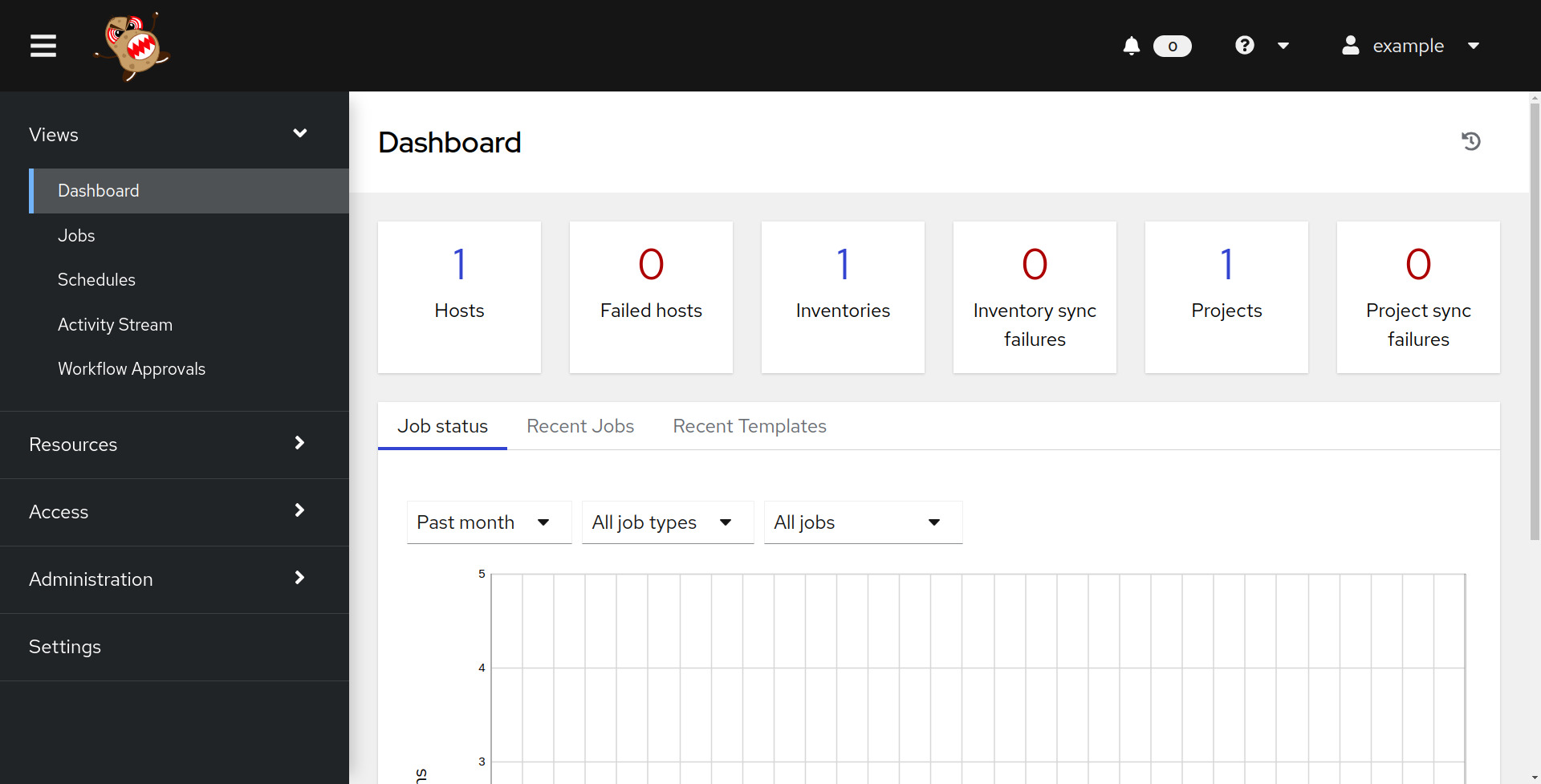
Ansible AWX UI Dashboard
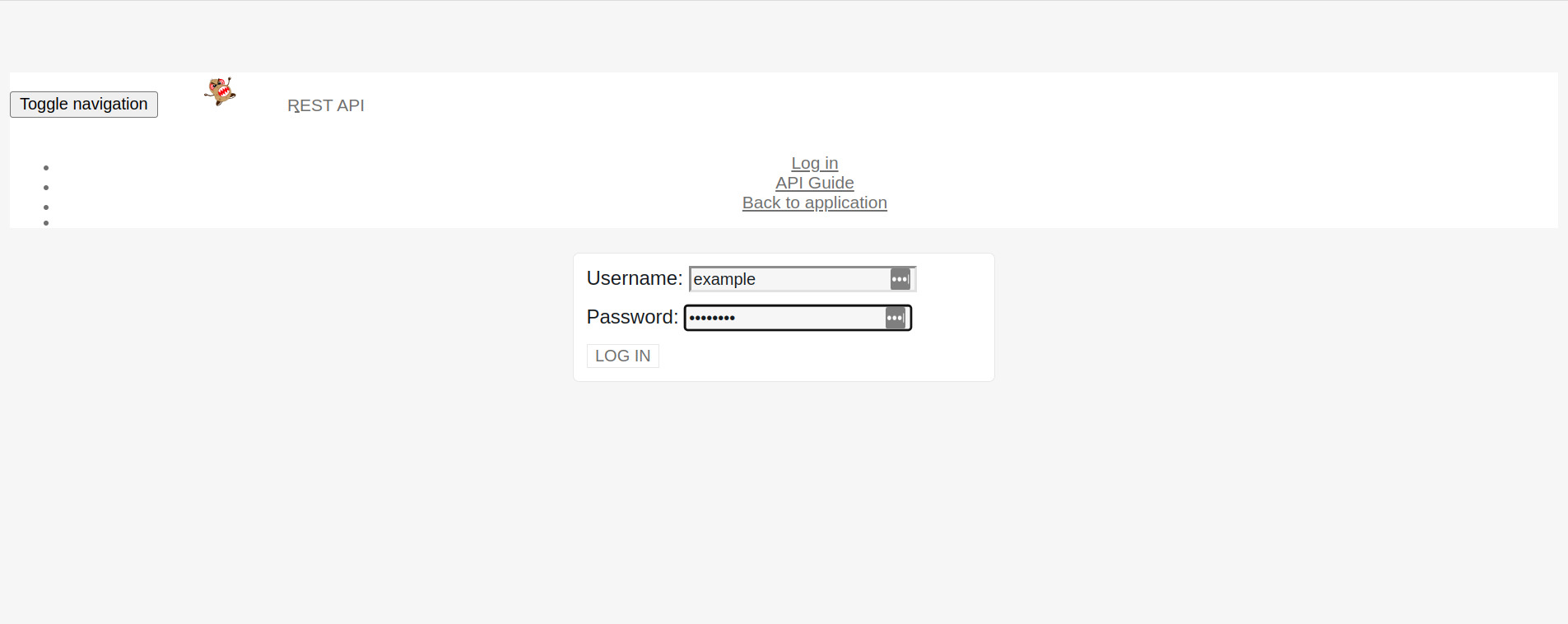
Ansible AWX API Login
The direct API endpoint is https://localhost:8043/api/login/.
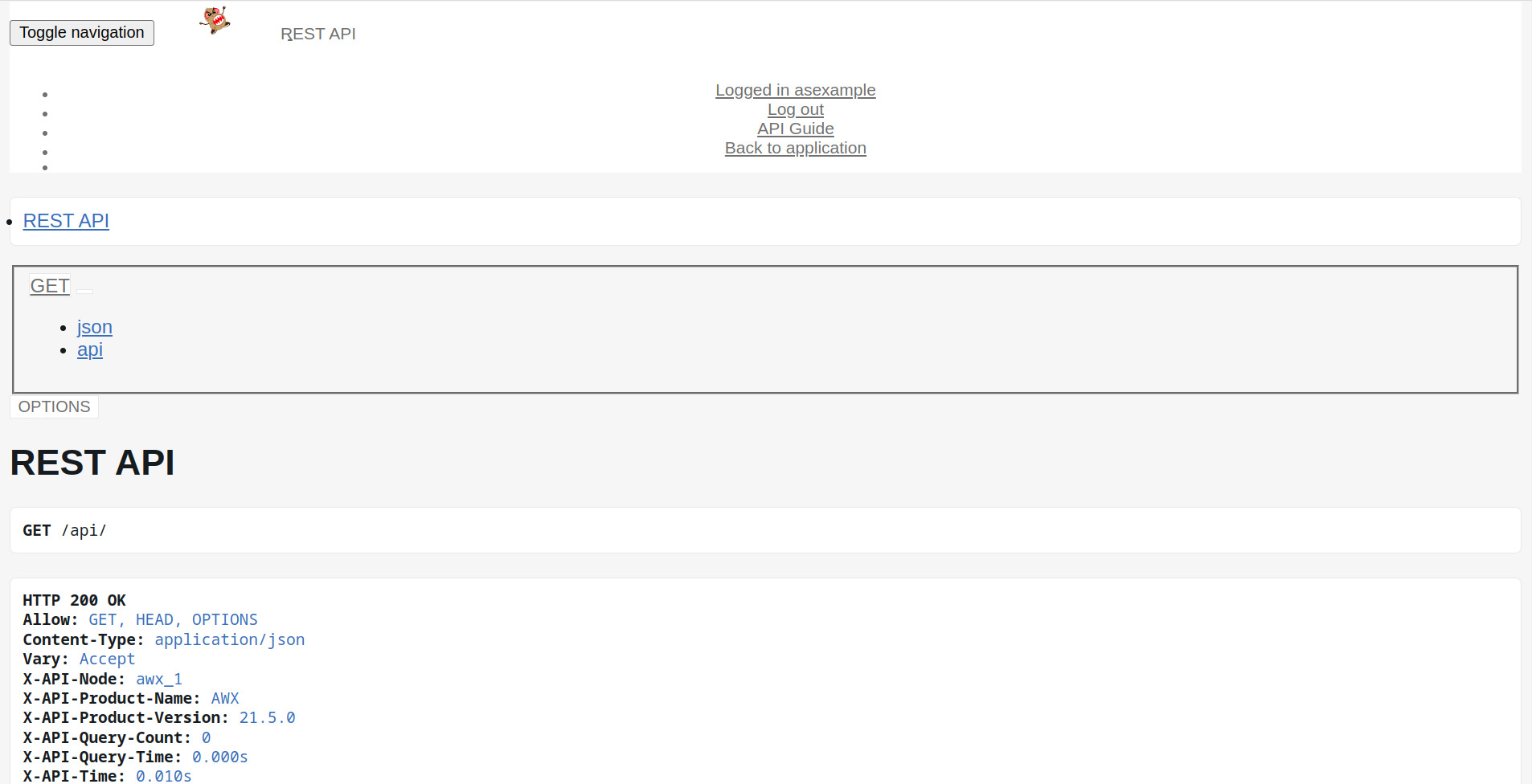
Ansible AWX API Authenticated
The current authenticated user is shown in the top Logged in as example.
See also: Run and Stop AWX in Docker Containers: Start, Stop & Manage (Guide)
Conclusion
Now you know how to create an Ansible AWX superuser in Docker containers.Creating a Superuser in AWX Docker
Find the AWX web container
docker ps | grep awxCreate superuser
docker exec -it awx_web awx-manage createsuperuserNon-interactive creation
docker exec -it awx_web bash -c "DJANGO_SUPERUSER_USERNAME=admin \
  DJANGO_SUPERUSER_EMAIL=admin@example.com \
  DJANGO_SUPERUSER_PASSWORD=SecurePass123 \
  awx-manage createsuperuser --noinput"
See also: Install Ansible AWX Operator for Kubernetes (K8s) and OpenShift (OCP) - Ansible AWX
Reset Existing Admin Password
docker exec -it awx_web awx-manage changepassword adminAWX on Kubernetes (AWX Operator)
# Find the AWX web pod
kubectl get pods -n awx | grep awx-web

# Create superuser
kubectl exec -it awx-web-xxxxx -n awx -- awx-manage createsuperuser

# Get default admin password (AWX Operator)
kubectl get secret awx-admin-password -n awx -o jsonpath='{.data.password}' | base64 -d
Automate with Ansible
- name: Create AWX superuser via Docker
  hosts: awx_host
  tasks:
    - name: Create admin user
      community.docker.docker_container_exec:
        container: awx_web
        command: >
          bash -c "DJANGO_SUPERUSER_USERNAME={{ awx_admin_user }}
          DJANGO_SUPERUSER_EMAIL={{ awx_admin_email }}
          DJANGO_SUPERUSER_PASSWORD={{ awx_admin_password }}
          awx-manage createsuperuser --noinput"
      register: result
      failed_when:
        - result.rc != 0
        - "'already taken' not in result.stderr"
      no_log: true
List All Users
docker exec -it awx_web bash -c "echo 'from django.contrib.auth.models import User; \
[print(f\"{u.username} - superuser:{u.is_superuser}\") for u in User.objects.all()]' | awx-manage shell"
Troubleshooting
"That username is already taken"
User already exists. Use changepassword instead.
"No such container: awx_web"
Container names vary. Check with docker ps — might be awx-web or a custom name.
Can't connect to AWX web UI
docker logs awx_web --tail 50
docker port awx_web
FAQ
What's the default AWX admin password?
Docker Compose: check docker-compose.yml or .env for AWX_ADMIN_PASSWORD. AWX Operator: stored in Kubernetes secret
How do I create a non-superuser?
Create via awx-manage shell or through the AWX web UI under Organizations > Users.
Related Articles
Category: installation
Watch the video: Create Ansible AWX Superuser in Docker: Admin Account Setup (Guide) — Video Tutorial