Build Ansible AWX in Docker Containers Easily
By Luca Berton · Published 2024-01-01 · Category: installation
Learn to build and run Ansible AWX in Docker containers. Follow steps to set up AWX for local testing with Docker, including building base and receptor images.
How to build Ansible AWX in Docker containers?
AWX is the Open Source upstream project of the Ansible Automation Controller, included in the Ansible Automation Platform (formerly Ansible Tower). Running in Docker containers to use the modern web-UI and API interface. Running in Docker containers is recommended only for experienced users and developers.See also: Create Ansible AWX Superuser in Docker: Admin Account Setup (Guide)
Ansible AWX
Ansible AWX supports only the x86_64 operating system:
- Fedora (maintained versions)
- Ubuntu LTS (20.04 or 22.04)
- Red Hat Enterprise Linux 8+, CentOS Stream 8+
- macOS 11
Running AWX in local Docker containers allows you to test the AWX web-UI and API to manage Ansible Playbook execution easily. AWX run on Docker is considered for Testing or Development only; the preferred way is via the AWX Operator since version 18.0. This initial configuration sometimes is a roadblock for some Ansible AWX users.
Links
See also: Run and Stop AWX in Docker Containers: Start, Stop & Manage (Guide)
Playbook
How to Build Ansible AWX in Docker containers.
I’m going to show you how to build the latest Ansible AWX in the latest Fedora using Docker containers and the latest receptor image.
The additional software must be installed:
- OpenSSL library
- Ansible
- Docker
How to build the Ansible AWX Base Container Image and download the latest Ansible Receptor Image.
Clone the latest stable tag Ansible AWX repository
git clone -b x.y.z https://github.com/ansible/awx.gitSubstitute x.y.z with the latest release version number (for example, 21.5.0).
Configure the inventory (optional) You can customize the inventory parameters pg_password, broadcast_websocket_secret, secret_key, and any other settings you need for your deployment.
The Ansible AWX Base Container Image build the AWX Base Container Image.
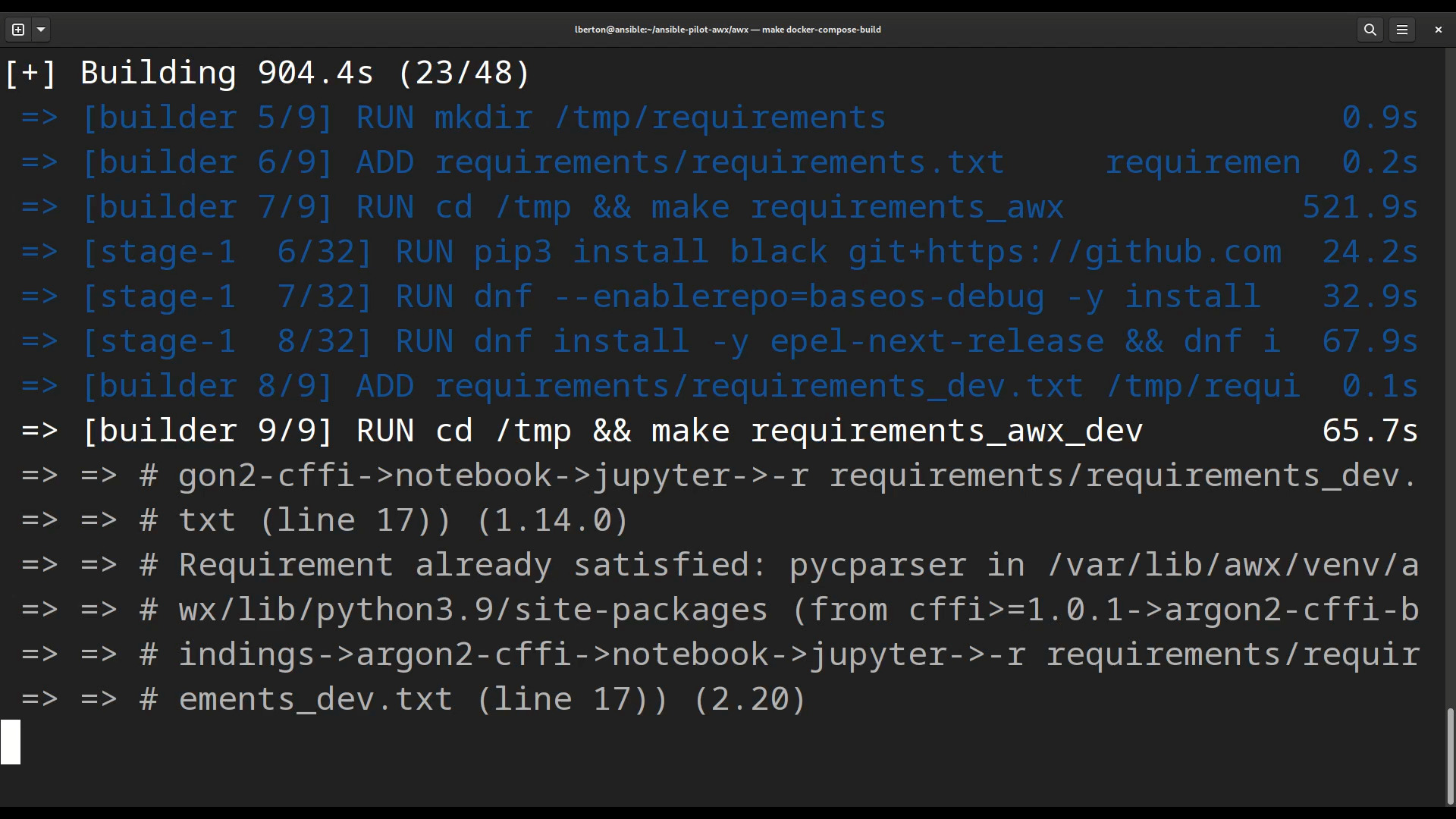
$ make docker-compose-buildThis command builds the AWX base container image (it takes a while and connects to the internet to download dependencies, packages, and libraries).
After successful execution the docker images the command shows you a new ansible/awx_devel image:
[lberton@ansible awx]$ docker images
REPOSITORY                  TAG       IMAGE ID       CREATED         SIZE
ghcr.io/ansible/awx_devel HEAD 4d593fc25fc2 21 hours ago 1.8GB- The Ansible Receptor Image
[lberton@ansible awx]$ docker images
REPOSITORY                  TAG       IMAGE ID       CREATED         SIZE
quay.io/ansible/receptor    devel     981db0fc0f90   7 days ago      233MB
A successful build end with a prompt without any errors.
Conclusion
Now you know how to Build Ansible AWX in Docker containers.
See also: Install Ansible AWX Operator for Kubernetes (K8s) and OpenShift (OCP) - Ansible AWX
Related Articles
Category: installation
Watch the video: Build Ansible AWX in Docker Containers Easily — Video Tutorial