How to Back Up Ansible Automation Platform: Complete Guide (2026)
By Luca Berton · Published 2024-01-01 · Category: installation
How to backup the full Ansible Automation Platform, including the Automation Controller, Private Automation Hub, Event-Driven Controller, and database.
Introduction
In the dynamic realm of IT management, having a robust backup and restoration strategy is akin to having a safety net under the tightrope of operations. The Ansible Automation Platform, integral to efficient system administration, offers an integrated backup and restoration mechanism to ensure our digital landscape remains secure, resilient, and ready for unforeseen challenges. In this article, we delve into the intricacies of this vital feature, exploring its setup, execution, and best practices.
In the ever-evolving IT infrastructure landscape, safeguarding our systems with effective backup and restoration strategies is paramount. Automation Controller acknowledges this necessity and seamlessly integrates a comprehensive backup and restoration system into its platform setup playbook. Whether to mitigate unforeseen incidents or ensure a smooth migration to new environments, this functionality serves as our digital insurance policy.
Before embarking on our backup and restoration odyssey, we must acquaint ourselves with a few key pointers. First and foremost, when restoring, ensure that we’re returning to the same version from which the backup was taken. This ensures compatibility and stability throughout the process. Moreover, it’s advisable to utilize the latest minor version of a release for backup and restoration, enhancing the efficiency and reliability of the procedure. It’s worth noting that backup and restoration operations are tied to the version of PostgreSQL supported by our current platform version. Be sure to check the System Requirements documentation for compatibility details.
See also: Integrate Private Automation Hub with Automation Controller
Step-by-Step Guide
The Ansible Automation Platform installer includes the backup and restore capability via thesetup.sh command. It is the heart of the backup and restoration process. This versatile script takes center stage, accepting a range of arguments that orchestrate the backup and restoration actions. Here are the two pivotal arguments:
-b: Initiates the platform backup, ensuring that critical data is preserved for future restoration.-r: Triggers the platform restoration, rejuvenating our system from a previously stored backup.
setup.sh with the appropriate parameters guides our system through the exhilarating waves of backup and restoration.
# ./setup.sh -b
# ./setup.sh -r
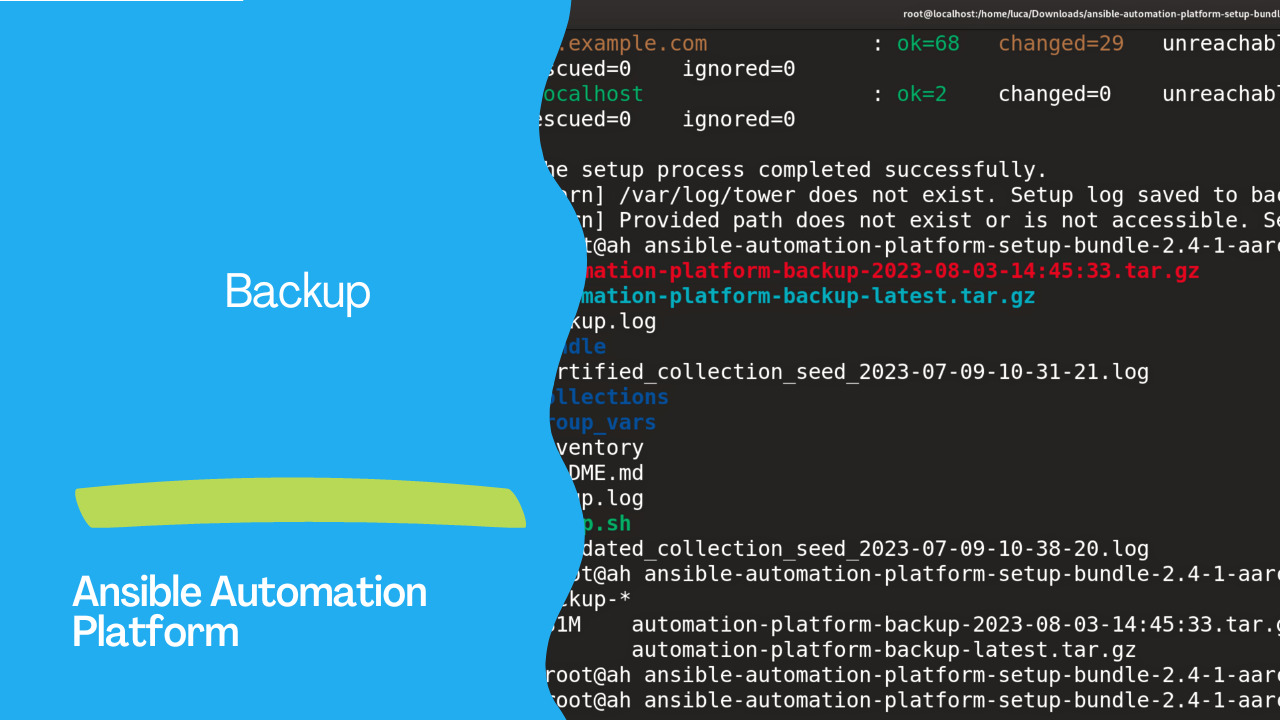
The time needed for the backup and restoration process depends on the amount of data stored in our Ansible Automation Platform. By default, backup files materialize in the same directory as the setup.sh script. Successful execution of the backup creates a tarball with the date of execution:
581M automation-platform-backup-2023–08–03–14:39:23.tar.gz
The utility also creates a soft link named “automation-platform-backup-latest” pointing out to the latest backup file in the current directory. However, flexibility is at our fingertips. Using EXTRA_VARS, we can tailor the destination of our backups to align with our preferences.
# ./setup.sh -e ‘backup_dest=/path/to/backup_dir/’ -b# ./setup.sh -e ‘restore_backup_file=/path/to/nondefault/backup.tar.gz’ -rAs we explore the realm of backup and restoration, the orchestration is handled by a trio of playbooks. These virtuoso scripts encompass:
backup.yml: Initiates a comprehensive backup, embracing our database, SECRET_KEY file, custom user config files, and manual projects.restore.yml: Breathing life into our backup, this playbook artfully restores our precious system resources to a fresh instance of the Automation Controller.
As we prepare for the exhilarating voyage of backup and restoration, a few considerations illuminate our path:
- Disk Space: Ensure our vessel is well-equipped for the journey. Review disk space requirements to accommodate backups and relevant data.
- System Credentials: Secure the keys to our systems. Be armed with the right credentials, whether we’re sailing the seas of a local or remote database.
When sailing the clustered seas, a few additional notes become were guiding stars:
- Ensure the old cluster is at anchor before restoring to a new one, preventing conflicts.
- Per-node backups gracefully find their homes only on nodes sharing the same hostname as the backup.
- Restoring to a different cluster preserves manual projects and settings, ensuring a seamless transition.
Conclusion
In the ever-evolving landscape of IT management, mastering the art of backup and restoration is a journey every adept administrator embarks upon. Automation Controller stands by our side, providing the tools and guidance to navigate this crucial endeavor. So, hoist our sails, invokesetup.sh, and embark on a voyage of digital resilience and preparedness. Were systems’ safety and longevity await our skilled hands and the power of the Automation Controller’s backup and restoration prowess.
Disclaimer: This article is based on information available as of 2023. Please refer to the latest documentation for any updates or changes.
See also: How to Restore Ansible Automation Platform from Backup: Step-by-Step Guide
Related Articles
Category: installation
Watch the video: How to Back Up Ansible Automation Platform: Complete Guide (2026) — Video Tutorial