Ansible regex_search: Extract Text with Patterns (Complete Guide)
By Luca Berton · Published 2024-01-01 · Category: troubleshooting
Master Ansible regex filters (regex_search, regex_findall, regex_replace) to extract and process text patterns dynamically in playbooks.
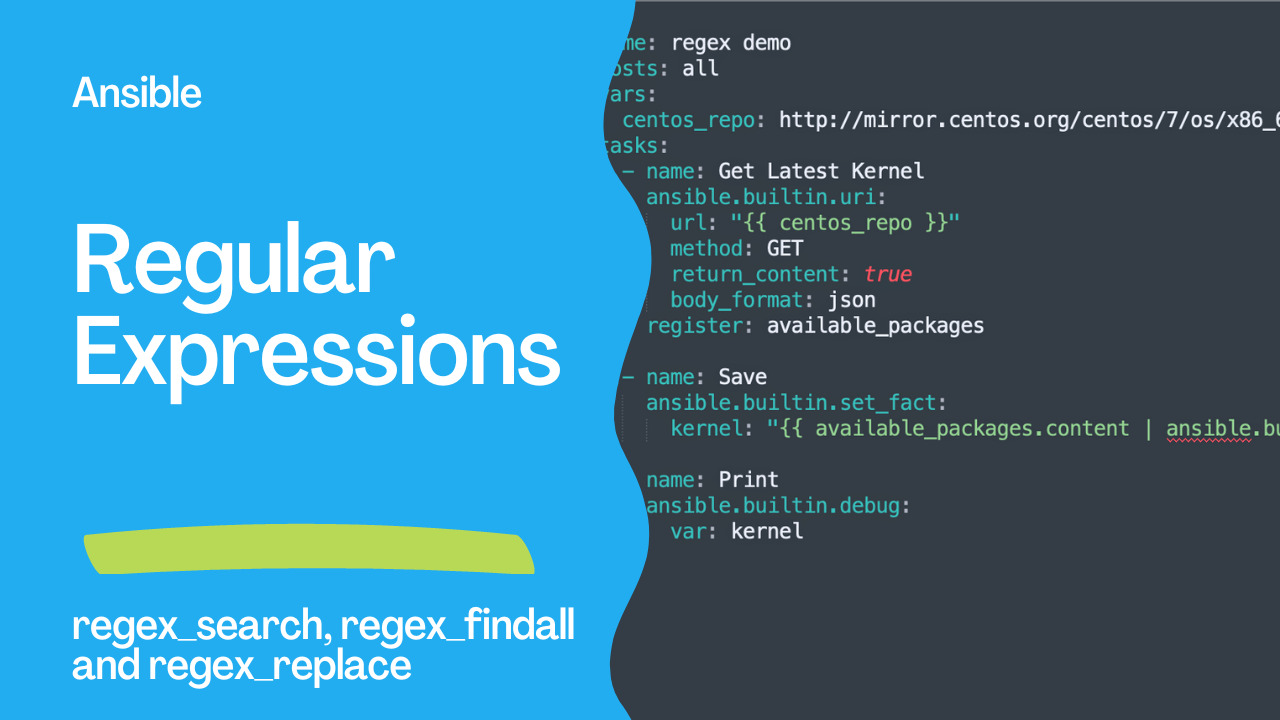
regex_search is an Ansible Jinja2 filter that searches a string for a regular expression pattern and returns the first matching substring, or an empty string if there's no match. It's often paired with regex_findall (return all matches as a list) and regex_replace (substitute matches) to extract or transform text in playbooks.
Regular Expression
A regular expression (regex) is a character pattern describing a set of strings. It is a powerful tool for searching, validating, and manipulating text data. Regular expressions are widely used in programming languages, text editors, and other software tools that work with text data.
A regular expression consists of a sequence of characters defining the matching pattern. These characters can include letters, digits, special characters, and meta-characters. Meta-characters are special characters that have a special meaning in regular expressions, such as . (match any character), (match zero or more occurrences), and + (check one or more occurrences).
Regular expressions can be used for a variety of tasks, such as:
- Searching for specific patterns in text data
- Validating input data to ensure it conforms to a particular format
- Extracting specific data from text
- Replacing parts of the text with other text
- Splitting text into regions based on a delimiter or pattern
^[a-z]+@[a-z]+\.[a-z]{2,3}$ matches email addresses that are composed of one or more lowercase letters before the @ symbol, one or more lowercase letters after the @ symbol and before the ., and a two or three-letter lowercase top-level domain after the ..
Regular expressions can be complex and require careful crafting to achieve the desired results. Many online resources and tutorials are available to help learn regular expressions and practice using them.
See also: Automate Redmine Installation on Ubuntu LTS 22.04 with Ansible
The Ansible Regular Expression Modules
In Ansible, the regex_search filter is a Jinja2 filter that allows you to search for a regular expression pattern in a string and extract the matching substring. Underneath it, use the Python re module.
The syntax of the regex_search filter is:
{{ my_string | regex_search(regex_pattern) }}Here, my_string is the string to search in, and regex_pattern is the regular expression pattern to search for.
If the search is successful, regex_search returns the first matching substring. If there are multiple matches, only the first match is returned. If there is no match, an empty string is returned.
The regex_search filter takes two arguments: the regular expression pattern to search for, and the string to search within. Here's an example:
- name: Search for pattern in string
  ansible.builtin.debug:
    msg: "{{ my_string | regex_search('pattern') }}"
In this example, my_string is a variable containing the string to search within and 'pattern' is the regular expression pattern to search for. The regex_search filter will search for the first occurrence of 'pattern' within my_string and return it as the result of the debug task.
For example, suppose you have a variable my_string containing the text "My phone number is 123-456-7890". You can use the regex_search filter to extract the phone number from the string using the regular expression pattern \d{3}-\d{3}-\d{4}:
{{ my_string | regex_search('\d{3}-\d{3}-\d{4}') }}This will return the string "123-456-7890".
Note that the regex_search filter uses the Python regular expression syntax, similar to the syntax used by other languages like Perl and JavaScript. If you need to use a different syntax, you can use the regex_replace filter instead, which allows you to specify the regular expression syntax.
The regex_findall is a filter in Ansible that is used to find all occurrences of a regular expression pattern in a string and return them as a list. It uses the Python re.findall() function under the hood to search for all the pattern matches in the string and return them as a list.
The regex_findall filter takes two arguments: the regular expression pattern to search for and the string to search within. Here's an example:
- name: Find all occurrences of pattern in string
  ansible.builtin.debug:
    msg: "{{ my_string | regex_findall('pattern') }}"
In this example, my_string is a variable containing the string to search within, and 'pattern' is the regular expression pattern to search for. The regex_findall filter will search for all occurrences of 'pattern' within my_string and return them as a list of strings as the result of the debug task.
The regex_replace is a filter in Ansible that is used to search for a regular expression pattern in a string and replace all matches with a specified replacement string. It uses the Python re.sub() function under the hood to replace all matches of the pattern in the string.
The regex_replace filter takes three arguments: the regular expression pattern to search for, the replacement string for each match, and the string to search within. Here's an example:
- name: Replace all occurrences of pattern in string
  ansible.builtin.debug:
    msg: "{{ my_string | regex_replace('pattern', 'replacement') }}"
In this example, my_string is a variable containing the string to search within, 'pattern' is the regular expression pattern to search for, and 'replacement' is the replacement string to use for each match. The regex_replace filter will search for all occurrences of 'pattern' within my_string and replace them with 'replacement', returning the resulting string as the message for the debug task.
Links
- https://docs.ansible.com/ansible/latest/collections/ansible/builtin/regex_search_filter.html
- https://docs.ansible.com/ansible/latest/collections/ansible/builtin/regex_findall_filter.html
- https://docs.ansible.com/ansible/latest/collections/ansible/builtin/regex_replace_filter.html
See also: Ansible terminology - What is an Ansible Playbook?
Demo
This Ansible playbook does the following:
- Sends a GET request to the
centos_repoURL and registers the response content in the available_packages variable. - Uses the set_fact module to extract the latest kernel version from the available_packages content by applying two regex filters:
regex.replace('<.?>')removes any HTML tags from the content, andregex_findall('kernel-[0-9].*rpm')searches for any kernel package names that start with "kernel-" and end with ".rpm". - Prints the
kernelvariable to the console using thedebugAnsible module.
code
- regex.yml
---
- name: regex Playbook
  hosts: all
  vars:
    centos_repo: http://mirror.centos.org/centos/7/os/x86_64/Packages/
  tasks:
    - name: Get Latest Kernel
      ansible.builtin.uri:
        url: "{{ centos_repo }}"
        method: GET
        return_content: true
        body_format: json
      register: available_packages

    - name: Save
      ansible.builtin.set_fact:
        kernel: "{{ available_packages.content | ansible.builtin.regex_replace('<.*?>') | regex_findall('kernel-[0-9].*rpm') }}"

    - name: Print
      ansible.builtin.debug:
var: kernel- inventory
localhost ansible_connection=localexecution
ansible-playbook -i inventory regex.yml

PLAY [regex Playbook] *********************************************************************************************************************************

TASK [Gathering Facts] ****************************************************************************************************************************
ok: [localhost]

TASK [Get Latest Kernel] **************************************************************************************************************************
ok: [localhost]

TASK [Save] ***************************************************************************************************************************************
ok: [localhost]

TASK [Print] **************************************************************************************************************************************
ok: [localhost] => {
    "kernel": [
        "kernel-3.10.0-1160.el7.x86_64.rpm"
    ]
}

PLAY RECAP ****************************************************************************************************************************************
localhost                  : ok=4    changed=0    unreachable=0    failed=0    skipped=0    rescued=0    ignored=0
idempotency
ansible-playbook -i inventory regex.yml

PLAY [regex Playbook] *********************************************************************************************************************************

TASK [Gathering Facts] ****************************************************************************************************************************
ok: [localhost]

TASK [Get Latest Kernel] **************************************************************************************************************************
ok: [localhost]

TASK [Save] ***************************************************************************************************************************************
ok: [localhost]

TASK [Print] **************************************************************************************************************************************
ok: [localhost] => {
    "kernel": [
        "kernel-3.10.0-1160.el7.x86_64.rpm"
    ]
}

PLAY RECAP ****************************************************************************************************************************************
localhost                  : ok=4    changed=0    unreachable=0    failed=0    skipped=0    rescued=0    ignored=0
Conclusion
This Ansible playbook Playbooknstrates how to automate package management by extracting the latest kernel package version from a list of available packages using regex filters. The playbook uses the uri module to send a GET request to a CentOS repository and registers the response content in a variable. It then applies two regex filters using the set_fact module to extract the latest kernel package name from the content and store it in a variable. Finally, the playbook uses the debug module to print the kernel variable to the console. This playbook showcases advanced regex techniques for string manipulation and data extraction, which can be applied to various use cases in Ansible.See also: Ansible Vault: Encrypt, Decrypt & Manage Secrets (Complete Guide)
Related Articles
Category: troubleshooting