Ansible troubleshooting - Error parser-error
By Luca Berton · Published 2024-01-01 · Category: installation
Discover the nuances of the parser-error in Ansible Lint, signaling syntax inconsistencies that disrupt playbook execution.
Introduction
Ansible is a powerful automation tool used to manage and configure IT environments. While Ansible playbooks can be a reliable way to automate tasks, it's crucial to ensure that your playbooks are correctly structured and follow the established syntax. One common issue that Ansible users encounter is parser errors in their playbooks.
Parser errors occur when Ansible encounters syntax issues, making it challenging for the tool to interpret the playbook's content correctly. In this article, we'll focus on one specific parser error: the "parser-error." We'll explore the common causes of this error and provide guidance on how to correct it.
See also: Ansible troubleshooting - Error no-same-owner
Understanding the "parser-error"
The "parser-error" is a generic term used by Ansible Lint to indicate that there is a syntax problem within your playbook. It typically means that the playbook contains inconsistencies or violations of Ansible's expected playbook structure. Let's break down a specific example of this error and examine its root causes:
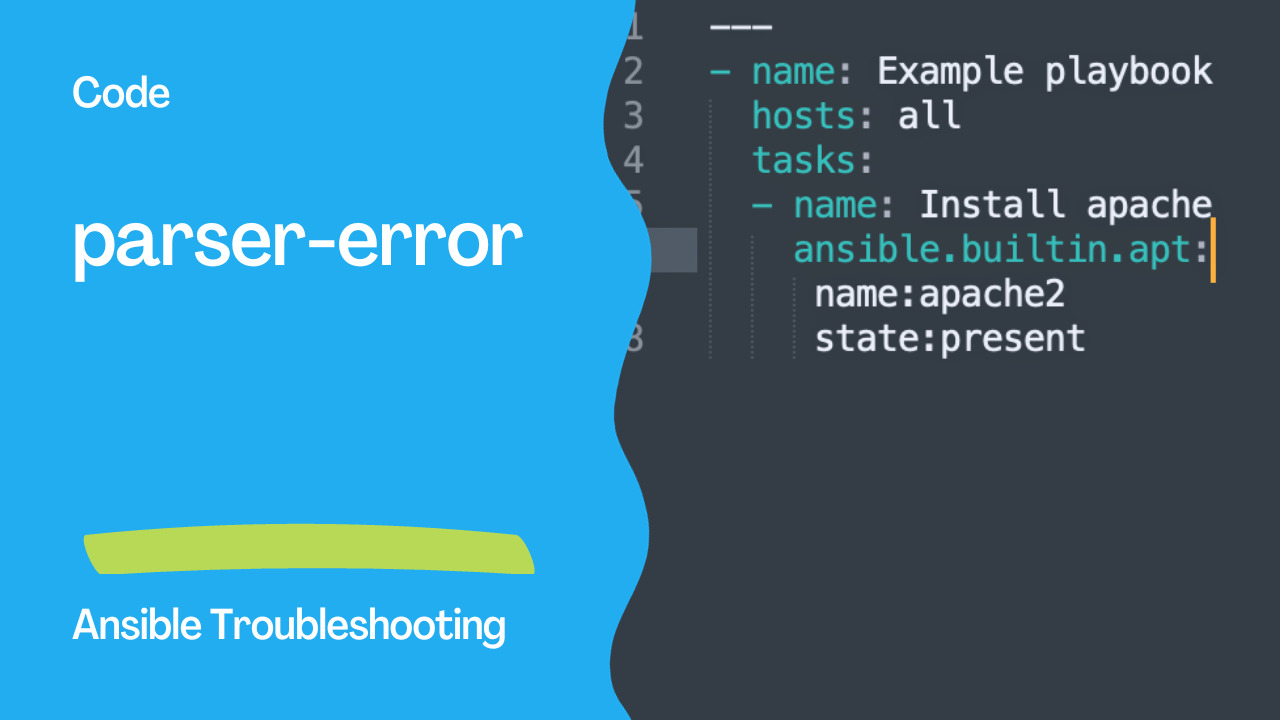
Example Playbook with a "parser-error"
---
- name: Example playbook
  hosts: all
  tasks:
  - name: Install apache
    ansible.builtin.apt:
     name:apache2
     state:present
In this example, we have a simple playbook that aims to update the package cache and install the Apache web server. However, the playbook contains a "parser-error". Let's identify the issues causing this error:
- Inconsistent indentation: YAML, which is the markup language Ansible uses, relies heavily on consistent indentation. In the
Install apachetask, there's an inconsistency in the indentation of thenameandstateparameters, causing a parser error.
- Missing spaces: YAML requires spaces to be used for proper indentation and separation of key-value pairs. In the same
Install apachetask, there are missing spaces before "apache2" and "state", which results in a parser error.
See also: Ansible troubleshooting - Error: no-jinja-when
Resolving the "parser-error"
To resolve the "parser-error" in your Ansible playbook, follow these steps:
- Ensure consistent indentation: Make sure that all tasks, parameters, and key-value pairs are consistently indented using spaces. In YAML, the number of spaces used for indentation should be uniform throughout the playbook.
- Add missing spaces: If you encounter parser errors due to missing spaces, add spaces to separate parameters and values. Proper spacing is essential to maintain YAML's readability and functionality.
Corrected Playbook
---
- name: Example playbook
  hosts: all
  tasks:
  - name: Install apache
    ansible.builtin.apt:
      name: apache2
      state: present
In this corrected playbook, we've addressed the issues by ensuring consistent indentation and adding the necessary spaces. As a result, the "parser-error" is resolved, and the playbook should execute without any syntax-related issues.
See also: Enhancing Ansible Role Development with Best Practices with ansible-later
Conclusion
Parser errors can be a common stumbling block when working with Ansible playbooks. However, by understanding the causes of these errors and following best practices for YAML syntax, you can create well-structured and error-free playbooks. Ensuring consistent indentation and proper spacing is vital for the readability and functionality of your Ansible playbooks, making them more reliable and efficient in automating your IT tasks.
Related Articles
Category: installation