Ansible troubleshooting - Error galaxy
By Luca Berton · Published 2024-01-01 · Category: installation
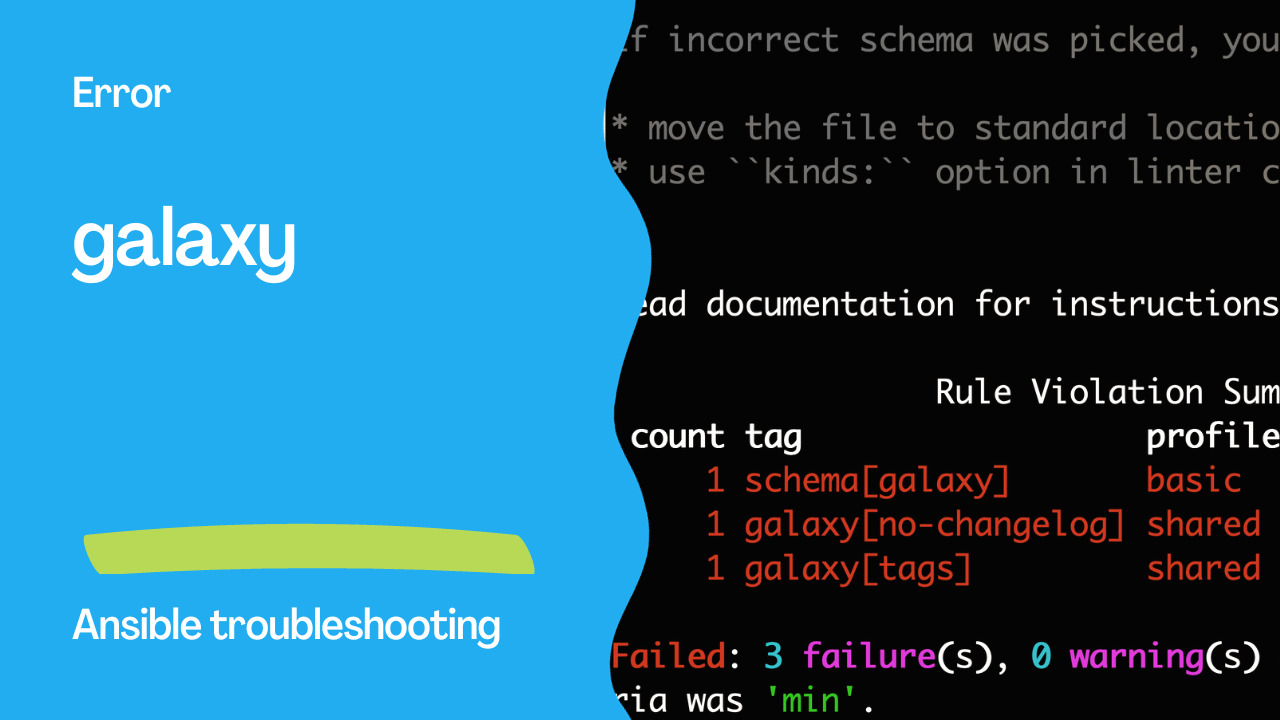
The galaxy rule verifies that the version specified in galaxy.yml for an Ansible collection is at least 1.0.0, ensuring standard versioning for production.
Introduction
Ansible is a powerful automation and configuration management tool that allows you to streamline and simplify complex IT tasks. One of Ansible's key features is the use of collections, which are shareable units of automation, and can be hosted on Ansible Galaxy. Collections help automate various tasks efficiently. However, ensuring that your Ansible collections are well-maintained and follow best practices is crucial for seamless automation.
In this article, we'll discuss the Ansible "galaxy" rule, which is designed to identify and address issues related to the quality and completeness of your Ansible collections. This rule serves as a helpful guide to maintaining and certifying your collections on Automation Hub or Galaxy NG.
See also: Ansible troubleshooting - Error 102: No Jinja2 in 'when' Conditions
Collection Version
One of the first aspects the "galaxy" rule checks is the collection version specified in your galaxy.yml file. It ensures that the collection's version is greater than or equal to 1.0.0. This requirement ensures that your collection follows a standard versioning convention, with the goal of indicating that it's a production-ready release. For example:
Problematic Code
# galaxy.yml
---
name: my_collection
namespace: my_namespace
version: 0.2.3  # Collection version should be >= 1.0.0
Output
WARNING  Listing 5 violation(s) that are fatal
galaxy[no-changelog]: No changelog found. Please add a changelog file. Refer to the galaxy.md file for more info.
test/galaxy/galaxy.yml:1

galaxy[tags]: galaxy.yaml must have one of the required tags: ['application', 'cloud', 'database', 'infrastructure', 'linux', 'monitoring', 'networking', 'security', 'storage', 'tools', 'windows']
test/galaxy/galaxy.yml:1

schema[galaxy]: $ 'readme' is a required property. See https://docs.ansible.com/ansible/latest/dev_guide/collections_galaxy_meta.html
test/galaxy/galaxy.yml:1  Returned errors will not include exact line numbers, but they will mention
the schema name being used as a tag, like ``schema[playbook]``,
``schema[tasks]``.

This rule is not skippable and stops further processing of the file.

If incorrect schema was picked, you might want to either:

* move the file to standard location, so its file is detected correctly.
* use ``kinds:`` option in linter config to help it pick correct file type.


galaxy[version-incorrect]: collection version should be greater than or equal to 1.0.0
test/galaxy/galaxy.yml:5

yaml[empty-lines]: Too many blank lines (1 > 0)
test/galaxy/galaxy.yml:6

Read documentation for instructions on how to ignore specific rule violations.

                    Rule Violation Summary
 count tag                       profile rule associated tags
     1 schema[galaxy]            basic   core
     1 yaml[empty-lines]         basic   formatting, yaml
     1 galaxy[no-changelog]      shared  metadata
     1 galaxy[tags]              shared  metadata
     1 galaxy[version-incorrect] shared  metadata

Failed: 5 failure(s), 0 warning(s) on 1 files. Last profile that met the validation criteria was 'min'.
See also: Ansible troubleshooting - Error 104: Deprecated Bare Vars
Correct Code
# galaxy.yml
---
name: my_collection
namespace: my_namespace
version: 1.0.0
Changelog Requirement
The presence of a changelog file is crucial for transparency and documentation purposes. The "galaxy" rule checks for the existence of a changelog file in specific locations: CHANGELOG.md or .rst in the collection's root, or a changelogs/changelog.yaml file. Changelogs are essential for tracking changes, bug fixes, and improvements made to the collection over time. The format of the changelog file should follow the Ansible Galaxy guidelines.
See also: Ansible troubleshooting - Error 105: Deprecated Module Usage
Tags for Certification
To ensure your collection can be certified on Automation Hub, it must contain one or more of the required tags in the galaxy.yml file. The rule checks whether the necessary tags are included. These tags represent categories or areas of focus for your collection and help users easily find the right content on Automation Hub. The required tags are as follows:
- application
- cloud
- database
- infrastructure
- linux
- monitoring
- networking
- security
- storage
- tools
- windows
galaxy.yml file:
Problematic Code
# galaxy.yml
---
namespace: my_namespace
name: my_collection
version: 1.0.0
authors:
  - John
description: "..."
Output
WARNING  Listing 3 violation(s) that are fatal
galaxy[no-changelog]: No changelog found. Please add a changelog file. Refer to the galaxy.md file for more info.
test2/galaxy/galaxy.yml:1

galaxy[tags]: galaxy.yaml must have one of the required tags: ['application', 'cloud', 'database', 'infrastructure', 'linux', 'monitoring', 'networking', 'security', 'storage', 'tools', 'windows']
test2/galaxy/galaxy.yml:1

schema[galaxy]: $ 'readme' is a required property. See https://docs.ansible.com/ansible/latest/dev_guide/collections_galaxy_meta.html
test2/galaxy/galaxy.yml:1  Returned errors will not include exact line numbers, but they will mention
the schema name being used as a tag, like ``schema[playbook]``,
``schema[tasks]``.

This rule is not skippable and stops further processing of the file.

If incorrect schema was picked, you might want to either:

* move the file to standard location, so its file is detected correctly.
* use ``kinds:`` option in linter config to help it pick correct file type.


Read documentation for instructions on how to ignore specific rule violations.

                 Rule Violation Summary
 count tag                  profile rule associated tags
     1 schema[galaxy]       basic   core
     1 galaxy[no-changelog] shared  metadata
     1 galaxy[tags]         shared  metadata

Failed: 3 failure(s), 0 warning(s) on 1 files. Last profile that met the validation criteria was 'min'.
Correct Code
# galaxy.yml
---
namespace: my_namespace
name: my_collection
version: 1.0.0
authors:
  - John
description: "..."
tags: [networking, security]
Invalid Dependency Version
The "galaxy" rule also checks for invalid collection metadata, specifically within the dependency version specification range. It ensures that the defined dependencies and their version requirements follow the correct format.
In conclusion, the "galaxy" rule plays a crucial role in maintaining the quality and integrity of Ansible collections. By adhering to versioning conventions, including changelogs, and adding relevant certification tags, you can enhance the usability and discoverability of your collections on Automation Hub. Additionally, ensuring proper dependency version specifications helps maintain consistent and reliable automation processes.
By addressing these rule violations, you can create well-structured and certified collections that provide value to the Ansible community and enable more efficient automation.
Don't forget to run Ansible linting tools, which can help you identify and rectify any "galaxy" rule violations, ensuring your collections meet the highest standards.
Conclusion
In conclusion, Ansible is a powerful automation and configuration management tool that simplifies complex IT tasks. To ensure the efficiency, reliability, and maintainability of your Ansible playbooks and collections, adhering to best practices and guidelines is essential. The various Ansible rules and error codes discussed in this article offer valuable insights into common pitfalls and how to address them.
By understanding and following these best practices, you can significantly improve your Ansible automation workflow:
- Optimize Playbooks: Writing well-structured playbooks with clear tasks and conditionals can enhance the readability and maintainability of your automation code.
- Use Modules Wisely: Ansible modules are powerful tools, but understanding when to use them and how to pass parameters correctly is crucial for successful automation.
- Maintain Role Metadata: Role metadata, defined in the
meta/main.ymlfile, should include accurate information about the role, author, description, and licensing to ensure clarity and consistency.
- Structure Roles Properly: Structuring roles according to best practices and separating tasks and handlers can help you build reusable and modular automation.
- Handle Tags and Imports: Using tags to categorize tasks and playbooks, and leveraging import statements for better organization, makes managing complex automation more efficient.
- Validate Syntax: Regularly checking playbook syntax using the
--syntax-checkoption can help detect and prevent syntax errors that could cause playbook execution failures.
- Resolve FQCN Violations: Fully-qualified collection names (FQCNs) are essential for unambiguous task execution. Use the "fqcn" rule to ensure correct namespace usage.
- Avoid Implicit Behaviors: Implicit behaviors can lead to subtle bugs and hinder code validation and autocomplete. Using explicit syntax ensures code clarity and correctness.
- Certify Collections: Follow Ansible Galaxy guidelines for maintaining collections. Specify the collection version, include changelogs, and add relevant certification tags to enhance discoverability.
- Execute Linting: Regularly run Ansible linting tools to identify and address rule violations and ensure your playbooks and collections meet the highest standards.
As you continue to work with Ansible, always stay updated with the latest best practices, Ansible releases, and community contributions to make the most of this powerful automation framework.
Related Articles
- installing roles from Ansible Galaxy
- Windows users and groups via Ansible
- event-driven tasks with Ansible handlers
- using when in Ansible playbooks
- subelements lookup with Ansible loops
See also
Category: installation