Ansible-Lint Error 601 literal-compare: Fix Boolean Comparisons
By Luca Berton · Published 2024-01-01 · Category: installation
Fix ansible-lint Error 601 literal-compare. Stop comparing to True/False literally and use proper Jinja2 boolean testing in when conditions.
Introduction
Ansible is a powerful and versatile automation tool commonly used for configuring and managing servers and infrastructure. It allows you to define your infrastructure as code, making it easier to maintain and scale. However, like any software tool, Ansible has its own set of error messages and warnings, which are essential for troubleshooting and improving your playbooks. One common error message you might encounter is [601] Don't compare to literal True/False. In this article, we'll explore what this error means and how to solve it.
See also: Ansible troubleshooting - Error 102: No Jinja2 in 'when' Conditions
Understanding the Error
The[601] Don't compare to literal True/False error is raised by Ansible's built-in linting mechanism, which helps identify potential issues and best practices in your playbooks. This particular error message suggests that you are using a redundant comparison in your playbook, specifically when comparing a variable to True or False.
Here’s an example of what might trigger this error:
---
- name: Ensure production environment is configured
  hosts: all
  tasks:
    - name: Ensure a task runs only in the production environment
      ansible.builtin.debug:
        msg: "This is a production task"
      when: production == True
In the above example, Ansible is flagging the line when: production == True as problematic. While it's technically correct to compare the production variable to True, Ansible suggests a cleaner and more concise way to express the same condition.
We can test the playbook using the ansible-lint utility:
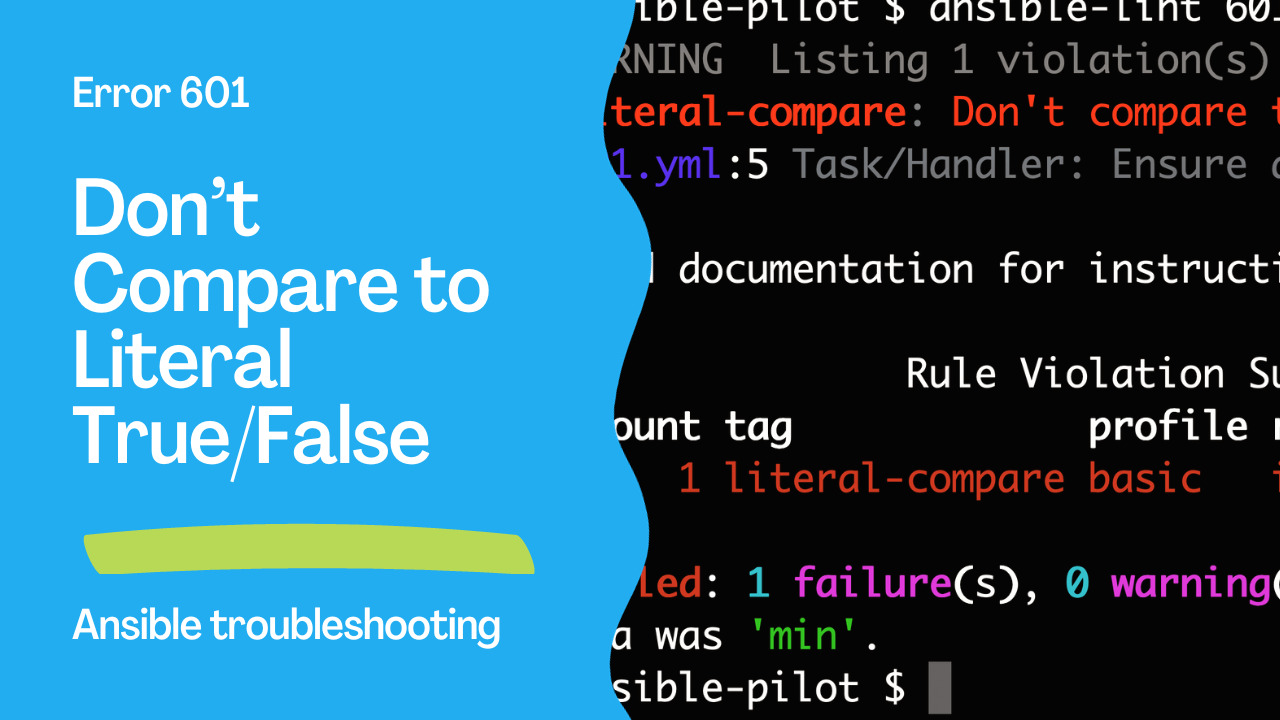
WARNING  Listing 1 violation(s) that are fatal
literal-compare: Don't compare to literal True/False.
601.yml:5 Task/Handler: Ensure a task runs only in the production environment

Read documentation for instructions on how to ignore specific rule violations.

               Rule Violation Summary
 count tag             profile rule associated tags
     1 literal-compare basic   idiom

Failed: 1 failure(s), 0 warning(s) on 1 files. Last profile that met the validation criteria was 'min'.
Solving the Error
To resolve the [601] Don't compare to literal True/False error, follow Ansible's recommended best practice, which is to directly reference the variable without a comparison to True or False. In most cases, you can simplify your condition like this:
---
- name: Ensure production environment is configured
  hosts: all
  tasks:
    - name: Ensure a task runs only in the production environment
      ansible.builtin.debug:
        msg: "This is a production task"
      when: production
The updated code snippet is functionally equivalent to the previous one but cleaner and more concise by simply using when: production, you are already checking if the production variable evaluates to True. If production is True, the task will execute, and if it's False, the task will be skipped, which is the desired behavior.
See also: Ansible troubleshooting - Error 104: Deprecated Bare Vars
Why It Matters
Using when: production instead ofwhen: production == True not only makes your playbook more readable but also follows Ansible's best practices for playbook development. This best practice is important for several reasons:
- Readability: It improves the clarity of your code by eliminating unnecessary comparisons. When someone else reviews your playbook, they can quickly understand the intended behavior.
- Consistency: Following best practices ensures consistency across your playbooks, making it easier to maintain and troubleshoot them.
- Reduced Risk of Errors: By simplifying your code, you reduce the risk of introducing errors during development or maintenance.
- Performance: While the performance impact of such a comparison is negligible, following best practices generally leads to more efficient code.
Conclusion
The[601] Don't compare to literal True/False error in Ansible is a valuable reminder to follow best practices and write clean, readable code. By using when: production instead of when: production == True, you not only resolve the error but also make your playbooks more concise and easier to work with. As you continue developing your Ansible playbooks, watch for similar linting messages and embrace best practices to streamline your automation tasks.
The Error
601 Don't compare to literal True/FalseSee also: Ansible troubleshooting - Error 105: Deprecated Module Usage
The Fix
# WRONG - literal comparison
- debug: msg="enabled"
  when: feature_enabled == True

- debug: msg="disabled"
  when: feature_enabled == False

# CORRECT - direct boolean
- debug: msg="enabled"
  when: feature_enabled

- debug: msg="disabled"
  when: not feature_enabled
More Examples
# WRONG
when: result.changed == True
when: is_production == False
when: needs_restart == True

# CORRECT
when: result.changed
when: not is_production
when: needs_restart
String "true" Gotcha
# If variable might be string "true" instead of boolean
# Force boolean conversion
when: feature_enabled | bool
when: not (feature_enabled | bool)

# This handles: true, True, "true", "yes", "1", 1
Complex Conditions
# WRONG
when: (a == True) and (b == False)

# CORRECT
when: a and not b

# WRONG
when: result.failed == True

# CORRECT
when: result.failed
# or
when: result is failed
In Practice
# Boolean checks
- service: name=nginx state=started
  when: install_nginx

- template: src=debug.conf.j2 dest=/etc/myapp/debug.conf
  when: debug_mode

# Negation
- name: Production-only task
  command: /opt/scripts/optimize.sh
  when: not debug_mode

# Registered result checks
- command: systemctl is-active nginx
  register: nginx
  ignore_errors: true
  changed_when: false

- debug: msg="Nginx running"
  when: nginx is succeeded  # Not: nginx.rc == 0
Suppress Rule
# Skip for specific task
- debug: msg="check"
  when: flag == True  # noqa: literal-compare
# .ansible-lint
skip_list:
- literal-compareFAQ
Why is this a problem?
It's redundant and error-prone. when: var == True can fail if var is the string "true" instead of boolean true. Direct boolean checks are safer.
What about None/null checks?
# Check for None
when: my_var is none
when: my_var is not none
# Don't use: my_var == NoneWhat about numeric comparisons?
Numeric comparisons are fine — this rule only applies to True/False literals:
when: count > 0 # OK
when: count == 5 # OKThe Error
literal-compare: Don't compare to literal True/False.Quick Fix
# WRONG — literal comparison
- debug: msg="enabled"
when: feature_enabled == True
- debug: msg="disabled"
when: feature_enabled == False
# CORRECT — direct boolean test
- debug: msg="enabled"
when: feature_enabled
- debug: msg="disabled"
when: not feature_enabledMore Examples
# WRONG
when: result.changed == True
when: item.active == False
when: deploy_ready == True
# CORRECT
when: result.changed
when: not item.active
when: deploy_readyString vs Boolean
# Be careful with string "true" vs boolean true
vars:
as_bool: true # Boolean
as_string: "true" # String!
# This works for both:
when: feature_enabled | bool
# Explicit type check:
when: feature_enabled is truthy
when: feature_enabled is falsyComparing to None/Undefined
# WRONG
when: my_var == None
# CORRECT
when: my_var is none
when: my_var is not none
when: my_var is defined
when: my_var is undefinedComplex Conditions
# WRONG
when: (enabled == True) and (version == "2.0")
# CORRECT
when:
- enabled
- version == "2.0"
# WRONG
when: result.failed == False
# CORRECT
when: result is success
# or
when: not result.failedAnsible Test Expressions
# Use Ansible tests instead of comparisons
when: result is changed # instead of result.changed == True
when: result is success # instead of result.failed == False
when: result is failed # instead of result.failed == True
when: result is skipped # instead of result.skipped == True
when: path is exists # instead of path_stat.stat.exists == TrueConfigure the Rule
# .ansible-lint
skip_list:
- literal-compare # Not recommended
# Better: fix the comparisons (they're cleaner anyway)FAQ
Why is literal comparison bad?
It's redundant — when: x == True is the same as when: x but harder to read. It can also cause bugs when x is a truthy string instead of a boolean.
What about comparing to specific values?
Comparing to specific values like "production" or 200 is fine — the rule only flags True, False, and None literals.
Does this affect functionality?
Usually no — x == True and x behave the same for booleans. But for strings like "yes", x == True fails while x | bool works correctly.
Related Articles
Category: installation