Ansible troubleshooting - Error 505: missing-import
By Luca Berton · Published 2024-01-01 · Category: troubleshooting
How to solve Ansible Error 505: missing-import - A troubleshooting guide for resolving import issues.
Introduction
Ansible, a powerful and widely-used automation tool, is designed to streamline complex IT tasks and configurations. One of its key strengths is its extensive library of modules and plugins that can be used to interact with various systems and services. Ansible playbooks rely on these modules to perform tasks, and their seamless integration is crucial for successful automation. Ansible Rule 505, known as "missing-import," addresses an issue that can hamper the functionality of playbooks.
See also: Ansible troubleshooting - Error 102: No Jinja2 in 'when' Conditions
The Importance of Imports
In Ansible, imports serve as a way to include external content, such as tasks or other YAML files, within your playbook. This feature allows for modularity and code reusability, making playbooks more organized and maintainable.
The "missing-import" rule in Ansible Lint focuses on ensuring that all the necessary imports are correctly included in your playbook. When imports are missing or improperly structured, it can lead to playbook errors and reduced automation effectiveness.
Common Scenarios of Missing Imports
Ansible Rule 505 can produce messages for various types of missing imports, including:
- Missing
import_playbook: If you use anincludestatement in your playbook to refer to an external YAML file, it is essential to include that file correctly. If the included YAML file is missing or not referenced correctly, you'll encounter issues.
- Missing Role Imports: Roles are an essential feature in Ansible, enabling code reuse across multiple playbooks. If you forget to specify or import a required role, it can lead to undefined variable errors or tasks not executing as expected.
- Missing
include_tasksorimport_tasks: These directives allow you to include external task files in your playbook. Failing to reference these files correctly can lead to incomplete or malfunctioning tasks.
- Missing
import_vars: When importing variable files usingimport_vars, you need to ensure that the file is available at the specified location. Missing variable files can result in undefined variable errors in your playbook.
See also: Ansible troubleshooting - Error 104: Deprecated Bare Vars
Best Practices for Importing
To avoid encountering "missing-import" issues in your Ansible playbooks, consider the following best practices:
- Organize Your Playbook Structure: Ensure that your playbook structure is well-organized, and all imported content, such as tasks, roles, or variable files, is stored in their respective directories.
- Use Descriptive File Names: Assign clear and descriptive names to your imported files to make it easier to identify their purpose within the playbook.
- Double-Check Paths and Filenames: Verify that your import statements include the correct paths and filenames. Mistyped or inaccurate references can lead to missing-import errors.
- Implement Modularity: Embrace modularity by breaking down your playbooks into smaller, reusable components. This approach not only reduces the chances of missing imports but also improves playbook maintainability.
---
- name: Example of playbook
  hosts: all
  tasks:
    - name: Task example
      ansible.builtin.include: 'non-existing.yml'
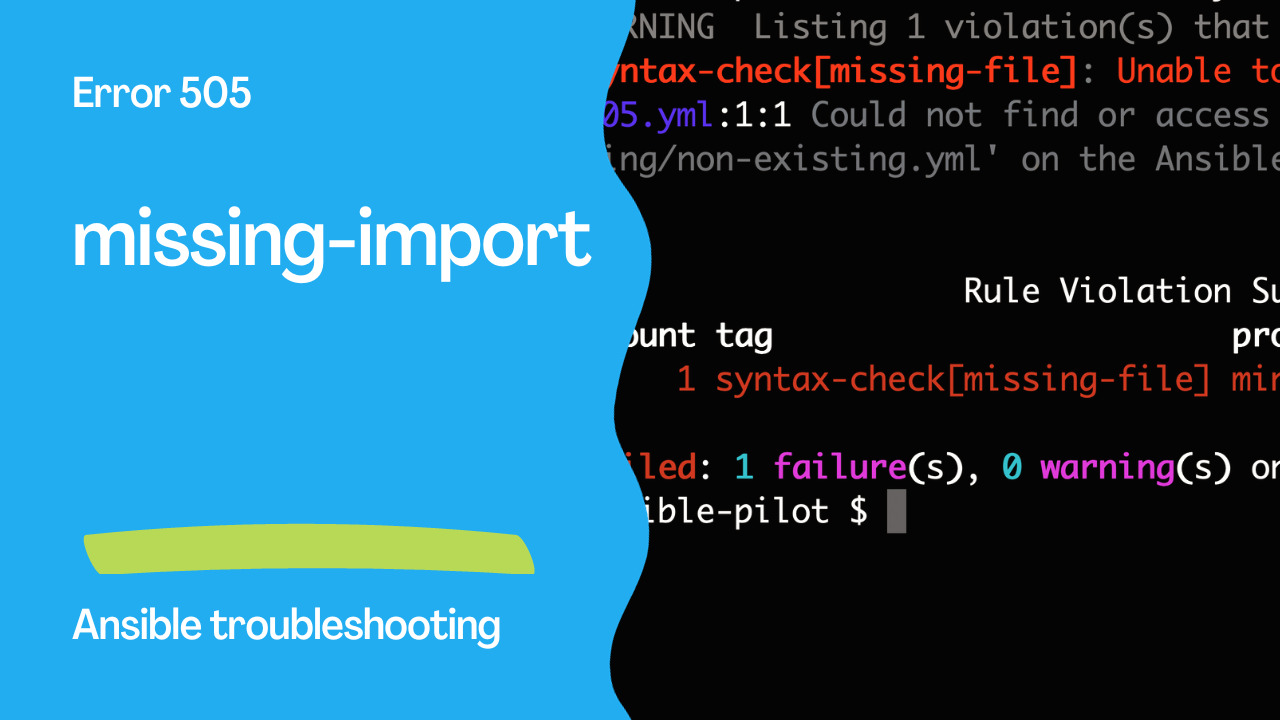
Example error:
WARNING  Listing 1 violation(s) that are fatal
syntax-check[missing-file]: Unable to retrieve file contents
505.yml:1:1 Could not find or access 'non-existing.yml' on the Ansible Controller.


                    Rule Violation Summary
 count tag                        profile rule associated tags
     1 syntax-check[missing-file] min     core, unskippable

Failed: 1 failure(s), 0 warning(s) on 1 files.
The Impact of Missing Imports
When "missing-import" issues are not addressed, they can lead to incomplete or malfunctioning playbooks. As a result, your automation tasks may fail, and your playbook's execution will not yield the expected results. Debugging such issues can be time-consuming and counterproductive, especially in complex automation scenarios.
To ensure the seamless execution of your Ansible playbooks, it's essential to proactively address "missing-import" warnings. By meticulously organizing your playbook structure, using descriptive filenames, and double-checking import paths, you can minimize the chances of encountering these issues.
See also: Ansible troubleshooting - Error 105: Deprecated Module Usage
Conclusion
Ansible Rule 505, "missing-import," underscores the significance of correctly structuring and referencing imported content in your playbooks. By following best practices and paying attention to import statements, you can enhance the reliability and maintainability of your automation tasks. Ensuring that all the required imports are in place will contribute to the efficient execution of your Ansible playbooks, helping you achieve your automation objectives with confidence.
Related Articles
Category: troubleshooting