Ansible troubleshooting - Error 503: no-handler
By Luca Berton · Published 2024-01-01 · Category: troubleshooting
Rule 503, no-handler, in Ansible ensures tasks responding to changes are structured as handlers for efficient playbook management.
Introduction
In the realm of infrastructure automation with Ansible, efficient playbook execution is a top priority. However, this efficiency is often hampered when playbooks are not structured optimally. Rule 503, known as "no-handler" in Ansible Lint, focuses on promoting a structured approach to handling changes in playbook execution, resulting in smoother and more maintainable automation workflows.
See also: Ansible troubleshooting - Error 102: No Jinja2 in 'when' Conditions
The Role of Handlers in Ansible
Before delving into the specifics of Rule 503, it's essential to understand the role of handlers in Ansible. Handlers are special tasks designed to respond to specific events in playbook execution. They are executed only when triggered, which can occur when a task in the playbook sets a specific condition. This approach is especially useful when you want to respond to changes, restart services, or perform other actions based on specific conditions.
The Problematic Scenario
Rule 503, "no-handler," addresses scenarios where tasks in a playbook exhibit handler-like behavior but lack the structure of a proper handler. A typical situation involves tasks setting conditions, such as when: result.changed, which indicate that something in the playbook has changed and a follow-up action is required.
Consider the following problematic code:
---
- name: Example of no-handler rule
  hosts: all
  tasks:
    - name: Register result of a task
      ansible.builtin.copy:
        dest: "/tmp/placeholder"
        content: "Ansible made this!"
        mode: 0600
      register: result # <-- Registers the result of the task.
    - name: Second command to run
      ansible.builtin.debug:
        msg: The placeholder file was modified!
      when: result.changed # <-- Triggers the no-handler rule.
In this code, the second task, "Second command to run," checks whether the result.changed condition is met, and if so, it proceeds to execute a task. While this approach can work, it is not in line with best practices, leading to code that may be harder to maintain and understand.
Output:
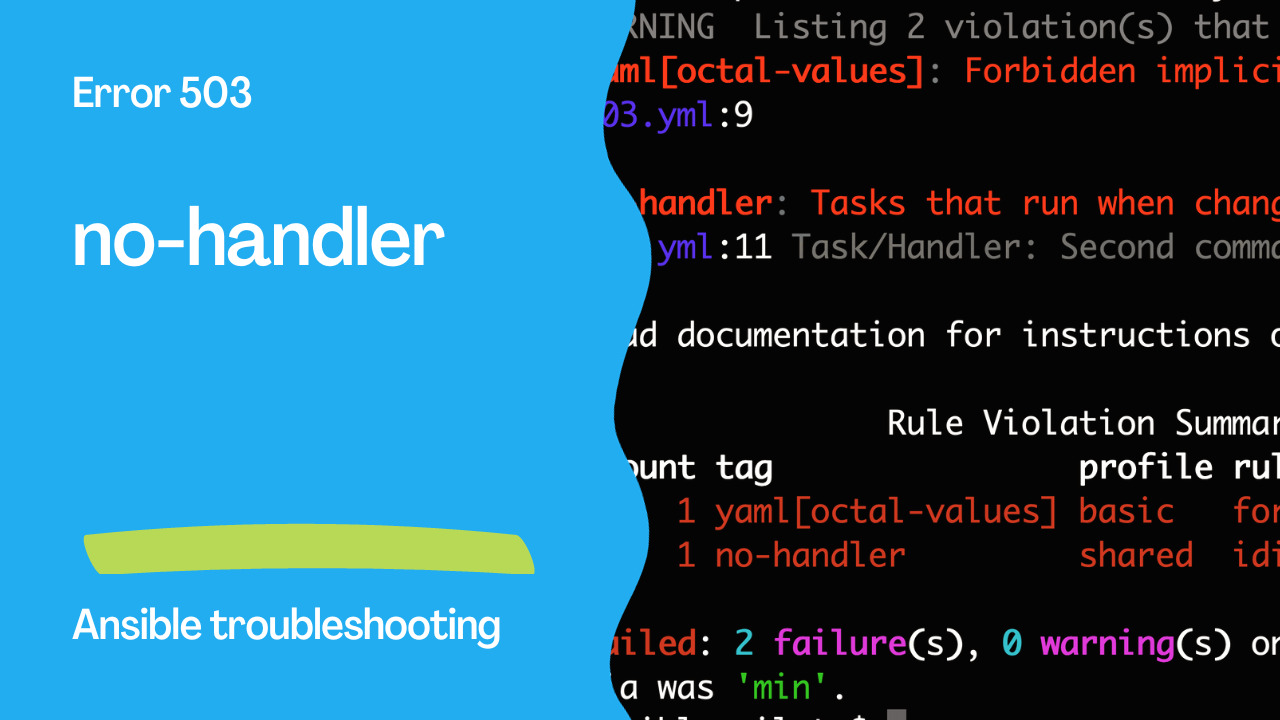
WARNING  Listing 2 violation(s) that are fatal
yaml[octal-values]: Forbidden implicit octal value "0600"
503.yml:9

no-handler: Tasks that run when changed should likely be handlers.
503.yml:11 Task/Handler: Second command to run

Read documentation for instructions on how to ignore specific rule violations.

                Rule Violation Summary
 count tag                profile rule associated tags
     1 yaml[octal-values] basic   formatting, yaml
     1 no-handler         shared  idiom

Failed: 2 failure(s), 0 warning(s) on 1 files. Last profile that met the validation criteria was 'min'.
See also: Ansible troubleshooting - Error 104: Deprecated Bare Vars
The Correct Approach
To address this issue and adhere to Rule 503, it is recommended to structure your playbook to use handlers explicitly. The corrected code ensures that the second task, "Second command to run," is treated as a handler. Here is the corrected code:
---
- name: Example of no-handler rule
  hosts: all
  tasks:
    - name: Register result of a task
      ansible.builtin.copy:
        dest: "/tmp/placeholder"
        content: "Ansible made this!"
        mode: 0600
      notify:
        - Second command to run # <-- Handler runs only when the file changes.
  handlers:
    - name: Second command to run
      ansible.builtin.debug:
        msg: The placeholder file was modified!
By using the notify keyword, the task is now clearly marked as a handler. It is triggered only when the condition specified by the register task is met, ensuring that changes are handled appropriately.
Conclusion
Ansible Rule 503, "no-handler," emphasizes the importance of structured and efficient playbook execution. By adopting the handler approach to manage changes and events within your playbooks, you not only follow best practices but also enhance the readability and maintainability of your Ansible automation code. This results in smoother, more efficient automation workflows and facilitates better troubleshooting and debugging when issues arise during playbook execution.
See also: Ansible troubleshooting - Error 105: Deprecated Module Usage
Related Articles
Category: troubleshooting