Ansible-Lint Error 404 no-relative-paths: Fix Path Issues (Guide)
By Luca Berton · Published 2024-01-01 · Category: installation
Fix ansible-lint error 404 no-relative-paths. Use absolute paths or role-relative paths instead of ../ relative references in copy, template, and script.
Introduction
Ansible is renowned for its flexibility and efficiency in automating various IT tasks. When it comes to managing files and templates in Ansible playbooks, the "copy" and "template" modules are frequently used to handle file transfers and template rendering. However, mismanaging paths in these modules can lead to confusion and unexpected behavior. Ansible Rule 404, known as "no-relative-paths," guides users to maintain best practices for handling paths within these modules.
See also: Ansible troubleshooting - Error 102: No Jinja2 in 'when' Conditions
Demystifying Rule 404 - "no-relative-paths"
Rule 404, "no-relative-paths," is a vital component of Ansible's rule set, aimed at ensuring the proper handling of paths within the "ansible.builtin.copy" and "ansible.builtin.template" modules. These modules are commonly used to interact with local and remote files in Ansible playbooks. While paths are fundamental to these modules, using relative paths can result in errors, disorganized projects, and user confusion.
The core principle emphasized by this rule is that the "src" argument in these modules should refer to local files and directories on the control node, not remote resources. Users are strongly advised to store files and templates in specific locations within the playbook or role directory:
- Use the "
files/" folder in the playbook or role directory for the "copy" module. - Use the "
templates/" folder in the playbook or role directory for the "template" module.
src" argument.
Problematic Code
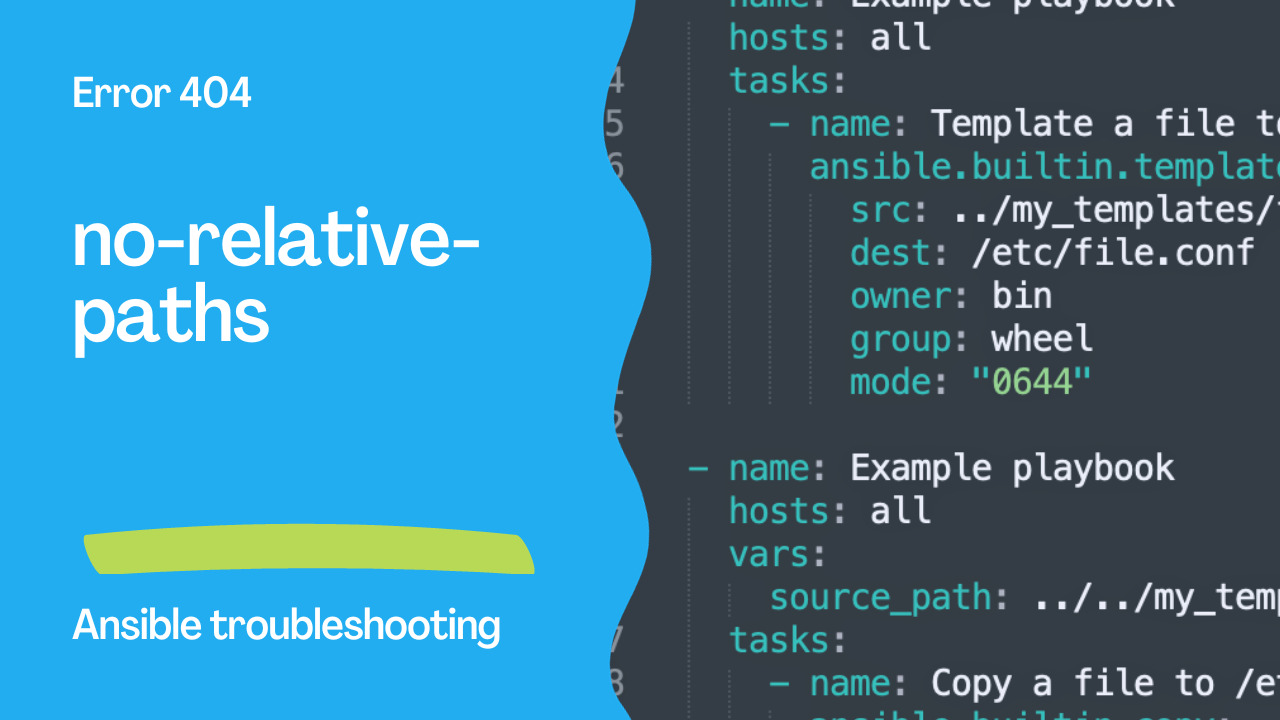
Let's examine a problematic code snippet to understand how Rule 404, "no-relative-paths," can pinpoint issues in your playbooks:
---
- name: Example playbook
  hosts: all
  tasks:
    - name: Template a file to /etc/file.conf
      ansible.builtin.template:
        src: ../my_templates/foo.j2 # <- Uses a relative path in the src argument.
        dest: /etc/file.conf
        owner: bin
        group: wheel
        mode: "0644"

- name: Example playbook
  hosts: all
  vars:
    source_path: ../../my_templates/foo.j2 # <- Sets a variable to a relative path.
  tasks:
    - name: Copy a file to /etc/file.conf
      ansible.builtin.copy:
        src: "{{ source_path }}" # <- Uses the variable in the src argument.
        dest: /etc/foo.conf
        owner: foo
        group: foo
        mode: "0644"
In this code, both "ansible.builtin.template" and "ansible.builtin.copy" modules use relative paths in the "src" argument. This approach can lead to unexpected behavior and issues, especially when working with remote files.
See also: Ansible troubleshooting - Error 104: Deprecated Bare Vars
Correct Code
To align with best practices advocated by Rule 404, the correct code should adhere to the following guidelines:
---
- name: Example playbook
  hosts: all
  tasks:
    - name: Template a file to /etc/file.conf
      ansible.builtin.template:
        src: foo.j2 # <- Uses a path from inside the "templates/" directory.
        dest: /etc/file.conf
        owner: bin
        group: wheel
        mode: "0644"

- name: Example playbook
  hosts: all
  vars:
    source_path: foo.j2 # <- Uses a path from inside the "files/" directory.
  tasks:
    - name: Copy a file to /etc/file.conf
      ansible.builtin.copy:
        src: "{{ source_path }}" # <- Uses the variable in the src argument.
        dest: /etc/foo.conf
        owner: foo
        group: foo
        mode: "0644"
In this improved code, the "src" argument references paths within the "templates/" and "files/" directories, maintaining a well-structured project and preventing potential issues stemming from relative paths.
Implementing Rule 404 - "no-relative-paths"
Rule 404, "no-relative-paths," underscores the importance of maintaining clean and organized project structures when handling files and templates in Ansible playbooks. By following this rule, you can prevent confusion and ensure that your playbooks operate seamlessly, even in complex environments.
To effectively implement this rule, remember to:
- Use the "
files/" directory for the "copy" module and the "templates/" directory for the "template" module. - Reference files and templates within these dedicated directories to ensure clarity and predictability in your playbook executions.
See also: Ansible troubleshooting - Error 105: Deprecated Module Usage
Conclusion
In conclusion, Rule 404, "no-relative-paths," is a valuable guideline offered by Ansible Lint to maintain structured and well-organized Ansible playbooks and roles. It encourages the use of recommended locations, such as the files/ and templates/ folders, for your files and templates, eliminating the need for relative paths. By following this rule, you can reduce the risk of project disorganization, confusion, and mismanagement. Ensuring that your Ansible automation projects are efficient and maintainable is crucial for long-term success. Adhering to Rule 404 is a significant step toward achieving these goals and keeping your infrastructure automation in check.
The Error
404 Doesn't need a relative path in roleThe Problem
# WRONG — relative path with ../
- copy:
    src: ../../files/config.yml
    dest: /etc/myapp/config.yml

- template:
    src: ../templates/nginx.conf.j2
    dest: /etc/nginx/nginx.conf
The Fix
# CORRECT — role-relative path (Ansible resolves automatically)
- copy:
    src: config.yml  # Looks in role's files/ directory
    dest: /etc/myapp/config.yml

- template:
    src: nginx.conf.j2  # Looks in role's templates/ directory
    dest: /etc/nginx/nginx.conf
How Ansible Resolves Paths
For roles, Ansible automatically searches:
copy/script→roles//files/ template→roles//templates/
roles/myapp/
├── files/
│   └── config.yml      ← copy: src=config.yml
├── templates/
│   └── nginx.conf.j2   ← template: src=nginx.conf.j2
└── tasks/
    └── main.yml
Shared Files Across Roles
# WRONG — reaching into another role
- copy:
    src: ../../common/files/ca-cert.pem
    dest: /etc/ssl/ca-cert.pem

# CORRECT — use role dependency
# meta/main.yml
dependencies:
  - role: common

# Or include directly
- include_role:
    name: common
    tasks_from: install-certs
Absolute Paths When Needed
# For files outside the role
- copy:
    src: "{{ playbook_dir }}/files/shared-config.yml"
    dest: /etc/myapp/config.yml

# Using role_path
- copy:
    src: "{{ role_path }}/files/config.yml"
    dest: /etc/myapp/config.yml
Project Layout Best Practice
project/
├── ansible.cfg
├── playbook.yml
├── files/              ← Playbook-level files
│   └── shared.conf
├── templates/          ← Playbook-level templates
│   └── shared.conf.j2
└── roles/
    └── myapp/
        ├── files/      ← Role-specific files
        └── templates/  ← Role-specific templates
Suppress Rule
# Skip for specific task
- copy:
    src: ../../legacy/config.yml  # noqa: no-relative-paths
    dest: /etc/app/config.yml
# .ansible-lint
skip_list:
- no-relative-pathsFAQ
Why are relative paths bad?
They're fragile — they break if the role is moved, restructured, or used from a different playbook location. Ansible's built-in path resolution is more robust.
What about include_tasks with relative paths?
# WRONG
- include_tasks: ../common/tasks.yml

# CORRECT
- include_role: { name: common }
# Or
- include_tasks: "{{ role_path }}/../common/tasks/main.yml"
This rule triggers but my path works?
The rule prevents maintenance issues. Even if ../ works now, it may break when the project structure changes.
Related Articles
Category: installation