Ansible set_fact Module: Create Dynamic Variables at Runtime (Guide)
By Luca Berton · Published 2024-01-01 · Category: collections-galaxy
How to create variables dynamically with Ansible set_fact module (ansible.builtin.set_fact). Set facts from task output, conditionals, loops.
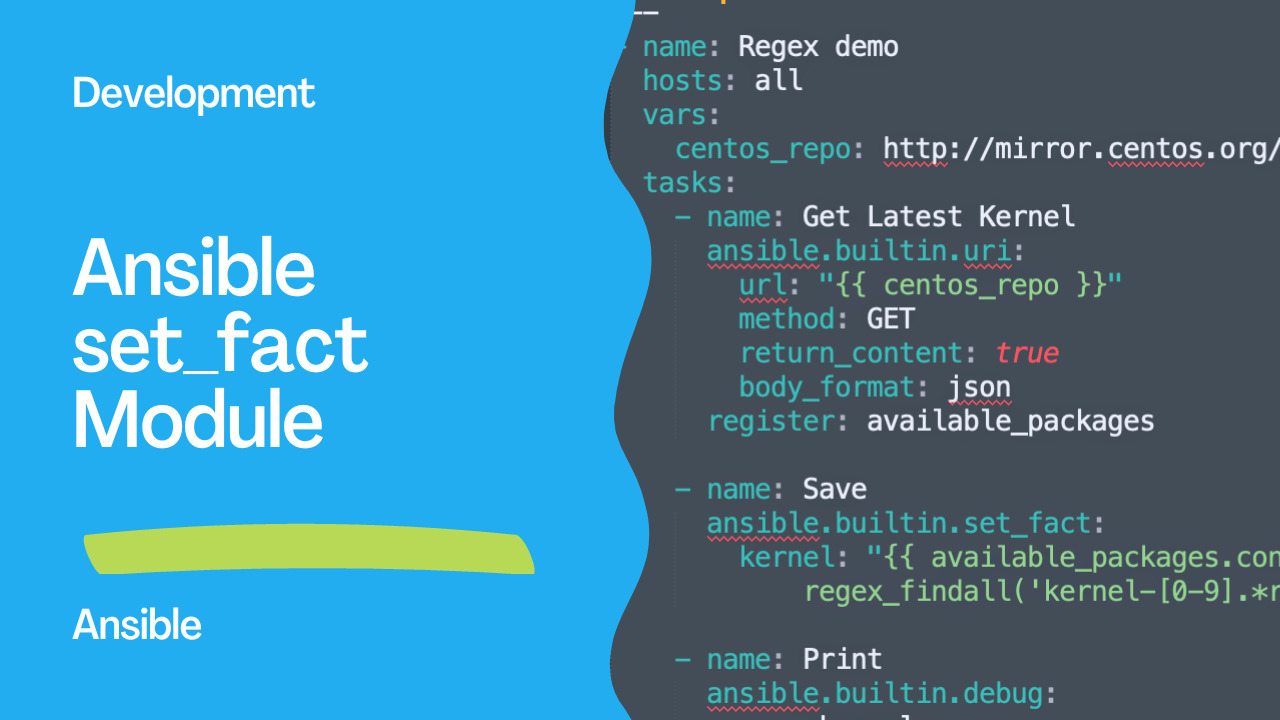
Exploring Ansible's set_fact Module with Example
Ansible is an open-source automation tool widely used for configuration management, application deployment, and orchestration. It simplifies the process of managing IT infrastructure by allowing you to define desired state configurations in a declarative manner. One powerful feature of Ansible is the set_fact module, which enables you to create or modify variables dynamically during playbook execution. It is part of the ansible.builtin collection.
See also: ansible_date_time: Access Date, Time & Timestamp Facts in Ansible
Links
Demo
In this article, we will explore the set_fact module and its usage through a practical example. We will Playbooknstrate how to retrieve the latest kernel package from a CentOS repository using Ansible's uri module and store it in a variable called kernel. Let's dive into the code example:
---
- name: Regex Playbook
  hosts: all
  vars:
    centos_repo: http://mirror.centos.org/centos/7/os/x86_64/Packages/
  tasks:
    - name: Get Latest Kernel
      ansible.builtin.uri:
        url: "{{ centos_repo }}"
        method: GET
        return_content: true
        body_format: json
      register: available_packages

    - name: Save
      ansible.builtin.set_fact:
        kernel: "{{ available_packages.content | ansible.builtin.regex_replace('<.*?>') | regex_findall('kernel-[0-9].*rpm') }}"

    - name: Print
      ansible.builtin.debug:
        var: kernel
Let's break down this playbook step by step to understand its functionality:
- The
namedirective gives our playbook a descriptive title, "regex Playbook."
- The
hostsdirective specifies the target hosts on which the playbook will be executed. In this case, it's set toall, meaning it will apply to all hosts in the inventory.
- The
varssection allows us to define variables used within the playbook. Here, we set thecentos_repovariable to the URL of the CentOS 7 package repository.
- The
taskssection contains the actual work to be performed. We have three tasks defined.
- The first task, named "Get Latest Kernel," uses Ansible's
urimodule to send an HTTP GET request to thecentos_repoURL. It retrieves the content of the repository in JSON format and stores it in theavailable_packagesvariable using theregisterdirective.
- The second task, named "Save," utilizes the
set_factmodule. It takes the content stored inavailable_packagesand applies two filters consecutively. First, it uses theregex_replacefilter from theansible.builtinplugin to remove any HTML tags from the content. Then, it applies theregex_findallfilter from the same plugin to extract the kernel package names matching the pattern "kernel-[0-9].\rpm." The resulting list of kernel package names is stored in thekernelvariable using theansible.builtin.set_factmodule.
- The third task, named "Print," uses Ansible's
debugmodule to display the value of thekernelvariable.
set_fact module, we dynamically extract the kernel package names from the repository content and assign them to the kernel variable. This approach allows us to utilize the extracted data for further operations within our playbook or inventory.
See also: Ansible set_fact Module: Set Variables Dynamically (Complete Guide 2026)
Basic usage: set one or more variables
The example above shows an advanced case, but most of the time set_fact is far
simpler — you give it key: value pairs and it defines those variables for the
rest of the play. You can set several at once and reference other variables or
facts in the values:
    - name: Define a few facts
      ansible.builtin.set_fact:
        app_name: myapp
        app_port: 8080
        app_url: "http://{{ ansible_default_ipv4.address }}:{{ app_port }}"
Once set, a fact is available on that host for every later task and even in templates and handlers.
set_fact vs register
set_fact and register both create variables at runtime, so they are easy to
confuse:
registercaptures the result object of a task —rc,stdout,
changed, and so on — and is scoped to the host that ran the task.
set_factdefines a variable with a value you choose, often derived*
A common pattern is to register a command's output and then set_fact to pull
out just the piece you care about:
    - name: Read the current kernel
      ansible.builtin.command: uname -r
      register: uname_out
      changed_when: false

    - name: Keep just the version string
      ansible.builtin.set_fact:
        kernel_version: "{{ uname_out.stdout | trim }}"
By default facts set this way are not cached between runs; add
cacheable: true if you want them written to the fact cache like gathered facts.
See also: Ansible set_fact: Create & Set Runtime Variables (Complete Guide)
Conclusion
In summary, the set_fact module is a powerful tool in Ansible for creating or modifying variables dynamically during playbook execution. It enables us to extract, transform, and store data from various sources, making it available for subsequent tasks or playbooks. In our example, we used set_fact to extract the latest kernel package name from a CentOS.
Related Articles
Category: collections-galaxy