Ansible Dynamic Data Construction: Build Variables at Runtime (Guide)
By Luca Berton · Published 2024-01-01 · Category: installation
How to dynamically construct data structures in Ansible. Build lists, dictionaries, and complex data at runtime using set_fact, combine, and Jinja2 expressions.
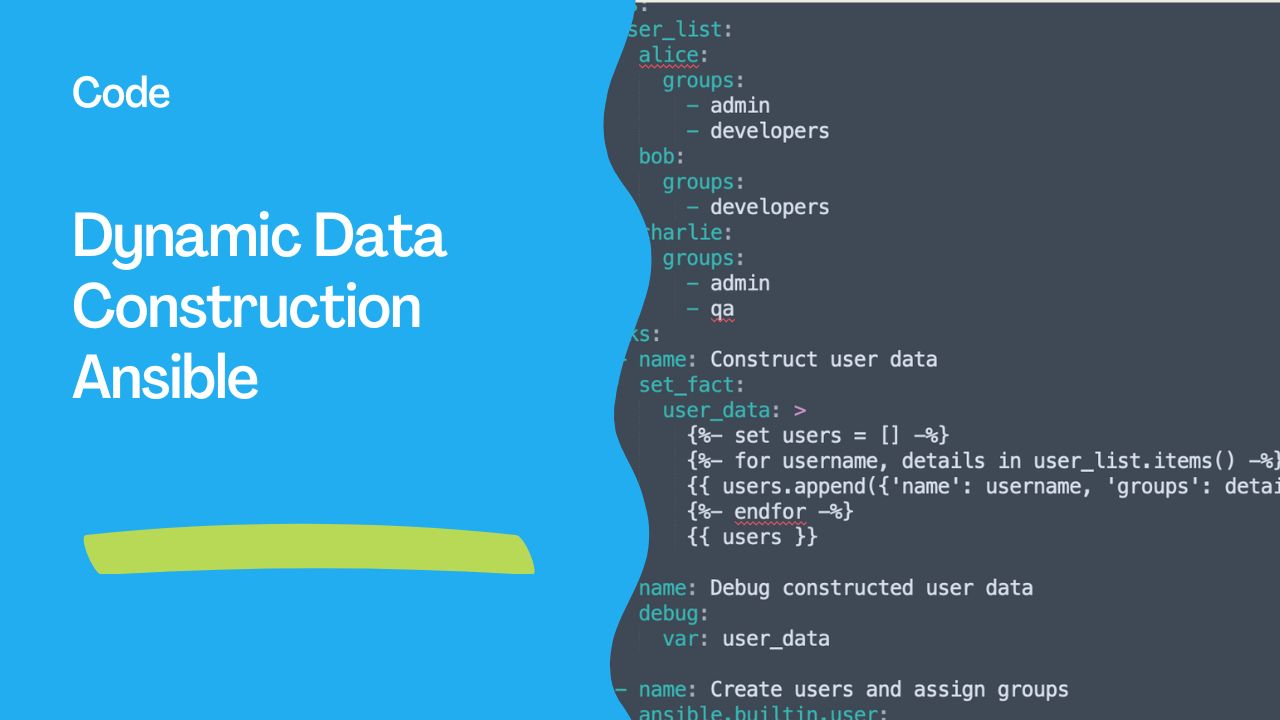
Dynamically constructing and managing data structures is a crucial skill in Ansible automation, especially for tasks that require flexible and reusable configurations. In this article, we’ll explore this concept using a practical example: managing user accounts and groups on Linux systems.
Scenario: Dynamic User and Group Management
Imagine you have a user_list variable defining multiple users and their associated groups:
user_list:
  alice:
    groups:
      - admin
      - developers
  bob:
    groups:
      - developers
  charlie:
    groups:
      - admin
      - qa
Your goal is to:
- Dynamically construct a user and group data structure.
- Use this structure to manage user accounts and assign them to the appropriate groups.
The Ansible Playbook
Here’s how you can achieve this using set_fact and Jinja2 templating:
- name: Manage users dynamically
  hosts: localhost
  gather_facts: false
  vars:
    user_list:
      alice:
        groups:
          - admin
          - developers
      bob:
        groups:
          - developers
      charlie:
        groups:
          - admin
          - qa
  tasks:
    - name: Construct user data
      set_fact:
        user_data: >
          {%- set users = [] -%}
          {%- for username, details in user_list.items() -%}
          {{ users.append({'name': username, 'groups': details.groups}) }}
          {%- endfor -%}
          {{ users }}

    - name: Debug constructed user data
      debug:
        var: user_data

    - name: Create users and assign groups
      ansible.builtin.user:
        name: "{{ item.name }}"
        groups: "{{ item.groups | join(',') }}"
      loop: "{{ user_data }}"
Key Components
- Data Construction with
set_fact: - The
set_facttask dynamically buildsuser_dataas a list of dictionaries, each containing: name: The username.groups: The list of groups.
   user_data:
     - name: alice
       groups:
         - admin
         - developers
     - name: bob
       groups:
         - developers
     - name: charlie
       groups:
         - admin
         - qa
- Dynamic User Management:
- The
ansible.builtin.usermodule iterates throughuser_data, creating users and assigning them to their respective groups. Thegroupsfield is converted to a comma-separated string usingjoin(',').
- Debugging:
- The
debugtask ensures that theuser_datastructure is correct before applying it.
Benefits of This Approach
- Dynamic and Reusable:
- Adapts to changes in the input
user_listwithout modifying the playbook logic. - Centralized Logic:
- Data construction is isolated in the
set_facttask, making the playbook easier to read and maintain. - Scalable:
- Handles any number of users and groups effortlessly.
- Error Detection:
- Intermediate debugging ensures correctness before execution.
Conclusion
This approach demonstrates how to dynamically manage data in Ansible using Jinja2 templates and set_fact. Whether you're managing users, configuring networks, or handling other complex automation tasks, the principles here can be applied broadly to improve scalability and maintainability.
Ready to master more Ansible automation techniques? Dive into the world of flexible and efficient configuration management today!
Build Lists Dynamically
Accumulate in a loop
- name: Build server list
  ansible.builtin.set_fact:
    server_ips: "{{ server_ips | default([]) + [hostvars[item].ansible_host] }}"
  loop: "{{ groups['webservers'] }}"

- debug:
    msg: "Servers: {{ server_ips }}"
Conditional list building
- set_fact:
    packages: >-
      {{ ['nginx', 'curl'] +
         (['php-fpm'] if install_php | default(false) else []) +
         (['redis-server'] if enable_cache | default(false) else []) }}
From command output
- command: find /opt/apps -maxdepth 1 -type d -printf '%f\n'
  register: app_dirs
  changed_when: false

- set_fact:
    applications: "{{ app_dirs.stdout_lines | reject('equalto', 'apps') | list }}"
See also: ansible_date_time: Access Date, Time & Timestamp Facts in Ansible
Build Dictionaries Dynamically
Combine in a loop
- set_fact:
    host_map: "{{ host_map | default({}) | combine({item: hostvars[item].ansible_host}) }}"
  loop: "{{ groups['all'] }}"

# Result: {web1: 10.0.1.10, web2: 10.0.1.11, db1: 10.0.2.10}
Merge defaults with overrides
- vars:
    defaults:
      port: 8080
      workers: 4
      debug: false
    user_config: "{{ lookup('file', 'config.json') | from_json }}"
  set_fact:
    final_config: "{{ defaults | combine(user_config, recursive=True) }}"
From structured data
- set_fact:
    service_ports: "{{ dict(services | map(attribute='name') | zip(services | map(attribute='port'))) }}"
  vars:
    services:
      - { name: web, port: 80 }
      - { name: api, port: 8080 }
      - { name: db, port: 5432 }
# Result: {web: 80, api: 8080, db: 5432}
Complex Nested Structures
- set_fact:
    deployment:
      version: "{{ app_version }}"
      timestamp: "{{ ansible_date_time.iso8601 }}"
      servers: "{{ groups['webservers'] | map('extract', hostvars, 'ansible_host') | list }}"
      config:
        db_host: "{{ hostvars[groups['dbservers'][0]].ansible_host }}"
        cache_hosts: "{{ groups['cache'] | map('extract', hostvars, 'ansible_host') | list }}"
See also: Ansible Troubleshooting: Fix Jinja2 Syntax & Inventory Errors
Filter Transformations
# Select specific attributes
- set_fact:
    user_names: "{{ users | map(attribute='name') | list }}"
    admin_users: "{{ users | selectattr('role', 'equalto', 'admin') | list }}"
    emails: "{{ users | map(attribute='email') | select('match', '.*@company.com') | list }}"
JSON Query (JMESPath)
- set_fact:
    prod_servers: "{{ servers | json_query('[?environment==`production`].hostname') }}"
    total_memory: "{{ servers | json_query('sum([].memory_gb)') }}"
See also: Mastering Time in Ansible: An Introduction to the now() Function
Template-Based Construction
- set_fact:
    nginx_upstreams: |
      {% for host in groups['backend'] %}
      server {{ hostvars[host].ansible_host }}:8080;
      {% endfor %}
FAQ
Why does my list reset in each loop iteration?
Use default([]) to initialize:
my_list: "{{ my_list | default([]) + [new_item] }}"How do I remove duplicates?
unique_list: "{{ my_list | unique }}"Can I build data across plays?
Use cacheable: true with set_fact, or write to a file and read it back.
Related Articles
Category: installation