Managing Virtual Environments with Pipenv for Ansible Projects
By Luca Berton · Published 2024-01-01 · Category: installation
Streamlining Ansible Projects with Pipenv: A Virtual Environment Management Guide.
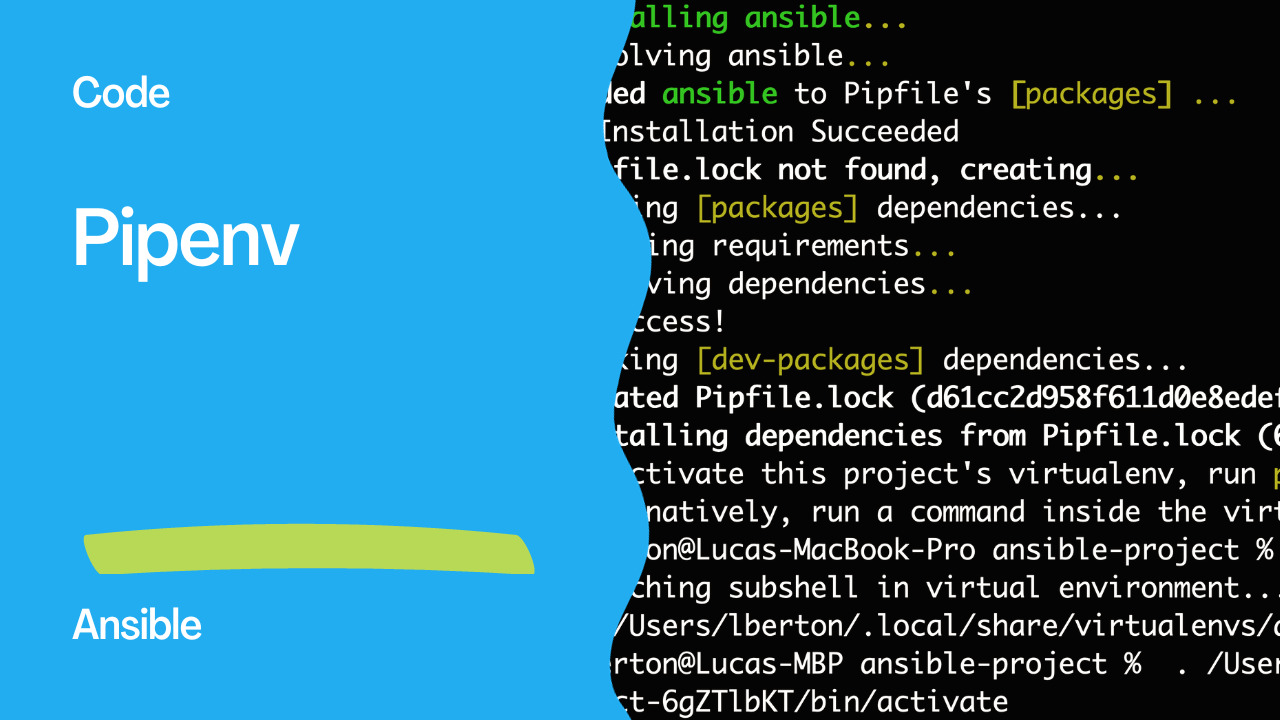
Managing Virtual Environments with Pipenv for Ansible Projects
When it comes to Python development, managing dependencies and creating a clean development environment are crucial aspects of maintaining a project. One popular tool that simplifies this process is Pipenv. It not only helps in managing virtual environments but also streamlines the process of adding and removing packages, making it an excellent choice for Python developers. In this article, we will explore how to use Pipenv to manage virtual environments specifically for Ansible projects.
See also: Leveraging Poetry for Efficient Virtual Environment Management
What is Pipenv?
Pipenv is a versatile tool that brings together the best aspects of various packaging tools from different programming languages (such as bundler, composer, npm, cargo, yarn, etc.) and tailors them to the Python ecosystem. Its primary functions include automatic creation and management of virtual environments for projects and the addition/removal of packages from the Pipfile as packages are installed or uninstalled. Additionally, Pipenv generates the essential Pipfile.lock, which is crucial for ensuring deterministic builds.
Installation and Setup
To begin using Pipenv for an Ansible project, follow these steps:
- Create a Project Directory:
    $ mkdir ansible-project
    $ cd ansible-project
- Initialize Pipenv:
$ pipenv --python 3
This command initializes a new virtual environment with Python version 3. In this example, we use Python 3.11.2.
- Install Ansible:
$ pipenv install ansible
Here, we use the pipenv install command to install Ansible within the virtual environment.
See also: Ansible DevTools Meetup 2024: Latest Automation Updates
Checking Ansible Version
After the installation is complete, you can check the Ansible version within the Pipenv virtual environment:
- Start the Pipenv Shell:
$ pipenv shell
This command activates the virtual environment.
- Check Ansible Version:
$ ansible --version
The output will display information about the installed Ansible version, configuration file location, module search path, Python module location, and other relevant details.
Sample Output:
   ansible [core 2.15.1]
     config file = /etc/ansible/ansible.cfg
     configured module search path = ['/home/sysadmin/.ansible/plugins/modules', '/usr/share/ansible/plugins/modules']
     ansible python module location = /home/sysadmin/.local/share/virtualenvs/ansible-project-3Z1Z2Z2z/lib/python3.11/site-packages/ansible
     ansible collection location = /home/sysadmin/.ansible/collections:/usr/share/ansible/collections
     executable location = /home/sysadmin/.local/share/virtualenvs/ansible-project-3Z1Z2Z2z/bin/ansible
     python version = 3.11.2 (main, Mar 13 2023, 12:18:29) [GCC 12.2.0] (/home/sysadmin/.local/share/virtualenvs/ansible-project-3Z1Z2Z2z/bin/python)
     jinja version = 3.1.2
     libyaml = True
Conclusion
Pipenv simplifies the management of virtual environments for Ansible projects, ensuring a clean and reproducible development environment. By following the steps outlined in this article, you can seamlessly set up and manage your Python and Ansible dependencies, fostering a more efficient and organized development workflow.
See also: Book Presentation: Red Hat Ansible Automation Platform by Luca Berton
Related Articles
Category: installation
Watch the video: Managing Virtual Environments with Pipenv for Ansible Projects — Video Tutorial