Introducing the zabbix_add_host Ansible Role Simplifying Certificate Validation with Zabbix
By Luca Berton · Published 2024-01-01 · Category: containers-kubernetes
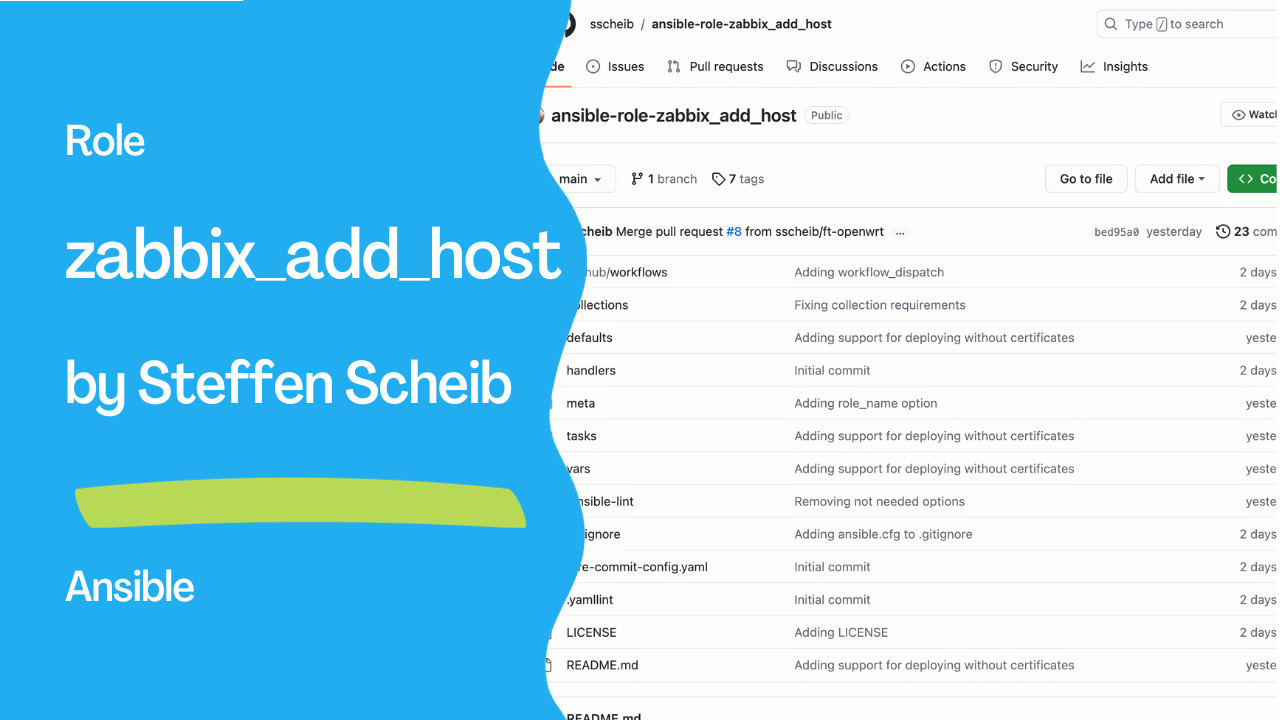
Simplifying Zabbix Server Management with the ‘zabbix_add_host’ Ansible Role by Steffen Scheib, Senior Technical Account Manager at Red Hat
Introduction
In the ever-evolving world of IT automation and monitoring, the use of Ansible and Zabbix has become a popular choice for many professionals. One of the critical aspects of managing Zabbix servers is ensuring secure communication and certificate validation. To simplify the process, Steffen Scheib, a Senior Technical Account Manager at Red Hat, has released a new Ansible role — ‘zabbix_add_host.’ In this article, we will explore this role and its purpose in enhancing Zabbix server management.Automating Monitoring with Ansible
Ansible is a powerful open-source automation tool that allows you to automate tasks, configuration management, and application deployment. It simplifies complex processes and makes them easily repeatable. When it comes to Zabbix, an open-source monitoring solution, Ansible can be a valuable tool for managing and configuring your monitoring infrastructure.Steffen Scheib, an experienced professional in the field, has recognized the need for simplifying the process of certificate validation in Zabbix, and as a result, he created the ‘zabbix_add_host’ Ansible role.
See also: Ansible Galaxy Collections: Install, Use & requirements.yml Guide
Introducing the ‘zabbix_add_host’ Role
The ‘zabbix_add_host’ role is designed to streamline the process of adding hosts to Zabbix server instances with certificate validation enabled. This role leverages the certified ‘zabbix.zabbix.zabbix_host’ module, which makes the task of authenticating with Zabbix easier for both newcomers and experienced users.When to Consider Using ‘zabbix_add_host’
You might be wondering when it’s appropriate to use the ‘zabbix_add_host’ role. Steffen Scheib recommends considering this role in the following scenarios:- Certificate Validation: If you’ve deployed certificates to your Zabbix clients and want to use certificate validation without delving too deep into certificates and Zabbix intricacies, this role is perfect for you.
- Host Addition: If your primary goal is adding hosts to the Zabbix server, Steffen Scheib suggests making use of the excellent ‘community.zabbix.zabbix_host’ and ‘zabbix.zabbix.zabbix_host’ modules instead.
Requirements
Before using the ‘zabbix_add_host’ role, it’s essential to ensure that the following collections are available on your system:zabbix.zabbix: Version 1.1.1 or greater.community.crypto: Version 2.3.2 or greater.
Links
https://github.com/sscheib/ansible-role-zabbix_add_hostSee also: Download and Use Ansible Galaxy Role - ansible-galaxy and requirements.yml
Role Usage
The ‘zabbix_add_host’ role offers several role variables that you can customize to fit your specific environment and requirements. These variables include:zba_api_host: Host name of the Zabbix server instance serving the API.zba_api_user: User for authenticating with the Zabbix API.zba_api_password: Password of the user connecting to the Zabbix API.zba_api_port: Port of the Zabbix server API.zba_api_use_ssl: A flag indicating whether to connect to the Zabbix API via SSL.zba_api_validate_certs: A flag indicating whether to validate certificates when connecting to the API.zba_no_cert: A flag indicating whether to deploy certification validation.zba_cert_path: Path to the certificate to extract issuer and subject from.zba_api_url: For Zabbix instances served via a non-default path.zba_http_login: HTTP basic authentication user name.zba_http_password: HTTP basic authentication password.
zba_no_cert variable for those who prefer not to use two different roles, making it suitable for devices that cannot be set up with certificate validation. Additionally, all variables from the zabbix.zabbix.zabbix_host module can be used with this role.
Dependencies and Example Playbook
The ‘zabbix_add_host’ role has no external dependencies, making it easy to integrate into your Ansible playbook. An example playbook that uses the ‘zabbix_add_host’ role is provided in the documentation to help you get started.---
- name: 'Add hosts to a Zabbix instance'
hosts: 'all'
roles:
- role: 'zabbix_add_host'
vars:
zba_api_host: 'zabbix.example.com'
zba_api_user: !vault |
$ANSIBLE_VAULT;1.1;AES256
zba_api_password: !vault |
$ANSIBLE_VAULT;1.1;AES256
[..]
zba_api_port: 443
zba_api_use_ssl: true
zba_api_validate_certs: true
zba_cert_path: '/etc/zabbix/zabbix_agentd.d/certs/zbx.agent.cert.pem'
zba_api_url: '/zbx'
zba_http_login: !vault |
$ANSIBLE_VAULT;1.1;AES256
zba_http_password: !vault |
$ANSIBLE_VAULT;1.1;AES256
# variables for the module zabbix.zabbix.zabbix_host
description: '{{ hostvars[inventory_hostname].ansible_fqdn }}'
host: '{{ hostvars[inventory_hostname].ansible_fqdn }}'
name: '{{ hostvars[inventory_hostname].ansible_fqdn }}'
state: 'present'
status: 'enabled'
tls_accept: 'cert'
tls_connect: 'cert'
hostgroups:
- 'Linux servers'
macros:
- macro: '{$NET.IF.IFNAME.NOT_MATCHES}'
value: >-
(^Software Loopback Interface|^NULL[0-9.]*$|^[Ll]o[0-9.]*$|
^[Ss]ystem$|^Nu[0-9.]*$|^veth[0-9a-z]+$|docker[0-9]+|
br-[a-z0-9]{12}|cni-podman[0-9]+)
description: >-
Filter out loopbacks, nulls, docker veth links and docker0 bridge
by default, as well as podman network interfaces
type: 'text'
- macro: '{$VFS.FS.FSNAME.NOT_MATCHES}'
value: >-
^(/dev|/sys|/run|/proc|.+/shm$|/var/lib/containers/storage/overlay)
description: >-
Filter out mount-points that do not need monitoring or are not
capable of being monitored
type: 'text'
templates:
- 'Template App SSH Service'
- 'Template Module ICMP Ping'
- 'Template OS Linux by Zabbix agent active'
interfaces:
- type: 'agent'
useip: true
dns: '{{ hostvars[inventory_hostname].ansible_fqdn }}'
ip: '{{ hostvars[inventory_hostname].ansible_default_ipv4.address }}'
inventory_mode: 'manual
...Conclusion
The ‘zabbix_add_host’ Ansible role created by Steffen Scheib simplifies the process of managing Zabbix server instances with certificate validation. Automating the host addition process enables both beginners and experienced users to enhance their Zabbix server management.In addition to ‘zabbix_add_host,’ Steffen Scheib plans to release two more Zabbix-related roles: one for deploying and configuring Zabbix agents and another for creating certificate pairs for Zabbix. These roles will further showcase how automation can improve monitoring tasks.
As the world of IT automation continues to evolve, tools like Ansible and roles like ‘zabbix_add_host’ become increasingly essential for simplifying complex processes and improving efficiency in IT operations. Whether you are just starting with Zabbix or are a seasoned professional, this role offers a valuable contribution to your toolkit.
Stay tuned for Steffen Scheib’s upcoming blog post that will delve deeper into the ‘zabbix_add_host’ role and explore the entire suite of Zabbix-related Ansible roles, providing a comprehensive resource for Zabbix enthusiasts.
See also: Ansible Fix 'Role Not Found' Error: Path & Resolution Guide
Related Articles
Category: containers-kubernetes