Edit single-line text - Ansible Playbook for Changing IP Address of Remote Hosts
By Luca Berton · Published 2024-01-01 · Category: security-compliance
This playbook uses the ansible.builtin.lineinfile and ansible.builtin.service modules to automate the process of updating the IP address and netmask values.
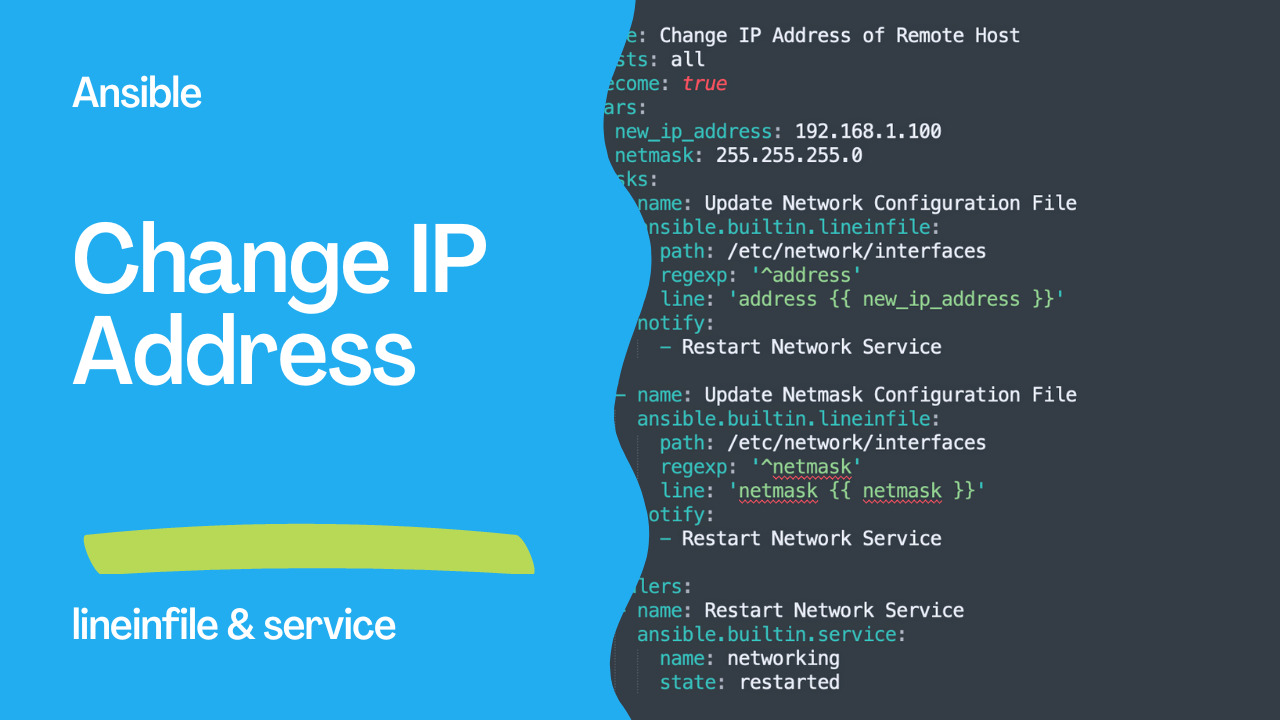
Automating the process of updating the IP address and netmask values in the network configuration file of multiple remote hosts can be a time-consuming and tedious task. However, with Ansible, it's possible to automate this process and save time and effort.
Ansible is an open-source automation tool that allows users to automate IT infrastructure tasks, including configuration management, application deployment, and orchestration. One of the key features of Ansible is its ability to manage multiple remote hosts simultaneously, making it an ideal choice for managing large-scale IT infrastructure.
In this article, we will explore how to use Ansible to automate the process of updating the IP address and netmask values in the network configuration file of remote hosts.
Ansible module lineinfile
Today we're talking about the Ansible module lineinfile.
The full name is ansible.builtin.lineinfile, which means that is part of the collection of modules "builtin" with ansible and shipped with it.
It's a module pretty stable and out for years and it supports a large variety of operating systems.
You are able to insert, update and remove a single line of text in a file.
Main Parameters
- path _string_ - file path
- line _string_ - text
- insertafter/insertbefore _string_ - EOF/regular expression
- validate _string_ - validation command
- create _boolean_ - create if not exist
- state _string_ - present/absent
- owner/group/mode - permission
- setype/seuser/selevel - SELinux
See also: Ansible lineinfile Module: Edit Single Lines in Config Files
Links
Code
This Ansible playbook changes the IP address and netmask of a remote host by updating the network configuration file.
The hosts field specifies that this playbook should run on all hosts. The become field is set to true, which means that the playbook will run with elevated privileges (i.e. as a superuser).
The vars field sets two variables, new_ip_address and netmask, to the desired IP address and netmask values.
The tasks field contains two tasks. The first task uses the ansible.builtin.lineinfile module to update the network configuration file (/etc/network/interfaces). It searches for a line that starts with the word "address" and replaces it with the new IP address value using the {{ new_ip_address }} variable. The second task does the same thing but for the netmask value. Both tasks also send a notification to a handler called "Restart Network Service".
The handlers field contains one handler called "Restart Network Service". It uses the ansible.builtin.service module to restart the networking service on the remote host.
Overall, this playbook is useful for automating the process of changing the IP address and netmask of multiple remote hosts simultaneously.
First, we need to create an Ansible playbook that will perform the necessary tasks. The playbook should include the following fields:
hosts: Specifies the hosts that the playbook should run on.become: Specifies whether to run the playbook with elevated privileges (i.e. as a superuser).vars: Sets variables for the new IP address and netmask values.tasks: Contains tasks that update the network configuration file and restart the networking service.handlers: Contains a handler that restarts the networking service.
- name: Change IP Address of Remote Host
  hosts: all
  become: true
  vars:
    new_ip_address: 192.168.1.100
    netmask: 255.255.255.0
  tasks:
    - name: Update Network Configuration File
      ansible.builtin.lineinfile:
        path: /etc/network/interfaces
        regexp: '^address'
        line: 'address {{ new_ip_address }}'
      notify:
        - Restart Network Service

    - name: Update Netmask Configuration File
      ansible.builtin.lineinfile:
        path: /etc/network/interfaces
        regexp: '^netmask'
        line: 'netmask {{ netmask }}'
      notify:
        - Restart Network Service

  handlers:
    - name: Restart Network Service
      ansible.builtin.service:
        name: networking
        state: restarted
Let's break down the playbook and examine each section in more detail.
The hosts field specifies the hosts that the playbook should run on. In this example, we have set it to all, which means that the playbook will run on all hosts.
The become field is set to true, which means that the playbook will run with elevated privileges (i.e. as a superuser). This is necessary because updating the network configuration file and restarting the networking service require root access.
The vars field sets two variables, new_ip_address and netmask, to the desired IP address and netmask values.
The tasks field contains two tasks. The first task uses the ansible.builtin.lineinfile module to update the network configuration file (/etc/network/interfaces). It searches for a line that starts with the word "address" and replaces it with the new IP address value using the {{ new_ip_address }} variable. The second task does the same thing but for the netmask value. Both tasks also send a notification to a handler called "Restart Network Service".
The handlers field contains one handler called "Restart Network Service". It uses the ansible.builtin.service module to restart the networking service on the remote host.
To run the playbook, save it as a YAML file (e.g. change-ip.yml) and run the following command:
ansible-playbook change-ip.ymlThis will execute the playbook on all hosts specified in the hosts field and update their IP address and netmask values.
See also: Ansible blockinfile Module: Insert & Manage Multi-Line Text Blocks (Guide)
Conclusion
This article discusses how to use Ansible to automate the process of updating the IP address and netmask values in the network configuration file of multiple remote hosts. It provides an example playbook that includes the necessary fields and modules to perform the update and restart the networking service. The article highlights how Ansible can simplify IT infrastructure management and improve operational efficiency.Related Articles
Category: security-compliance