Efficient YouTube Playlist Video Metadata Extraction
By Luca Berton · Published 2024-01-01 · Category: installation
Learn to automate YouTube playlist metadata extraction using Python. Efficiently retrieve video titles and IDs, saving time and effort in data collection.
Introduction
YouTube is a vast repository of videos covering a multitude of topics. Sometimes, you may find yourself needing to gather information about multiple videos from a playlist efficiently. In this article, we will explore how to use Python's Pytube library to automate the retrieval of video details from a YouTube playlist.
See also: Setting Up Neo4j GenAI Environment on Fedora Using Ansible
Setting Up Pytube
Pytube is a lightweight library that enables you to access YouTube videos and playlists easily. Before you begin, make sure to install the Pytube library by running the following command:
pip install pytubeNow that we have Pytube installed, let's dive into a simple script that fetches details from a YouTube playlist.
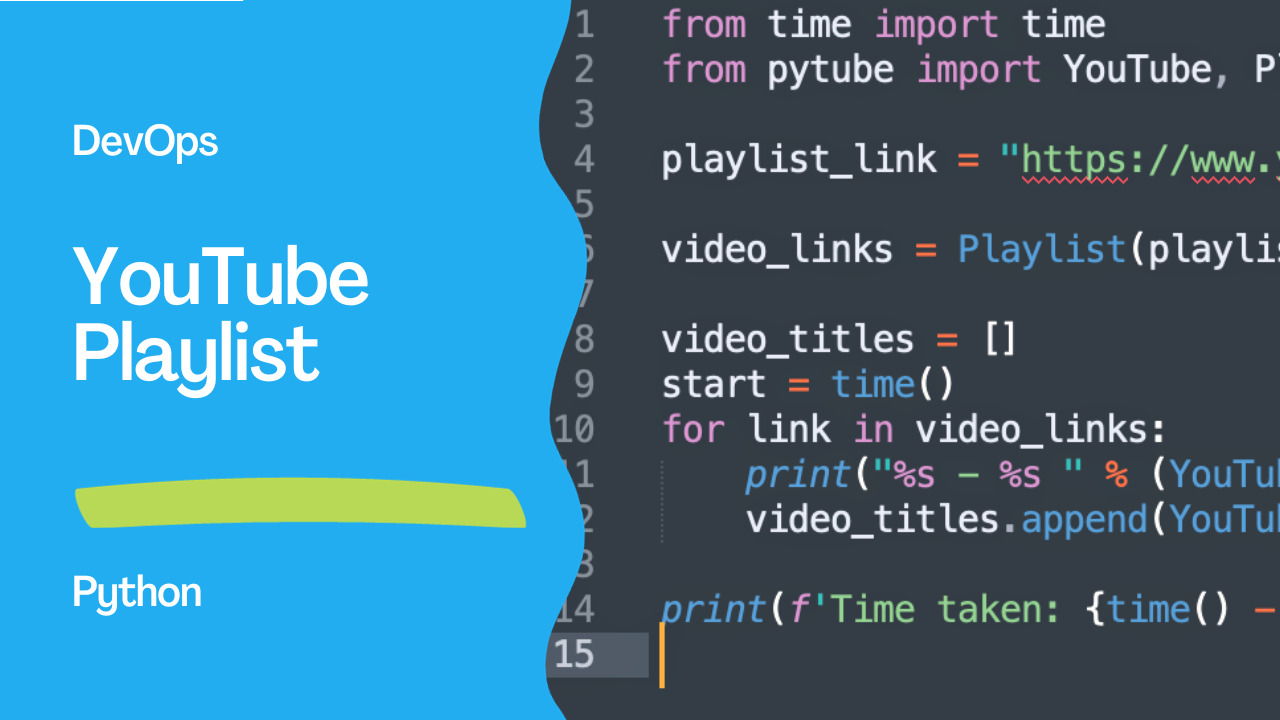
The Script
from time import time
from pytube import YouTube, Playlist

playlist_link = "https://www.youtube.com/playlist?list=PLButRaJV74S6ZPfAnImcpj3fh6LN0obwW"

video_links = Playlist(playlist_link).video_urls

video_titles = []
start = time()

for link in video_links:
    video_id = YouTube(link).video_id
    video_title = YouTube(link).title

    print(f"{video_id} - {video_title}")
    video_titles.append(video_title)

print(f'Time taken: {time() - start}')
Understanding the Script:
- Importing Libraries:
- We import the
timemodule to measure the script's execution time. - We import the
YouTubeandPlaylistclasses from the Pytube library.
- Providing Playlist Link:
- Replace the
playlist_linkvariable with the URL of the YouTube playlist you want to analyze.
- Fetching Video URLs:
- We create a
Playlistobject using the provided link and extract all video URLs from the playlist.
- Retrieving Video Details:
- For each video URL, we extract the video ID and title using the
YouTubeclass from Pytube.
- Printing and Recording Information:
- The script prints the video ID and title for each video in the playlist.
- It also records the video titles in the
video_titleslist.
- Measuring Execution Time:
- The script calculates and prints the time taken to fetch information from the entire playlist.
Conclusion
Automating the retrieval of YouTube video details using Pytube simplifies the process, especially when dealing with extensive playlists. This script can be a valuable tool for content creators, researchers, or anyone needing to analyze and organize information from YouTube playlists efficiently. Feel free to customize the script to suit your specific needs. Happy coding!
See also: Jetporch Automation: Rise & Fall of the Ansible Alternative
Related Articles
Category: installation