Ansible troubleshooting - Error markupsafe
By Luca Berton · Published 2024-01-01 · Category: installation
Resolve the No module named markupsafe error in Ansible by reinstalling Ansible, ansible-lint, and python-markupsafe via Homebrew.
Introduction
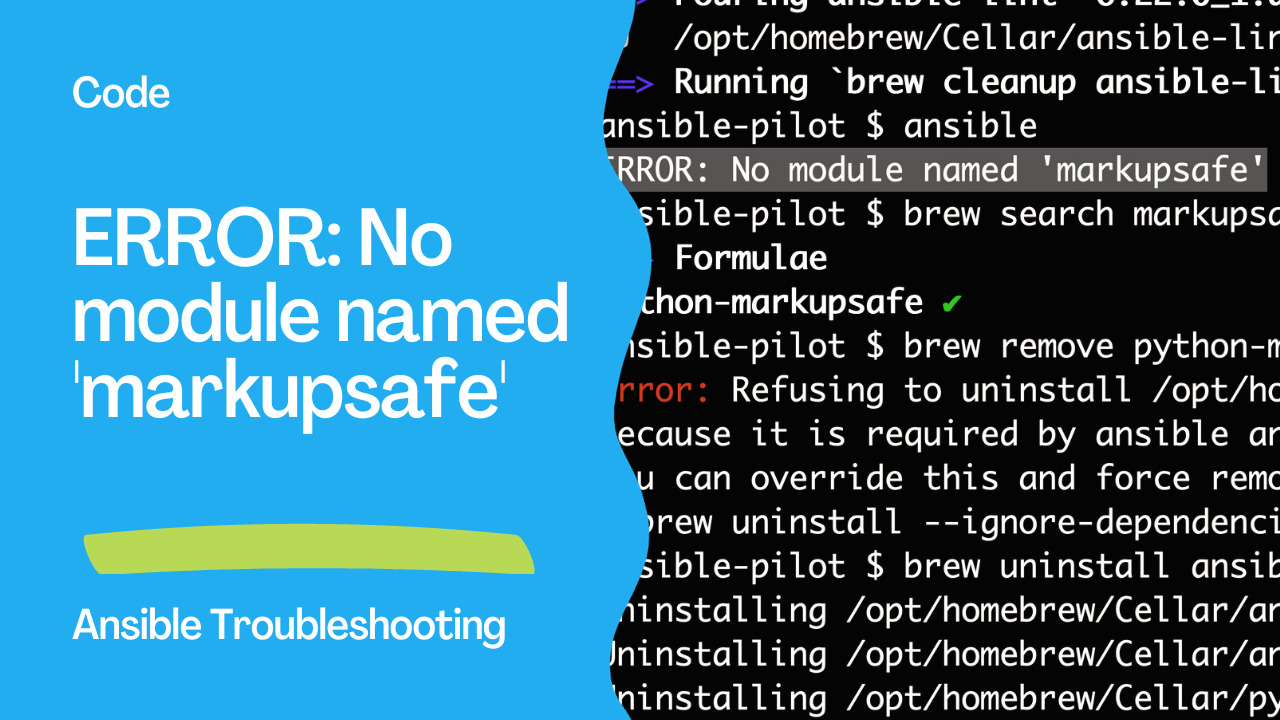
After upgrading Python to version 3.12 on your Mac using Homebrew, you encountered an error when trying to run Ansible: "ERROR: No module named 'markupsafe'". This issue arises because Ansible relies on certain Python modules, and in this case, it seems that the 'markupsafe' module is missing or not properly installed.
Let's go through the steps to resolve this issue:
ERROR: No module named 'markupsafe'DL;DR
$ ansible
ERROR: No module named 'markupsafe'
$ brew uninstall ansible-lint ansible python-markupsafe
$ brew install ansible-lint ansible python-markupsafe
$ ansible --version
ansible [core 2.15.6]
  config file = None
  configured module search path = ['/Users/lberton/.ansible/plugins/modules', '/usr/share/ansible/plugins/modules']
  ansible python module location = /opt/homebrew/Cellar/ansible/8.6.1/libexec/lib/python3.12/site-packages/ansible
  ansible collection location = /Users/lberton/.ansible/collections:/usr/share/ansible/collections
  executable location = /opt/homebrew/bin/ansible
  python version = 3.12.0 (main, Oct  2 2023, 12:03:24) [Clang 15.0.0 (clang-1500.0.40.1)] (/opt/homebrew/Cellar/ansible/8.6.1/libexec/bin/python)
  jinja version = 3.1.2
  libyaml = True
Step 1: Identify the Problem
The error message indicates that the 'markupsafe' module is not found. This module is a dependency for Ansible and needs to be installed.
Step 2: Check for 'markupsafe' Installation
First, let's check if the 'markupsafe' module is installed. Open your terminal and run:
python3.12 -m pip show markupsafeIf the module is not installed, you will need to install it. If it's already installed, proceed to the next step.
Step 3: Install 'markupsafe'
Install the 'markupsafe' module using the following command:
brew uninstall ansible ansible-lint python-markupsafe
brew install python-markupsafe
This command uses Homebrew package manager, brew, to install the 'markupsafe' module. Otherwise you can use:
python3.12 -m pip install markupsafeThis command uses Python's package manager, pip, to install the 'markupsafe' module.
Step 4: Verify 'markupsafe' Installation
After installing 'markupsafe', verify that the installation was successful:
python3.12 -c "import markupsafe"If there are no errors, the 'markupsafe' module is now installed correctly.
Step 5: Reinstall Ansible and Ansible-Lint
Now that 'markupsafe' is installed, you can proceed to reinstall Ansible and Ansible-Lint to ensure they are using the correct dependencies:
brew uninstall ansible ansible-lint
brew install ansible ansible-lint
This will uninstall the current versions and install them again with the correct dependencies, including 'markupsafe'.
Step 6: Verify Ansible Installation
Finally, check if Ansible is working without any errors:
ansible --versionThis should display the version information for Ansible without any 'markupsafe' related errors.
ansible [core 2.15.6]
  config file = None
  configured module search path = ['/Users/lberton/.ansible/plugins/modules', '/usr/share/ansible/plugins/modules']
  ansible python module location = /opt/homebrew/Cellar/ansible/8.6.1/libexec/lib/python3.12/site-packages/ansible
  ansible collection location = /Users/lberton/.ansible/collections:/usr/share/ansible/collections
  executable location = /opt/homebrew/bin/ansible
  python version = 3.12.0 (main, Oct  2 2023, 12:03:24) [Clang 15.0.0 (clang-1500.0.40.1)] (/opt/homebrew/Cellar/ansible/8.6.1/libexec/bin/python)
  jinja version = 3.1.2
  libyaml = True
Conclusion
By following these steps, you should have resolved the "ERROR: No module named 'markupsafe'" issue after upgrading Python 3.12 on your Mac with Homebrew. Always make sure to check for any missing dependencies when encountering module-related errors and reinstall them as needed.
See also: Ansible troubleshooting - AWS Failed to import the required Python library (botocore or boto3)
Related Articles
Category: installation
Watch the video: Ansible troubleshooting - Error markupsafe — Video Tutorial