Automating File Extension Validation with Ansible
By Luca Berton · Published 2024-01-01 · Category: troubleshooting
Learn how to structure an Ansible playbook to validate file extensions, ensuring files end with specified formats like .csv or .txt through practical examples.
Introduction
In the age of automation, managing file integrity across diverse environments is crucial for ensuring data consistency and security. Ansible, a powerful IT automation tool, offers an efficient way to automate tasks and ensure that files meet specified criteria, such as having correct file extensions. This article presents a detailed guide on using Ansible to validate file extensions within a system.
Understanding the Playbook Structure
The given Ansible playbook is designed to validate file extensions to ensure that each file ends with specified formats (e.g., .csv or .txt). Here’s a breakdown of the playbook's components:
---
- name: Validate file extensions
  hosts: all
  vars:
    my_dicts: [
      { file_name: 'data1.csv' },
      { file_name: 'report.txt' },
      { file_name: 'summary.json' }
    ]

  tasks:
    - name: Check file extensions
      assert:
        that: item is match('.*\.(csv|txt)$')
        fail_msg: "File with invalid extension detected: {{ item }}"
        success_msg: "Valid file extension for file: {{ item }}"
      loop: "{{ my_dicts | map(attribute='file_name') | list }}"
      loop_control:
        label: "{{ item }}"
Key Components Explained
- Hosts: The playbook targets
localhost, meaning it runs on the local machine. This setup is ideal for scripts that manage local files or perform tests without affecting remote systems.
- Variables: The
my_dictsvariable is a list of dictionaries, each representing a file with afile_namekey. This structure is flexible and can be expanded to include more files or metadata as needed.
- Tasks:
- Check file extensions: This task utilizes the
assertmodule, which checks conditions and fails if the conditions are not met. The condition here ensures each file name matches the regex pattern'.*\.(csv|txt)$', confirming it ends with.csvor.txt.
- Loop: The playbook iterates over each filename extracted from
my_dicts, applying the validation condition to each.
- Loop Control: The
labelcontrol improves the readability of loop outputs by customizing how looped items are displayed.
Execution Flow and Output
When executed, the playbook performs the following steps:
- Gathering Facts: Collects the system facts from
localhost. - Check File Extensions: Validates each file’s extension. If a file does not meet the criteria, the playbook fails for that file, indicating which file has an invalid extension.
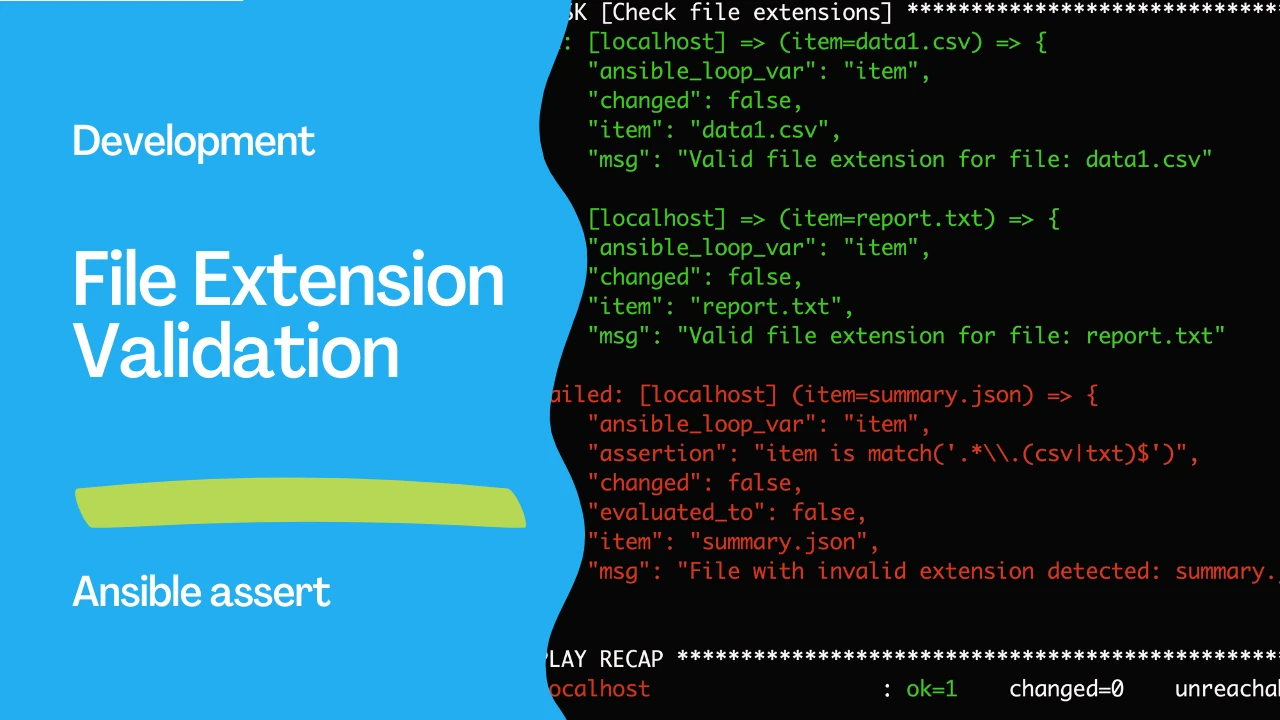
PLAY [Validate file extensions] ******************************************************************************************************************

TASK [Gathering Facts] ***************************************************************************************************************************
ok: [localhost]

TASK [Check file extensions] *********************************************************************************************************************
ok: [localhost] => (item=data1.csv) => {
    "ansible_loop_var": "item",
    "changed": false,
    "item": "data1.csv",
    "msg": "Valid file extension for file: data1.csv"
}
ok: [localhost] => (item=report.txt) => {
    "ansible_loop_var": "item",
    "changed": false,
    "item": "report.txt",
    "msg": "Valid file extension for file: report.txt"
}
failed: [localhost] (item=summary.json) => {
    "ansible_loop_var": "item",
    "assertion": "item is match('.*\\.(csv|txt)$')",
    "changed": false,
    "evaluated_to": false,
    "item": "summary.json",
    "msg": "File with invalid extension detected: summary.json"
}

PLAY RECAP ***************************************************************************************************************************************
localhost                  : ok=1    changed=0    unreachable=0    failed=1    skipped=0    rescued=0    ignored=0
In this output:
- The playbook successfully validates
data1.csvandreport.txt. - It fails for
summary.jsonbecause its extension does not meet the specified conditions.
Conclusion
Automating file validation with Ansible not only streamlines the process of maintaining file standards across systems but also enhances security by ensuring that only files with correct formats are processed or moved forward in workflows. By adapting the playbook provided, organizations can enforce data quality and integrity standards efficiently, reducing manual oversight and the potential for errors.
See also: Ansible JSON Query: Search & Extract Data with json_query
Related Articles
- Ansible loop_control Guide
- managing Windows hosts with Ansible
- subelements lookup with Ansible loops
See also
Category: troubleshooting
Watch the video: Automating File Extension Validation with Ansible — Video Tutorial