Automate CIS Benchmark Hardening for RHEL 9 with Ansible
By Luca Berton · Published 2024-01-01 · Category: installation
Discover how to automate CIS Benchmark hardening for RHEL 9 systems using Ansible. Simplify security compliance with the \"ansible-lockdown\" project.
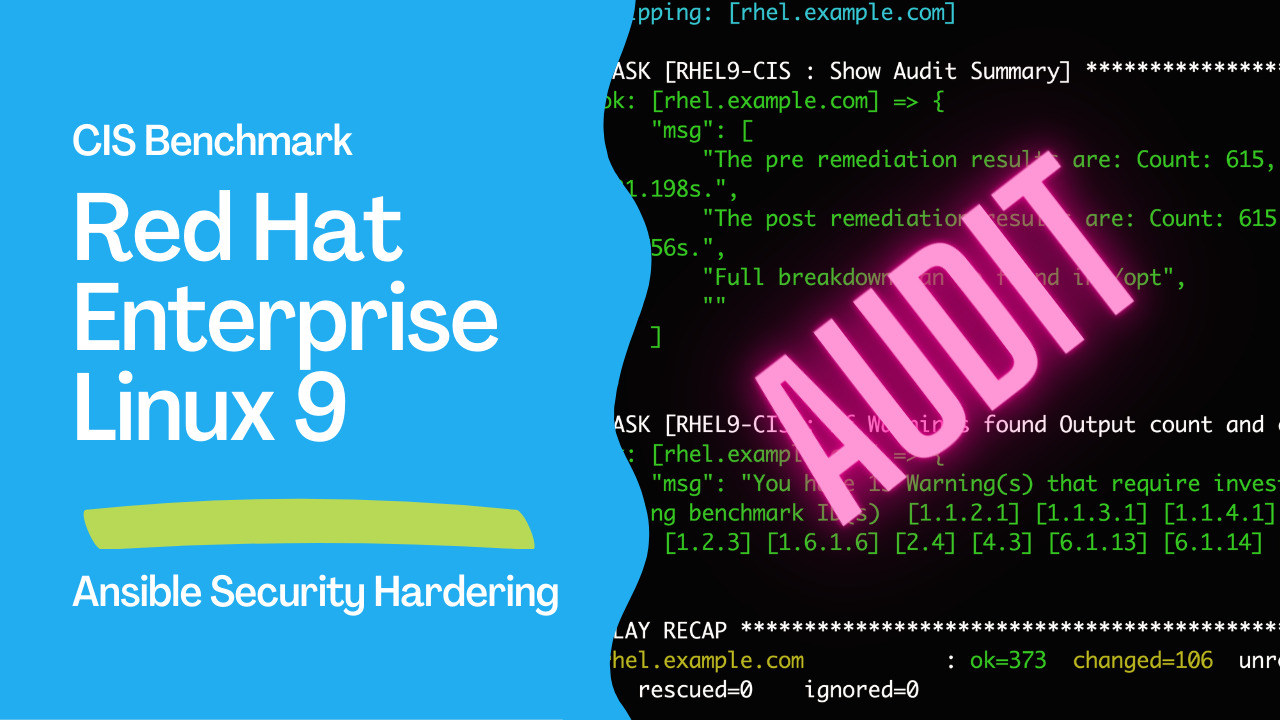
Introduction
As organizations increasingly prioritize cybersecurity and compliance, the need for robust security measures has become paramount. The Center for Internet Security (CIS) Benchmarks provides guidelines and best practices for securing various operating systems. Adhering to these benchmarks for Red Hat Enterprise Linux (RHEL) 9 can be time-consuming and complex. However, this process becomes streamlined and efficient with the power of automation through Ansible. This article explores how using Ansible's automation capabilities with the "ansible-lockdown" project can help organizations automatically implement CIS Benchmark hardening for RHEL 9 systems, ensuring a more secure and compliant environment.See also: Strengthening Security: Automating CIS Benchmark Hardening for RHEL 9 with Ansible
What is the CIS Benchmark?
The CIS Benchmarks are consensus-based configuration guidelines developed by experts to help organizations safeguard their systems against security threats. These benchmarks cover a wide range of platforms and applications, offering specific recommendations on security settings, configurations, and policies. By adhering to the CIS Benchmark, organizations can reduce the risk of cyberattacks and enhance their overall security posture.Introducing Ansible
Ansible is an open-source automation tool that simplifies IT infrastructure deployment, configuration, and management. It employs declarative language to describe the desired state of a system, allowing users to automate repetitive tasks, thereby saving time and reducing human errors. The "ansible-lockdown" Project The "ansible-lockdown" project is a community-driven initiative aimed at automating the implementation of security hardening guidelines, particularly the CIS Benchmarks, on various systems. This project provides Ansible roles that enable users to easily apply the recommended security configurations to their systems.See also: Ansible code in RHSB-2021-009 Log4Shell - Remote Code Execution - log4j (CVE-2021-44228)
Links
- CIS Benchmarks
- Ansible Lockdown
- RHEL9-CIS role
- MindPoint Group
- Goss - Quick and Easy server validation
Automating CIS Benchmark Hardening for RHEL 9
- Preparing the Environment
ansible-galaxy role install git+https://github.com/ansible-lockdown/RHEL9-CIS.git- Understanding the CIS Benchmark Rules
- Developing the Ansible Playbook
audit.yml playbook might look like this:
---
- name: RHEL9 CIS Audit
  hosts: all
  become: true
  roles:
    - name: "RHEL9-CIS"
      vars:
        setup_audit: true
        run_audit: true
This example, the "RHEL9-CIS role is used to apply the setup_audit and run_audit variables.
For ARM64 use this:
---
- name: RHEL9 CIS Audit
  hosts: all
  become: true
  roles:
    - name: "RHEL9-CIS"
      vars:
        setup_audit: true
        run_audit: true
        goss_url: https://github.com/goss-org/goss/releases/download/v0.3.23/goss-linux-arm64
        goss_version:
          release: v0.3.23
          checksum: 'sha256:7b0794fa590857e7d64ef436e1a100ca26f6039f269a6138009aa837d27d7f9e'
My inventory file:
rhel.example.com

[all:vars]
ansible_connection=ssh
ansible_user=luca- Executing the Playbook
- Post-Deployment Verification
ssh luca@rhel.example.com
cat /opt/*-RHEL9-CIS_post_scan*.json
output
[...]
        {
            "duration": 19501,
            "err": null,
            "expected": [
                "/^7(0|5)0\\s/"
            ],
            "found": [
                "/^7(0|5)0\\s/"
            ],
            "human": "",
            "meta": {
                "CIS_ID": [
                    "6.2.12"
                ],
                "CISv8": 3.3,
                "CISv8_IG1": true,
                "CISv8_IG2": true,
                "CISv8_IG3": true,
                "server": 1,
                "workstation": 1
            },
            "property": "stdout",
            "resource-id": "home_dirs_restrict",
            "resource-type": "Command",
            "result": 0,
            "skipped": false,
            "successful": true,
            "summary-line": "Command: home_dirs_restrict: stdout: matches expectation: [/^7(0|5)0\\s/]",
            "test-type": 2,
            "title": "6.2.12 | Ensure local interactive user home directories are mode 750 or more restrictive"
        }
    ],
    "summary": {
        "failed-count": 78,
        "skipped-count": 6,
        "summary-line": "Count: 615, Failed: 78, Skipped: 6, Duration: 31.756s",
        "test-count": 615,
        "total-duration": 31755642383
    }
}
See also: Configuring Kernel Parameters in RedHat-like Linux Systems with Ansible System Role
Conclusion
In a constantly evolving threat landscape, ensuring the security and compliance of RHEL 9 systems is a critical task for organizations. The CIS Benchmarks provide valuable guidelines, but manual implementation can be challenging and time-consuming. By leveraging the power of Ansible and the "ansible-lockdown" project, organizations can automate applying CIS Benchmark hardening for RHEL 9. This saves time and effort and ensures a more consistent and secure environment, better protecting against potential cyber threats. Organizations can significantly enhance their security posture and foster a robust cybersecurity culture by staying proactive and adhering to security best practices.
Related Articles
- publishing collections to Ansible Galaxy
- become directives in Ansible
- the Ansible inventory deep-dive
- creating an Ansible role from scratch
- Strengthening Security: Automating CIS Benchmark Hardening for RHEL 9 with Ansible
- Ansible code in RHSB-2021-009 Log4Shell - Remote Code Execution - log4j (CVE-2021-44228)
- Configuring Kernel Parameters in RedHat-like Linux Systems with Ansible System Role
Category: installation
Watch the video: Automate CIS Benchmark Hardening for RHEL 9 with Ansible — Video Tutorial