Ansible SSH with Passwords: Fix sshpass & Authentication (Guide)
By Luca Berton · Published 2024-01-01 · Category: installation
Fix Ansible SSH password authentication issues. Install sshpass, configure ask-pass, handle password prompts, and migrate to SSH keys with examples.
Introduction
Ansible is a powerful and flexible automation tool that allows you to manage your infrastructure using declarative configuration files. One of the most common ways to connect to remote hosts with Ansible is via the SSH protocol. However, if you encounter the error:
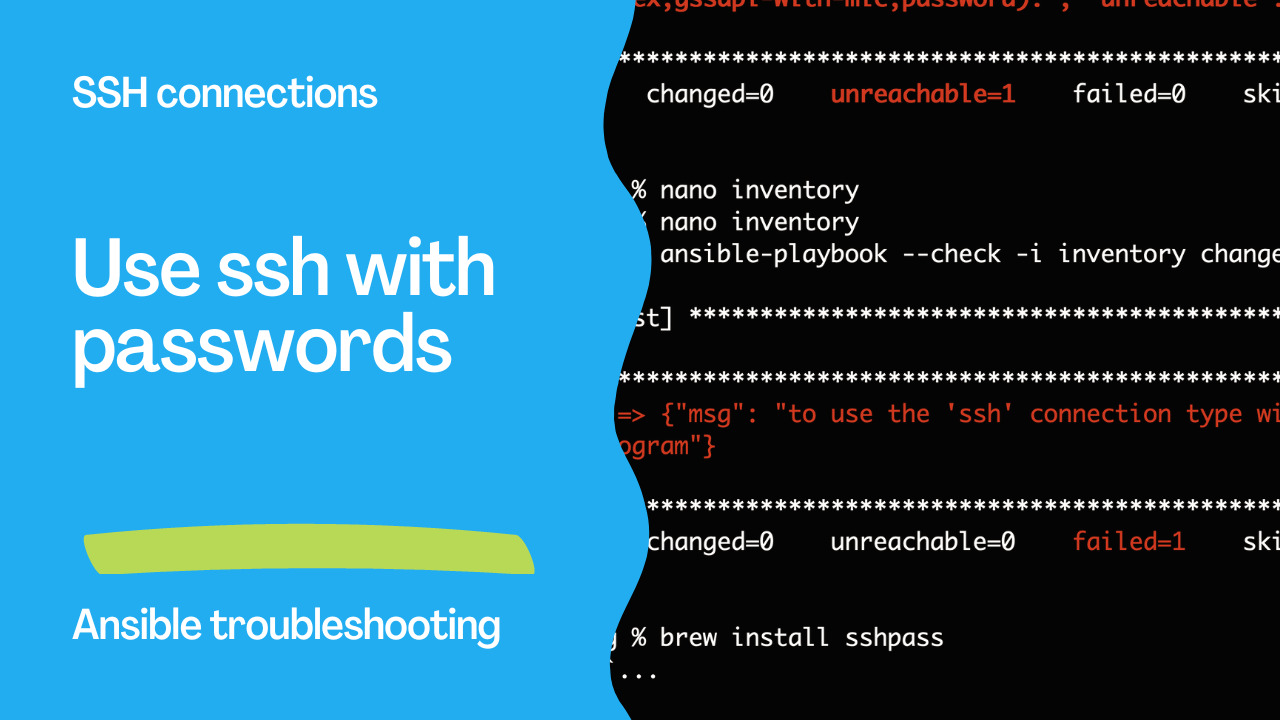
"to use the `ssh` connection type with passwords or pkcs11_provider, you must install the sshpass program"The error happens while using the SSH connection type with a password or a pkcs11_provider, it means that you need to install the sshpass program. In this article, we will discuss how to troubleshoot this error and get your Ansible playbook running smoothly.
See also: Ansible 'Failed to Connect via SSH localhost:22': Fix Guide
What is SSH Connection Type in Ansible?
Before we delve into the troubleshooting steps, let's first understand what the SSH connection type is in Ansible. The SSH connection type is the default method that Ansible uses to connect to remote hosts. It is based on the Secure Shell (SSH) protocol, which provides a secure way to access remote systems. When you use the SSH connection type, Ansible will connect to the remote host using the SSH client and run the necessary commands.
What is sshpass?
sshpass is a utility tool that allows you to pass the password to ssh command while executing it non-interactively. It is used to automate password authentication in SSH connections. sshpass can be used to pass the password to the ssh command via the standard input (stdin) stream.
See also: Ansible troubleshooting - Destination does not exist rc 257
Why do you need sshpass with Ansible?
sshpass is required because Ansible playbooks run non-interactively, but SSH normally expects interactive password prompts. sshpass bridges this gap by passing passwords to SSH without user interaction.
You need sshpass when:
- Using
ansible_ssh_passvariable or--ask-passflag for password authentication - Authenticating with pkcs11_provider credentials
- Running fully automated playbooks that cannot prompt for passwords
"to use the 'ssh' connection type with passwords or pkcs11_provider, you must install the sshpass program"
How to Fix: Install sshpass for SSH Password Authentication
If you encounter the "to use the ssh connection type with passwords or pkcs11_provider, you must install the sshpass program" error while using Ansible, here are the steps you can follow to troubleshoot the issue:
Step 1: Check if sshpass is installed on the remote system
The first step is to check if sshpass is installed on the remote system. You can do this by logging into the remote host and running the following command:
sshpass -VIf the command is not found, it means that sshpass is not installed. In this case, you need to install it.
Step 2: Install sshpass on the remote system
The next step is to install sshpass on the remote system. Depending on your operating system, you can use the appropriate package manager to install it. For example, if you are using Ubuntu or Debian, you can install it by running the following command:
sudo apt-get install sshpassIf you are using a different Linux distribution, you can use the corresponding package manager to install sshpass.
Step 3: Specify the path to sshpass in Ansible
Once sshpass is installed, you need to specify the path to the sshpass executable in your Ansible inventory or configuration file. For example, in your inventory file, you can specify the ansible_ssh_pass variable to provide the password for the SSH connection. If you have installed sshpass in a non-standard location, you can specify the path to the executable using the ansible_ssh_executable variable.
For example, in your inventory file, you can specify the ansible_ssh_pass variable to provide the password for the SSH connection. If you have installed sshpass in a non-standard location, you can specify the path to the executable using the 'ansible_ssh_executable' variable.
[servers]
host1 ansible_ssh_user=myuser ansible_ssh_pass=mypassword ansible_ssh_executable=/usr/local/bin/sshpass
In this example, sshpass is installed in the '/usr/local/bin' directory, and the 'ansible_ssh_executable' variable is set to point to the correct path.
See also: Ansible 'Connection failed' Error: Fix SSH & WinRM Issues (Guide)
Conclusion
Ansible users may receive an error message when trying to use the ssh connection type in Ansible, indicating that the sshpass program needs to be installed. sshpass allows users to pass a password to the SSH command while running it non-interactively. To troubleshoot this issue, Ansible users can first check if sshpass is installed on the remote system, then install it if it isn't, and finally specify the path to sshpass in Ansible.
The Error
fatal: [host]: FAILED! => {"msg": "to use the 'ssh' connection type with passwords, you must install the sshpass program"}Install sshpass
# Ubuntu/Debian
sudo apt install sshpass

# RHEL/CentOS/Rocky
sudo dnf install sshpass

# macOS
brew install sshpass
# Or: brew install hudochenkov/sshpass/sshpass

# Verify
which sshpass
Use Password Authentication
# Prompt for password
ansible-playbook site.yml --ask-pass
ansible-playbook site.yml -k

# With become password too
ansible-playbook site.yml -k -K
Set in Inventory
# inventory.yml
all:
  vars:
    ansible_user: deploy
    ansible_password: "{{ vault_ssh_password }}"
  hosts:
    web1: { ansible_host: 192.168.1.10 }
# Encrypt password with vault
ansible-vault encrypt_string 'MyPassword' --name 'vault_ssh_password'ansible.cfg Configuration
[defaults]
ask_pass = true
# Or
remote_user = deploy

[ssh_connection]
# May need for older systems
ssh_args = -o PubkeyAuthentication=no
Migrate to SSH Keys (Recommended)
---
# bootstrap.yml — run ONCE with password auth
- hosts: all
  gather_facts: false
  vars:
    ansible_password: "{{ vault_initial_password }}"
  tasks:
    - name: Create deploy user
      user:
        name: deploy
        groups: sudo
        shell: /bin/bash
      become: true

    - name: Deploy SSH key
      authorized_key:
        user: deploy
        key: "{{ lookup('file', '~/.ssh/deploy_key.pub') }}"
      become: true

    - name: Enable passwordless sudo
      copy:
        content: "deploy ALL=(ALL) NOPASSWD: ALL\n"
        dest: /etc/sudoers.d/deploy
        mode: '0440'
        validate: 'visudo -cf %s'
      become: true
# Run once with password
ansible-playbook bootstrap.yml -k -K
# All future runs use key
ansible-playbook site.ymlPassword Per Host
# host_vars/legacy-server.yml
ansible_password: "{{ vault_legacy_password }}"
ansible_become_password: "{{ vault_legacy_sudo }}"

# host_vars/new-server.yml
ansible_ssh_private_key_file: ~/.ssh/deploy_key
Troubleshooting
| Error | Fix |
|---|---|
sshpass not installed | Install sshpass package |
Permission denied | Check username/password |
Host key verification failed | Set host_key_checking = false |
Connection timed out | Check network, firewall, SSH port |
Password not accepted | Verify with ssh user@host manually |
Security Considerations
# ALWAYS encrypt passwords
# NEVER put plaintext passwords in inventory

# Use vault
ansible_password: "{{ vault_ssh_pass }}"  # ✅

# NEVER do this
ansible_password: PlainTextBad123  # ❌
FAQ
Why are SSH keys preferred?
Keys are more secure (no password to intercept), don't require sshpass, and support automation without prompts.
sshpass on macOS won't install?
macOS Homebrew may not include sshpass by default. Use the tap: brew install hudochenkov/sshpass/sshpass
Can I use passwords with AWX/AAP?
Yes — AWX/AAP stores credentials securely and injects them at runtime.
Related Articles
Category: installation