Ansible-Lint Error loop-var-prefix: Fix Loop Variable Names
By Luca Berton · Published 2024-01-01 · Category: troubleshooting
Fix ansible-lint loop-var-prefix error. Use loop_control with loop_var to prefix loop variables and avoid variable conflicts in nested loops.
Introduction
When writing Ansible playbooks, it's important to maintain clarity and consistency in your code to ensure it's easy to understand and maintain. One common area where clarity can be improved is in handling loop variables, especially in nested loops. To address this, Ansible provides a rule called "loop-var-prefix" to help avoid conflicts and enforce clear variable naming in loops.
See also: Ansible troubleshooting - Error 102: No Jinja2 in 'when' Conditions
Why is Variable Naming Important in Loops?
In Ansible, loops are frequently used to iterate over lists of items and perform tasks. By default, Ansible uses the variable name "item" for loop iterations. While this is convenient, it can lead to ambiguity and confusion when you have nested loops or multiple loops in the same playbook.
To address this issue, the "loop-var-prefix" rule encourages users to define their loop variables explicitly, providing a more descriptive name. Additionally, it suggests that loop variables should have a prefix, which can be configured according to your preferences.
Configuring the Loop Variable Prefix
The "loop-var-prefix" rule allows you to configure the loop variable prefix to match your coding standards. You can change the default behavior by using a regular expression to enforce variable naming conventions. For instance, if you want the loop variable to start with "myrole_", you can set the rule in your .ansible-lint configuration like this:
# .ansible-lint
loop_var_prefix: "^(myrole_)"
With this configuration, loop variables should start with "myrole_" to ensure uniqueness and clarity.
See also: Ansible troubleshooting - Error 104: Deprecated Bare Vars
Identifying Problematic Code
The "loop-var-prefix" rule can produce two types of messages:
loop-var-prefix[missing]: This message suggests that you should replace any unsafe implicit "item" loop variable by addingloop_var:. It means that you haven't explicitly defined a loop variable for your task, and it's still using the default "item."
loop-var-prefix[wrong]: This message advises ensuring that the loop variable starts with the specified prefix, as defined in the regular expression. If the loop variable doesn't match the prefix, it suggests correcting the variable name.
Problematic Code and Correct Code Examples
Let's look at some examples to understand how to use the "loop-var-prefix" rule correctly:
Problematic Code
---
- name: Example playbook
  hosts: all
  tasks:
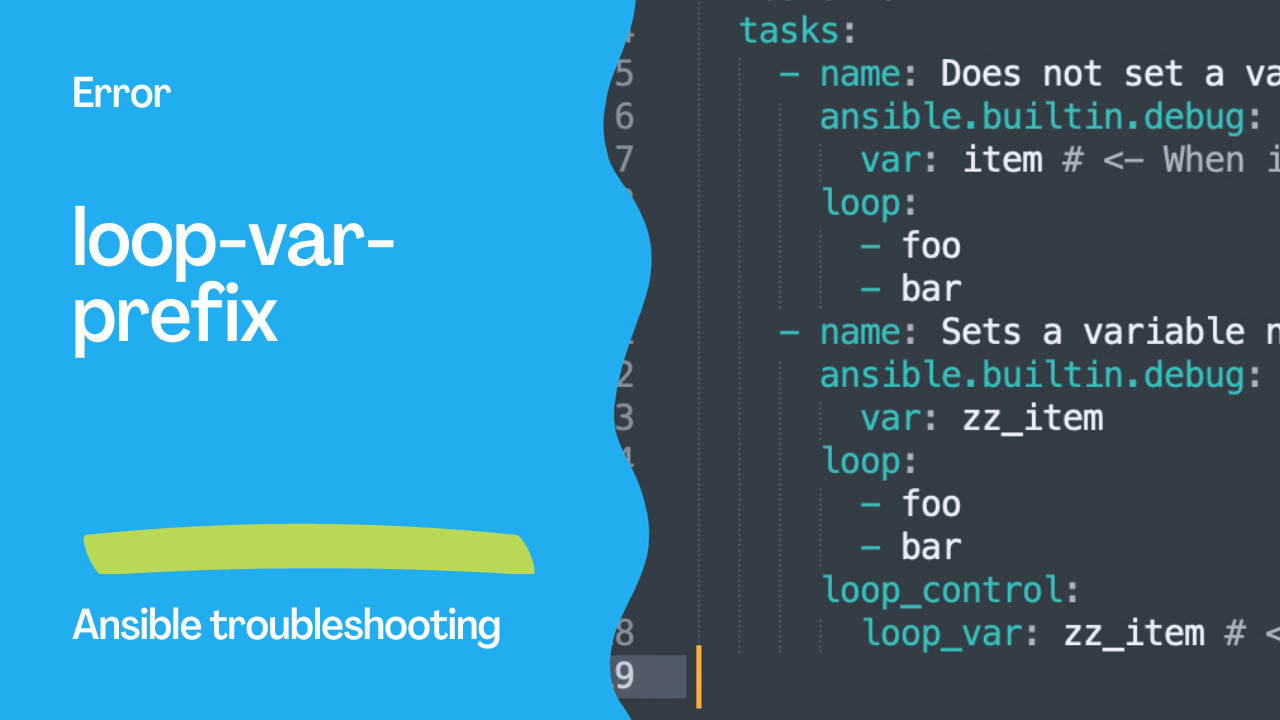
    - name: Does not set a variable name for loop variables.
      ansible.builtin.debug:
        var: item # <- When in a nested loop, "item" is ambiguous
      loop:
        - foo
        - bar
    - name: Sets a variable name that doesn't start with <loop_var_prefix>.
      ansible.builtin.debug:
        var: zz_item
      loop:
        - foo
        - bar
      loop_control:
        loop_var: zz_item # <- zz is not the role name so the prefix is wrong
Correct Code
---
- name: Example playbook
  hosts: all
  tasks:
    - name: Sets a unique variable_name with role as prefix for loop variables.
      ansible.builtin.debug:
        var: myrole_item
      loop:
        - foo
        - bar
      loop_control:
        loop_var: myrole_item # <- Unique variable name with role as prefix
In the "Problematic Code" section, we see that the first task doesn't explicitly set a variable name for loop variables, and it uses the default "item," which can be ambiguous, especially in nested loops. The second task sets a variable name, but it doesn't follow the loop variable prefix defined in the configuration.
In the "Correct Code" section, we've improved the code by explicitly defining a unique variable name for loop variables and using a prefix that adheres to the loop_var_prefix configuration. This ensures clarity and avoids potential conflicts, especially in complex playbooks with multiple loops.
By following the "loop-var-prefix" rule, you can enhance the readability and maintainability of your Ansible playbooks, making it easier for you and your team to understand and manage your automation tasks.
Conclusion
In conclusion, maintaining consistent and clear code in your Ansible playbooks is crucial for ensuring efficient automation, reducing errors, and making your code more accessible to your team. The "loop-var-prefix" rule is an essential tool that helps you achieve these goals by enforcing a systematic approach to naming loop variables.
By explicitly defining loop variables and adhering to a naming convention with prefixes, you can avoid conflicts and ambiguities, especially in cases of nested loops. It also makes your code more intuitive, making it easier for others to understand and modify.
Configuring the loop variable prefix according to your team's preferences allows you to maintain consistency in your playbooks, ensuring that loop variables are named in a way that suits your specific use cases. The "loop-var-prefix" rule provides feedback on problematic code and encourages you to adopt best practices for variable naming.
In the world of IT automation, where precision and readability are paramount, adhering to the "loop-var-prefix" rule is a fundamental step toward producing high-quality Ansible playbooks. It empowers you to write more maintainable, error-free automation scripts, ultimately saving time and resources while ensuring the success of your automation projects.
See also: Ansible troubleshooting - Error 105: Deprecated Module Usage
The Error
loop-var-prefix: Role loop variable 'item' should use prefix.Quick Fix
# WRONG — uses default 'item'
- user:
    name: "{{ item }}"
  loop: [alice, bob]

# CORRECT — prefixed loop variable
- user:
    name: "{{ user_item }}"
  loop: [alice, bob]
  loop_control:
    loop_var: user_item
Why This Rule Exists
In nested loops or included roles, the default item variable gets overwritten:
# DANGEROUS — nested loops overwrite 'item'
- include_tasks: create-user.yml
  loop: [alice, bob]
  # Inside create-user.yml, 'item' is alice/bob

# create-user.yml:
- file:
    path: "/home/{{ item }}/{{ item }}"  # Which 'item'?
  loop: [.ssh, .config]
  # Inner loop overwrites outer 'item'!
Proper Nested Loops
# Outer loop
- include_tasks: create-user.yml
  loop: [alice, bob]
  loop_control:
    loop_var: outer_user

# create-user.yml:
- file:
    path: "/home/{{ outer_user }}/{{ inner_dir }}"
    state: directory
  loop: [.ssh, .config]
  loop_control:
    loop_var: inner_dir
Role-Level Convention
# roles/webserver/tasks/main.yml
- template:
    src: "{{ webserver_vhost.name }}.conf.j2"
    dest: "/etc/nginx/sites-available/{{ webserver_vhost.name }}"
  loop: "{{ virtual_hosts }}"
  loop_control:
    loop_var: webserver_vhost  # Prefixed with role name
Extended Loop Control
- debug:
    msg: "{{ idx }}: {{ server.name }}"
  loop: "{{ servers }}"
  loop_control:
    loop_var: server
    index_var: idx           # Loop index
    label: "{{ server.name }}" # Short output label
    pause: 1                  # Seconds between iterations
Configure the Rule
# .ansible-lint
loop_var_prefix: "^(__|{role}_)"
# Allows __item or rolename_item

# Or skip the rule
skip_list:
  - loop-var-prefix
FAQ
Do I need loop_var for simple playbooks?
Not strictly — it's most important in roles and included tasks where variable collision is a real risk. ansible-lint enforces it as a best practice everywhere.
What prefix should I use?
Convention: {role_name}_{descriptive_name} for roles, __{name} for tasks. Example: webserver_vhost, __user.
Does this affect with_items?
with_items always uses item. Migrate to loop + loop_control for proper variable naming.
Related Articles
Category: troubleshooting