Ansible run_once: Execute Task on Single Host (Complete Guide)
By Luca Berton · Published 2024-01-01 · Category: database-automation
How to use Ansible run_once to execute tasks on a single host. Database migrations, token generation, delegation patterns, and common pitfalls explained.
Introduction
Ansible is a powerful automation tool that makes managing IT infrastructure easier. One of its lesser-known but highly useful directives is “run_once.” While using it at the play level might seem unremarkable, its true potentials reveals itself when employed within a task. Let’s explore the wonders of run_once and how it can simplify complex automation scenarios.See also: Ansible Write to File: Variable Content with copy & template Modules
Play Level
At the play level, usingrun_once is equivalent to changing the host selection. Instead of specifying hosts as "foo” you’d use “foo[0]”. This makes it convenient for directing tasks to a specific host but doesn’t necessarily elicit much excitement.
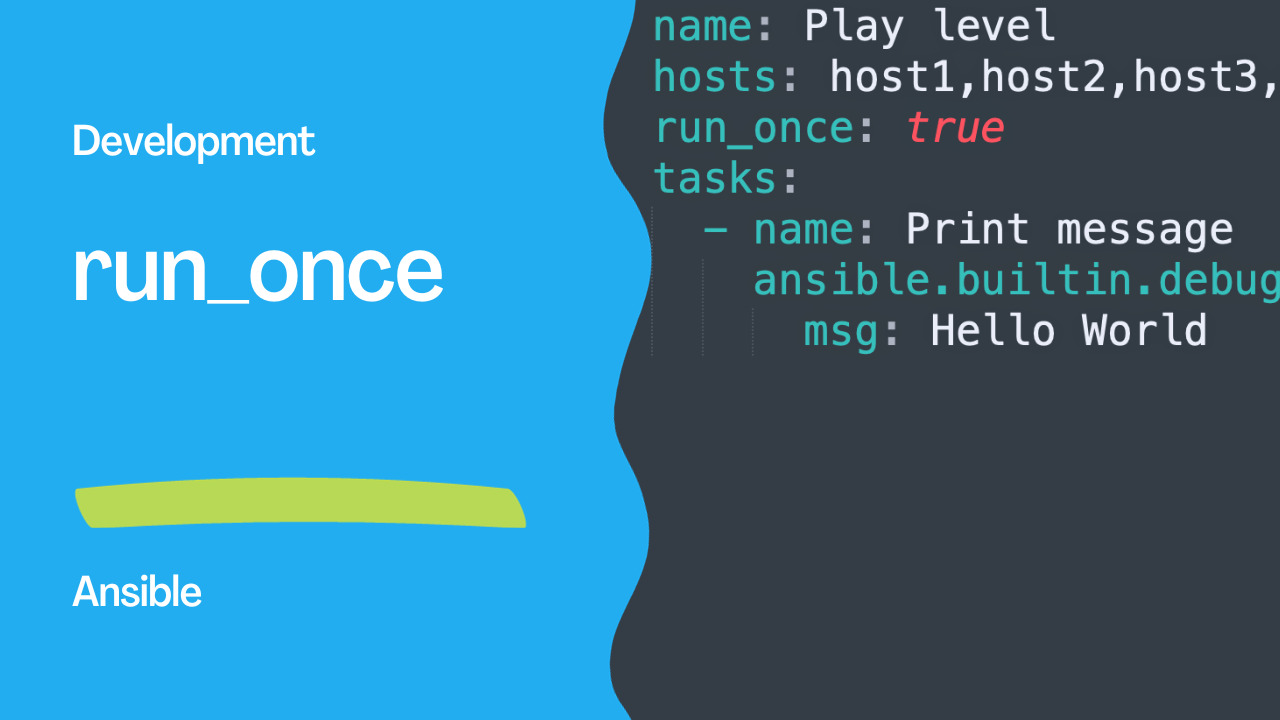
- name: Play level
  hosts: host1,host2,host3,host4,host5,host6,host7
  run_once: true
  tasks:
    - name: Print message
      ansible.builtin.debug:
        msg: Hello World
However, the real enchantment occurs when you use run_once within a task. When you do this, tasks with run_once are executed on a single host, typically the first host in the runlist. This simple feature allows for intricate choreography. For instance, you can send a command to a cluster only once, even if there are multiple equally available hosts in the cluster group. Furthermore, with the ability to continue executing playbooks even when some hosts are unavailable, you can ensure your command reaches the first available node in the cluster. It’s very useful in its utility.
Task Level
What happens when you combine run_once with the “register” directive? You might wonder if the variable for hosts where the command wasn’t run remains undefined or contains some “skipped” message, as can occur with other combinations of directives like “when” and “register.”
In this case, Ansible behaves in the best way imaginable. The registered variable is created for all hosts in the runlist, even if the task was executed on a single host. When you combine it with delegation, it becomes even more elegant.
One of the best applications of this feature is in gathering “pseudo-facts.” For example:
- name: Get data
ansible.builtin.command: data get
run_once: true
register: data
Previously, you might have added this to the play without concerns. While it’s slightly inefficient, it’s concise and straightforward. Now, it becomes a real trick that dramatically reduces the number of calls to the delegated host.
See also: Add Secondary Groups to Linux Users with Ansible Playbook
Pseudo-facts
Imagine a playbook with multiple hosts, and you want to set a fact using run_once:
- name: Pseudo-facts playbook
hosts: host1,host2,host3,host4,host5,host6,host7
tasks:
- name: Set fact
run_once: true
ansible.builtin.set_fact:
foo: 42
- name: Print the fast
ansible.builtin.debug:
var: foo
What do you think will happen to “foo” for all hosts in the play? It’s not just magic; it’s sheer brilliance. All hosts will have “
foo: 42”. The primary difference from a version lacking run_once is the reduction in output. This feature is especially valuable when working with loops and other complex automation constructs, making it a fantastic way to streamline your Ansible playbooks.
Conclusion
In conclusion, the “run_once” directive in Ansible might seem simple at first, but it holds incredible power. Whether you want to send a command to a single host in a group, efficiently gather “pseudo-facts,” or streamline your playbook output, run_once is a wonderful tool that every Ansible user should be aware of. It Playbooknstrates how the simplest features can bring about the most powerful automation results.
See also: Ansible Linux Users and Groups: Complete Management Guide (Examples)
Basic run_once
- name: Run database migration (once only)
ansible.builtin.command: /opt/app/migrate.sh
run_once: true
# Runs on the first host in the play's host list
run_once with delegate_to
- name: Create database (on db server, once)
community.postgresql.postgresql_db:
name: myapp
state: present
run_once: true
delegate_to: "{{ groups['dbservers'][0] }}"
Common Use Cases
Database migration
- hosts: webservers
serial: 1
tasks:
- name: Run migration once before deploying
command: python manage.py migrate --noinput
args:
chdir: /opt/myapp
run_once: true
- name: Deploy application
git:
repo: https://github.com/myorg/app
dest: /opt/myapp
version: "{{ app_version }}"
- name: Restart app
service: name=myapp state=restarted
become: true
Cluster initialization
- name: Initialize cluster on first node
command: /opt/cluster/init.sh
run_once: true
register: cluster_init
- name: Join cluster on remaining nodes
command: "/opt/cluster/join.sh {{ cluster_init.stdout }}"
when: not ansible_play_hosts[0] == inventory_hostname
Generate shared secret
- name: Generate shared token
command: openssl rand -hex 32
register: cluster_token
run_once: true
delegate_to: localhost
- name: Deploy token to all nodes
copy:
content: "{{ cluster_token.stdout }}"
dest: /etc/cluster/token
mode: '0600'
become: true
Download artifact once
- name: Download release (once)
get_url:
url: "https://releases.example.com/app-{{ version }}.tar.gz"
dest: /tmp/app.tar.gz
run_once: true
delegate_to: localhost
- name: Deploy to all servers
copy:
src: /tmp/app.tar.gz
dest: /opt/app.tar.gz
run_once Behavior
| Aspect | Behavior |
|--------|----------|
| Which host? | First in
ansible_play_hosts |
| Registered vars? | Available on ALL hosts |
| With serial? | Runs once per batch |
| With delegate_to? | Runs on delegated host |
| With when? | Condition evaluated on first host |
run_once with serial
# WARNING: run_once runs once PER BATCH when serial is used
- hosts: webservers
serial: 3 # run_once fires 3 times (once per batch)
tasks:
- debug: msg="This runs once per batch"
run_once: true
FAQ
Does run_once skip the task on other hosts?
The task executes only on the first host, but registered variables are available on all hosts in the play.
run_once vs delegate_to?
run_once controls how many times. delegate_to controls where. Combine them: run_once: true + delegate_to: specific-host.
How do I run on a specific host, not the first?
- command: /opt/init.sh
when: inventory_hostname == 'primary-node'
Or use
delegate_to with run_once.
Basic run_once
- name: Run database migration once
command: /opt/myapp/migrate.sh
run_once: true
become: true
# Runs on the FIRST host in the play, skips the rest
run_once + delegate_to
# Run on a specific host, not just the first
- name: Create database schema
command: psql -f /opt/schema.sql
run_once: true
delegate_to: db-primary
become: true
become_user: postgres
Common Use Cases
Database Migrations
- name: Apply migration
command: /opt/myapp/manage.py migrate --noinput
run_once: true
delegate_to: "{{ groups['webservers'][0] }}"
Generate Shared Token
- name: Generate cluster token
command: kubeadm token create --print-join-command
run_once: true
register: join_command
delegate_to: "{{ groups['masters'][0] }}"
# All hosts can access the registered variable
- name: Join cluster
command: "{{ join_command.stdout }}"
when: inventory_hostname not in groups['masters']
Download Once, Distribute
- name: Download artifact
get_url:
url: "https://releases.example.com/app-{{ version }}.tar.gz"
dest: /tmp/app.tar.gz
run_once: true
delegate_to: localhost
- name: Copy to all hosts
copy:
src: /tmp/app.tar.gz
dest: /opt/releases/app.tar.gz
Send Notification Once
- name: Notify Slack
uri:
url: "{{ slack_webhook }}"
method: POST
body_format: json
body:
text: "Deploy {{ version }} complete on {{ ansible_play_hosts | length }} hosts"
run_once: true
delegate_to: localhost
run_once with serial
# WARNING: With serial, run_once executes per batch!
- hosts: webservers
serial: 5
tasks:
- command: /opt/migrate.sh
run_once: true
# Runs ONCE PER BATCH of 5, not once total!
# Fix: Use a separate play
- hosts: webservers[0]
tasks:
- command: /opt/migrate.sh
Registered Variables
# Registered vars from run_once are available on ALL hosts
- shell: date +%s
run_once: true
register: deploy_timestamp
- debug:
msg: "Deploy time: {{ deploy_timestamp.stdout }}"
# Works on every host, not just the first one
run_once vs when: inventory_hostname == ...
# run_once — simpler, auto-picks first host
- command: /opt/task.sh
run_once: true
# Explicit host — more control
- command: /opt/task.sh
when: inventory_hostname == groups['webservers'][0]
# Both achieve similar results; run_once is cleaner
FAQ
Which host does run_once pick?
The first host in the current play's host list (after inventory sorting and limits).
Does run_once work with handlers?
Yes, but the handler fires on every host that notified it. Use
run_once: true` on the handler too if needed.
Can I use run_once in roles?
Yes — it works in any task context (plays, roles, includes, blocks).
Related Articles
• rendering Jinja2 templates with Ansible • how Ansible become works under the hood • chdir option in Ansible command • iterating tasks with Ansible loopsCategory: database-automation