Installing JetPorch via Packages on macOS
By Luca Berton · Published 2024-01-01 · Category: installation
A Step-by-Step Guide to Installing JetPorch via Packages on macOS. Practical examples and step-by-step guidance on Installing JetPorch via Packages on macOS.
Introduction
JetPorch, or Jet Enterprise Professional Orchestrator or simply Jet, is a versatile and community-driven IT automation platform designed for configuration management, deployment, orchestration, patch management, and executing arbitrary workflows. Jet stands out for its simplicity, consistency, and speed, making it a powerful choice for managing IT infrastructure. This article will guide you through installing JetPorch on macOS using packages.Jet Features
Before diving into the installation process, let's briefly explore some of the key features that make JetPorch a compelling choice for IT professionals:- Language Simplicity: JetPorch places a strong emphasis on simplicity, consistency, and stability in its design and user interface, ensuring a minimal and clean aesthetic.
- Rust-Powered Parallel SSH: JetPorch leverages the speed and efficiency of Rust to offer extremely fast multithreaded parallel SSH capabilities, ensuring rapid execution of tasks.
- Multi-Worker Distributed SSH: Expected to be available in Q4 2023, JetPorch will introduce a multi-worker distributed SSH fanout, allowing for efficient task execution across multiple hosts. Additionally, true planetary-scale automation is planned for December 2023/January 2024.
- Enterprise Security and Audit Focus: Security is a top priority for JetPorch, ensuring that your automation processes are carried out with the highest level of safety and compliance.
- Friendly Documentation: JetPorch is committed to providing user-friendly and easy-to-read documentation, making it accessible to both newcomers and experienced users.
See also: JetPorch Automation Tech Preview One Release
Installing JetPorch via Packages
Now, let's walk through the steps to install JetPorch on your macOS system using packages.- Rust Packages:
$ brew install cargo-binstall
$ brew install rust
These commands will use the Homebrew package manager to install Cargo and Rust on your system, ensuring that you have the necessary tools for the installation.
- Install JetPorch:
$ cargo binstall jetpThis command will fetch the JetPorch executable and install it into your macOS system's ~/.cargo/bin directory.
- Verify Installation:
$ which jetp
$ jetp --version
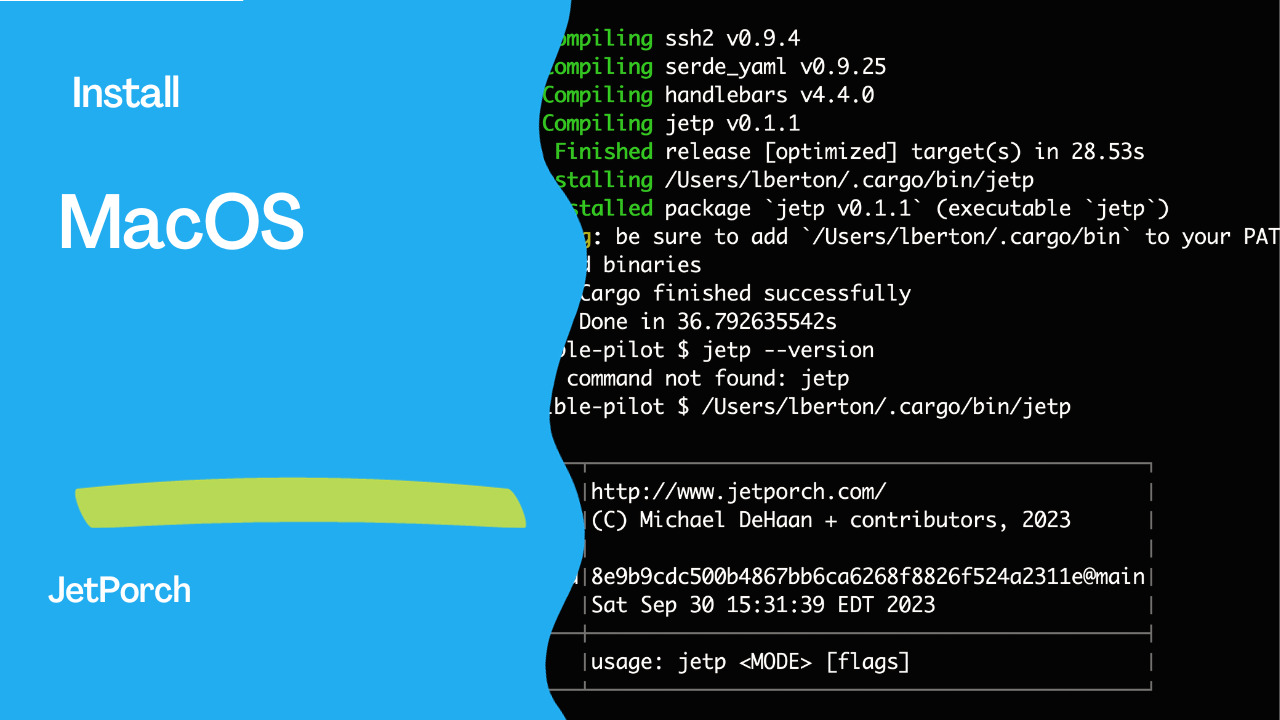
The first command will display the path to the JetPorch executable, confirming that it is installed. The second command will show you the installed JetPorch version, ensuring the installation succeeded. A successful installation outputs the following text
jetp --version

┌─────┬─────────────────────────────────────────────┐
│jetp │http://www.jetporch.com/                     │
│     │(C) Michael DeHaan + contributors, 2023      │
│     │                                             │
│build│8e9b9cdc500b4867bb6ca6268f8826f524a2311e@main│
│     │Sat Sep 30 15:31:39 EDT 2023                 │
├─────┼─────────────────────────────────────────────┤
│     │usage: jetp <MODE> [flags]                   │
└─────┴─────────────────────────────────────────────┘
Conclusion
JetPorch is a powerful IT automation platform with various features that simplify and streamline IT management tasks. Following the steps outlined in this article, you can easily install JetPorch on your macOS system using Rust packages, providing you with a robust tool to automate your IT workflows efficiently. Whether you're a seasoned IT professional or just starting with automation, JetPorch is a valuable addition to your toolkit.
See also: JetPorch: Rust automation like Ansible led by Michael DeHaan
Related Articles
Category: installation
Watch the video: Installing JetPorch via Packages on macOS — Video Tutorial