How to install Ansible in RedHat Enterprise Linux (RHEL) 9.1 - Ansible install
By Luca Berton · Published 2024-01-01 · Category: installation
How to install Ansible Core (ansible-core) in RedHat Enterprise Linux 9.1 included in the RHEL 9.1 AppStream repository.
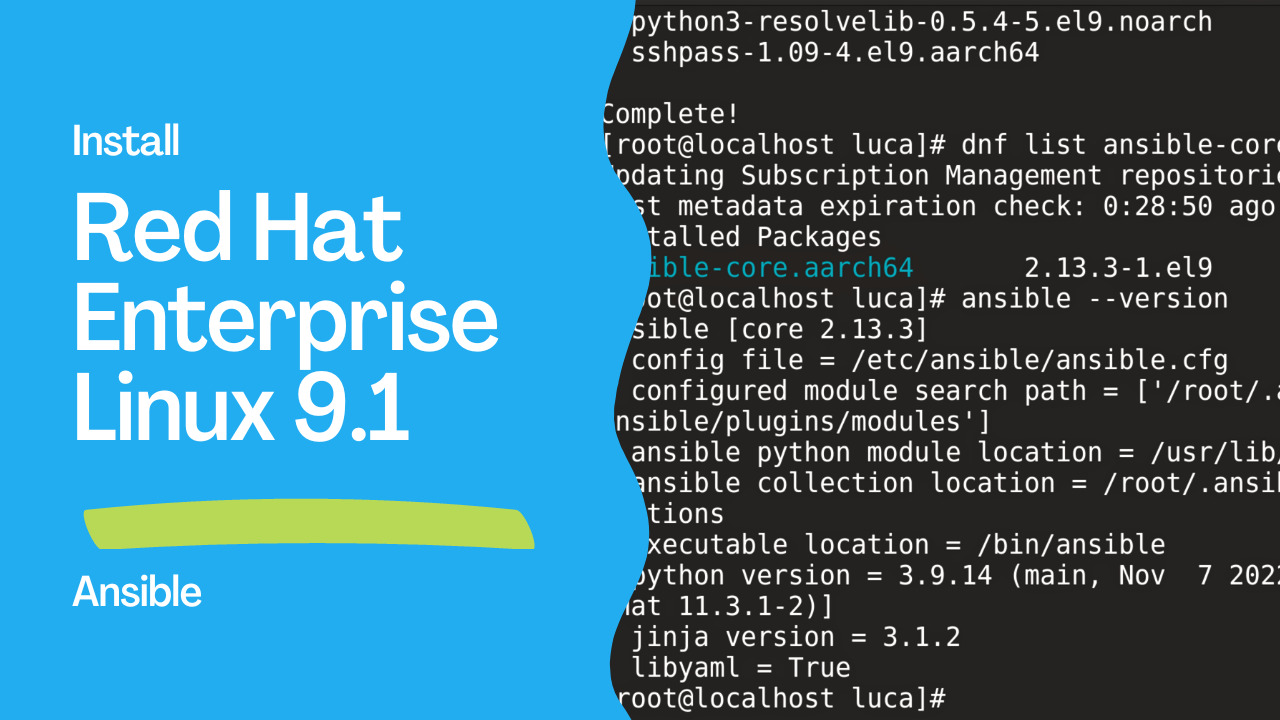
How to install Ansible in Red Hat Enterprise Linux version 9.1?
Today we're going to talk about the easier way to install and maintain up-to-date Ansible inside RHEL 9.1 with the distribution tools.
See also: Run RHEL 9.2 on Mac Using VMware Fusion: A Step-by-Step Guide
How to install Ansible in RHEL 9.1
- The Ansible Core package
ansible-coreincluded in the RHEL 9.1 AppStream repository
See also: Ansible terminology - ansible vs ansible-core packages.
Link
- Scope of support for the Ansible Core package included in the RHEL 9.1 AppStream
- Using Ansible in RHEL 9.1
## Playbook
Install latest Ansible-Core in RHEL 9.1.
code
- Install-Ansible-RHEL9.1.sh
#!/bin/bash
sudo dnf install ansible-core
execution
# dnf install ansible-core
Updating Subscription Management repositories.
Dependencies resolved.
=================================================================================
 Package            Arch    Version      Repository                         Size
=================================================================================
Installing:
 ansible-core       aarch64 2.13.3-1.el9 rhel-9-for-aarch64-appstream-rpms 2.7 M
Installing dependencies:
 git-core           aarch64 2.31.1-2.el9.2
                                         rhel-9-for-aarch64-appstream-rpms 3.7 M
 python3-cffi       aarch64 1.14.5-5.el9 rhel-9-for-aarch64-appstream-rpms 261 k
 python3-cryptography
                    aarch64 36.0.1-2.el9 rhel-9-for-aarch64-appstream-rpms 1.2 M
 python3-packaging  noarch  20.9-5.el9   rhel-9-for-aarch64-appstream-rpms  81 k
 python3-ply        noarch  3.11-14.el9  rhel-9-for-aarch64-appstream-rpms 111 k
 python3-pycparser  noarch  2.20-6.el9   rhel-9-for-aarch64-appstream-rpms 139 k
 python3-pyparsing  noarch  2.4.7-9.el9  rhel-9-for-aarch64-baseos-rpms    154 k
 python3-resolvelib noarch  0.5.4-5.el9  rhel-9-for-aarch64-appstream-rpms  38 k
 sshpass            aarch64 1.09-4.el9   rhel-9-for-aarch64-appstream-rpms  30 k

Transaction Summary
=================================================================================
Install  10 Packages

Total download size: 8.3 M
Installed size: 34 M
Is this ok [y/N]: y
Downloading Packages:
(1/10): python3-pyparsing-2.4.7-9.el9.noarch.rpm  87 kB/s | 154 kB     00:01
(2/10): python3-resolvelib-0.5.4-5.el9.noarch.rp  21 kB/s |  38 kB     00:01
(3/10): sshpass-1.09-4.el9.aarch64.rpm            66 kB/s |  30 kB     00:00
(4/10): python3-cffi-1.14.5-5.el9.aarch64.rpm    373 kB/s | 261 kB     00:00
(5/10): python3-ply-3.11-14.el9.noarch.rpm       271 kB/s | 111 kB     00:00
(6/10): python3-packaging-20.9-5.el9.noarch.rpm  100 kB/s |  81 kB     00:00
(7/10): python3-pycparser-2.20-6.el9.noarch.rpm  523 kB/s | 139 kB     00:00
(8/10): git-core-2.31.1-2.el9.2.aarch64.rpm      791 kB/s | 3.7 MB     00:04
(9/10): python3-cryptography-36.0.1-2.el9.aarch6 497 kB/s | 1.2 MB     00:02
(10/10): ansible-core-2.13.3-1.el9.aarch64.rpm   1.1 MB/s | 2.7 MB     00:02
---------------------------------------------------------------------------------
Total                                            1.5 MB/s | 8.3 MB     00:05
Running transaction check
Transaction check succeeded.
Running transaction test
Transaction test succeeded.
Running transaction
  Preparing        :                                                         1/1
  Installing       : python3-ply-3.11-14.el9.noarch                         1/10
  Installing       : python3-pycparser-2.20-6.el9.noarch                    2/10
  Installing       : python3-cffi-1.14.5-5.el9.aarch64                      3/10
  Installing       : python3-cryptography-36.0.1-2.el9.aarch64              4/10
  Installing       : sshpass-1.09-4.el9.aarch64                             5/10
  Installing       : python3-resolvelib-0.5.4-5.el9.noarch                  6/10
  Installing       : git-core-2.31.1-2.el9.2.aarch64                        7/10
  Installing       : python3-pyparsing-2.4.7-9.el9.noarch                   8/10
  Installing       : python3-packaging-20.9-5.el9.noarch                    9/10
  Installing       : ansible-core-2.13.3-1.el9.aarch64                     10/10
  Running scriptlet: ansible-core-2.13.3-1.el9.aarch64                     10/10
  Verifying        : python3-pyparsing-2.4.7-9.el9.noarch                   1/10
  Verifying        : git-core-2.31.1-2.el9.2.aarch64                        2/10
  Verifying        : python3-resolvelib-0.5.4-5.el9.noarch                  3/10
  Verifying        : sshpass-1.09-4.el9.aarch64                             4/10
  Verifying        : python3-cffi-1.14.5-5.el9.aarch64                      5/10
  Verifying        : python3-packaging-20.9-5.el9.noarch                    6/10
  Verifying        : python3-ply-3.11-14.el9.noarch                         7/10
  Verifying        : python3-pycparser-2.20-6.el9.noarch                    8/10
  Verifying        : python3-cryptography-36.0.1-2.el9.aarch64              9/10
  Verifying        : ansible-core-2.13.3-1.el9.aarch64                     10/10
Installed products updated.

Installed:
  ansible-core-2.13.3-1.el9.aarch64
  git-core-2.31.1-2.el9.2.aarch64
  python3-cffi-1.14.5-5.el9.aarch64
  python3-cryptography-36.0.1-2.el9.aarch64
  python3-packaging-20.9-5.el9.noarch
  python3-ply-3.11-14.el9.noarch
  python3-pycparser-2.20-6.el9.noarch
  python3-pyparsing-2.4.7-9.el9.noarch
  python3-resolvelib-0.5.4-5.el9.noarch
  sshpass-1.09-4.el9.aarch64

Complete!
[root@localhost ~]# dnf list ansible-core
Updating Subscription Management repositories.
Installed Packages
ansible-core.aarch64       2.13.3-1.el9        @rhel-9-for-aarch64-appstream-rpms
[root@localhost ~]# ansible --version
ansible [core 2.13.3]
  config file = /etc/ansible/ansible.cfg
  configured module search path = ['/root/.ansible/plugins/modules', '/usr/share/ansible/plugins/modules']
  ansible python module location = /usr/lib/python3.9/site-packages/ansible
  ansible collection location = /root/.ansible/collections:/usr/share/ansible/collections
  executable location = /bin/ansible
  python version = 3.9.14 (main, Nov  7 2022, 00:00:00) [GCC 11.3.1 20220421 (Red Hat 11.3.1-2)]
  jinja version = 3.1.2
  libyaml = True
before execution
# dnf list ansible-core
Updating Subscription Management repositories.
Available Packages
ansible-core.aarch64        2.13.3-1.el9        rhel-9-for-aarch64-appstream-rpms
# dnf info ansible-core
Updating Subscription Management repositories.
Available Packages
Name         : ansible-core
Version      : 2.13.3
Release      : 1.el9
Architecture : aarch64
Size         : 2.7 M
Source       : ansible-core-2.13.3-1.el9.src.rpm
Repository   : rhel-9-for-aarch64-appstream-rpms
Summary      : SSH-based configuration management, deployment, and task execution
             : system
URL          : http://ansible.com
License      : GPLv3+
Description  : Ansible is a radically simple model-driven configuration
             : management, multi-node deployment, and remote task execution
             : system. Ansible works over SSH and does not require any software
             : or daemons to be installed on remote nodes. Extension modules can
             : be written in any language and are transferred to managed machines
             : automatically.
after execution
# dnf list ansible-core
Updating Subscription Management repositories.
Installed Packages
ansible-core.aarch64       2.13.3-1.el9        @rhel-9-for-aarch64-appstream-rpms
# dnf info ansible-core
Updating Subscription Management repositories.
Installed Packages
Name         : ansible-core
Version      : 2.13.3
Release      : 1.el9
Architecture : aarch64
Size         : 11 M
Source       : ansible-core-2.13.3-1.el9.src.rpm
Repository   : @System
From repo    : rhel-9-for-aarch64-appstream-rpms
Summary      : SSH-based configuration management, deployment, and task execution
             : system
URL          : http://ansible.com
License      : GPLv3+
Description  : Ansible is a radically simple model-driven configuration
             : management, multi-node deployment, and remote task execution
             : system. Ansible works over SSH and does not require any software
             : or daemons to be installed on remote nodes. Extension modules can
             : be written in any language and are transferred to managed machines
             : automatically.

# ansible --version
ansible [core 2.13.3]
  config file = /etc/ansible/ansible.cfg
  configured module search path = ['/root/.ansible/plugins/modules', '/usr/share/ansible/plugins/modules']
  ansible python module location = /usr/lib/python3.9/site-packages/ansible
  ansible collection location = /root/.ansible/collections:/usr/share/ansible/collections
  executable location = /bin/ansible
  python version = 3.9.14 (main, Nov  7 2022, 00:00:00) [GCC 11.3.1 20220421 (Red Hat 11.3.1-2)]
  jinja version = 3.1.2
libyaml = TrueSee also: How to install Ansible in RedHat Enterprise Linux (RHEL) 9 Beta - Ansible install
Conclusion
Now you know how to install the latest version of Ansible Core in RHEL9.1.Related Articles
Category: installation
Watch the video: How to install Ansible in RedHat Enterprise Linux (RHEL) 9.1 - Ansible install — Video Tutorial