How to install Ansible in Fedora 39 - Ansible install
By Luca Berton · Published 2024-01-01 · Category: installation
Learn how to install Ansible on Fedora 39 efficiently using dnf, ensuring your system is ready for automation tasks with the latest versions of ansible-core.
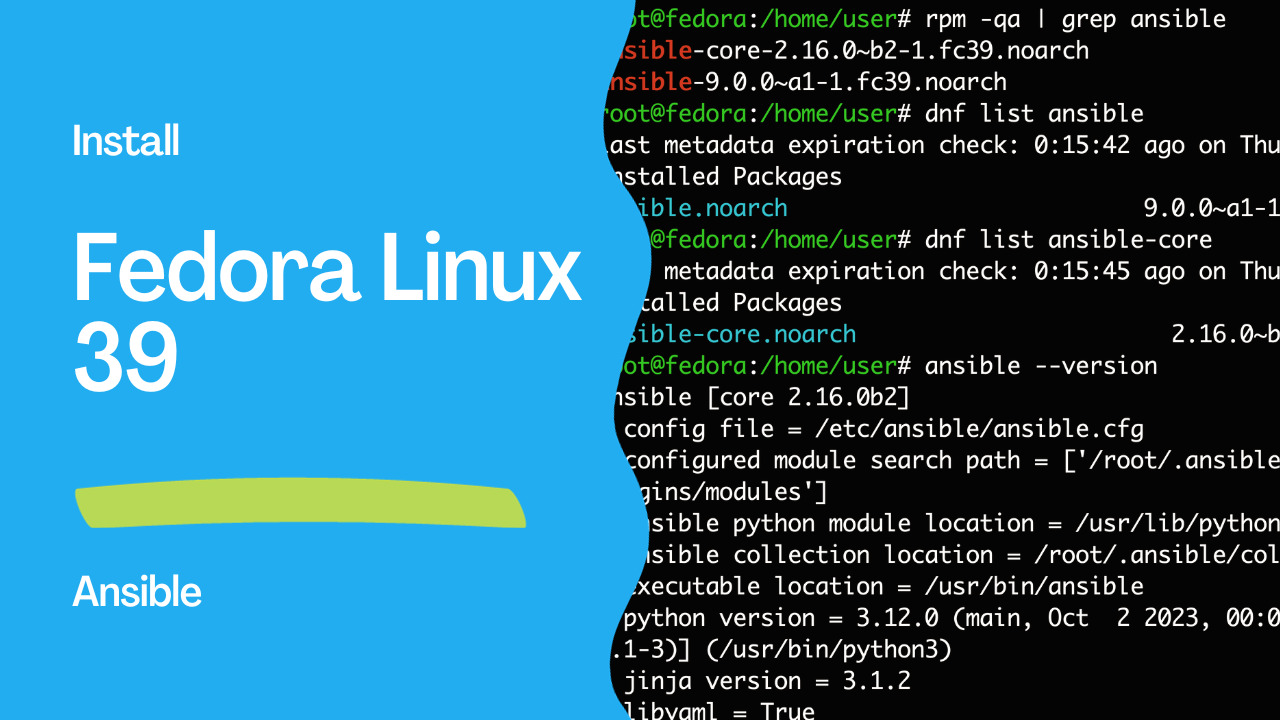
Introduction
Ansible is a powerful open-source automation tool that simplifies the configuration management, application deployment, and task automation processes. In this guide, we will walk through the steps to install Ansible on a Fedora 39 system.
At the moment the following versions are available for ansible-core 2.16.0 and ansible 9.0.0.
See also: Ansible terminology - ansible vs ansible-core packages.
See also: How to Run Linux Fedora Workstation 39 on an Apple Mac
Prerequisites
Before you begin, make sure you have:
- Access to a Fedora 39 system.
sudoorrootprivileges on the system.
Installation Steps
1. Update the System
Ensure your system is up to date by running the following commands:
sudo dnf update2. Check Ansible Availability
Verify if Ansible is already installed by running:
ansible --versionIf Ansible is not installed, the command will return bash: ansible: command not found.
bash: ansible: command not found...
Install package 'ansible-core' to provide command 'ansible'? [N/y]
3. Install Ansible
To install Ansible, run the following command:
sudo dnf install ansibleYou may be prompted to confirm the installation. Type 'y' and press Enter.
Dependencies resolved.
=========================================================================================
 Package                   Architecture   Version                   Repository      Size
=========================================================================================
Installing:
 ansible                   noarch         9.0.0~a1-1.fc39           fedora          47 M
Installing dependencies:
 ansible-core              noarch         2.16.0~b2-1.fc39          fedora         3.7 M
 libdnf5                   aarch64        5.1.5-1.fc39              updates        818 k
 python3-jinja2            noarch         3.1.2-5.fc39              fedora         506 k
 python3-resolvelib        noarch         0.5.5-9.fc39              fedora          42 k
Installing weak dependencies:
 python3-libdnf5           aarch64        5.1.5-1.fc39              updates        1.3 M

Transaction Summary
=========================================================================================
Install  6 Packages

Total download size: 53 M
Installed size: 460 M
Is this ok [y/N]: y
Downloading Packages:
(1/6): python3-jinja2-3.1.2-5.fc39.noarch.rpm            1.2 MB/s | 506 kB     00:00
(2/6): python3-resolvelib-0.5.5-9.fc39.noarch.rpm        1.2 MB/s |  42 kB     00:00
(3/6): ansible-core-2.16.0~b2-1.fc39.noarch.rpm          3.2 MB/s | 3.7 MB     00:01
(4/6): python3-libdnf5-5.1.5-1.fc39.aarch64.rpm          2.0 MB/s | 1.3 MB     00:00
(5/6): libdnf5-5.1.5-1.fc39.aarch64.rpm                  189 kB/s | 818 kB     00:04
(6/6): ansible-9.0.0~a1-1.fc39.noarch.rpm                321 kB/s |  47 MB     02:30
-----------------------------------------------------------------------------------------
Total                                                    361 kB/s |  53 MB     02:31
Fedora 39 - aarch64                                      1.6 MB/s | 1.6 kB     00:00
Importing GPG key 0x18B8E74C:
 Userid     : "Fedora (39) <fedora-39-primary@fedoraproject.org>"
 Fingerprint: E8F2 3996 F232 1864 0CB4 4CBE 75CF 5AC4 18B8 E74C
 From       : /etc/pki/rpm-gpg/RPM-GPG-KEY-fedora-39-aarch64
Is this ok [y/N]: y
Key imported successfully
Running transaction check
Transaction check succeeded.
Running transaction test
Transaction test succeeded.
Running transaction
  Preparing        :                                                                 1/1
  Installing       : libdnf5-5.1.5-1.fc39.aarch64                                    1/6
  Installing       : python3-libdnf5-5.1.5-1.fc39.aarch64                            2/6
  Installing       : python3-resolvelib-0.5.5-9.fc39.noarch                          3/6
  Installing       : python3-jinja2-3.1.2-5.fc39.noarch                              4/6
  Installing       : ansible-core-2.16.0~b2-1.fc39.noarch                            5/6
  Installing       : ansible-9.0.0~a1-1.fc39.noarch                                  6/6
  Running scriptlet: ansible-9.0.0~a1-1.fc39.noarch                                  6/6
  Verifying        : ansible-9.0.0~a1-1.fc39.noarch                                  1/6
  Verifying        : ansible-core-2.16.0~b2-1.fc39.noarch                            2/6
  Verifying        : python3-jinja2-3.1.2-5.fc39.noarch                              3/6
  Verifying        : python3-resolvelib-0.5.5-9.fc39.noarch                          4/6
  Verifying        : libdnf5-5.1.5-1.fc39.aarch64                                    5/6
  Verifying        : python3-libdnf5-5.1.5-1.fc39.aarch64                            6/6

Installed:
  ansible-9.0.0~a1-1.fc39.noarch             ansible-core-2.16.0~b2-1.fc39.noarch
  libdnf5-5.1.5-1.fc39.aarch64               python3-jinja2-3.1.2-5.fc39.noarch
  python3-libdnf5-5.1.5-1.fc39.aarch64       python3-resolvelib-0.5.5-9.fc39.noarch

Complete!
4. Verify Ansible Installation
After the installation is complete, run the following command to verify the installation:
ansible --versionThis command should now display information about the installed Ansible version.
ansible [core 2.16.0b2]
  config file = /etc/ansible/ansible.cfg
  configured module search path = ['/root/.ansible/plugins/modules', '/usr/share/ansible/plugins/modules']
  ansible python module location = /usr/lib/python3.12/site-packages/ansible
  ansible collection location = /root/.ansible/collections:/usr/share/ansible/collections
  executable location = /usr/bin/ansible
  python version = 3.12.0 (main, Oct  2 2023, 00:00:00) [GCC 13.2.1 20230918 (Red Hat 13.2.1-3)] (/usr/bin/python3)
  jinja version = 3.1.2
  libyaml = True
See also: How to install Ansible in Fedora 34 - Ansible install
Additional Information
Verify Installed
To verify the installed Ansible package, you can use the following command:
sudo dnf list ansibleThe output show the exact version in your system.
Installed Packages
ansible.noarch                          9.0.0~a1-1.fc39                           @fedora
To verify the installed Ansible Core package, you can use the following command:
dnf list ansible-coreOutput
Installed Packages
ansible-core.noarch                       2.16.0~b2-1.fc39                        @fedora
Updating Ansible
To update Ansible in the future, you can use the following command:
sudo dnf update ansibleChecking Available Ansible Versions
You can check for available Ansible versions using the following command:
dnf list available ansibleImportant Note
Ansible may prompt you to confirm the authenticity of the host when connecting via SSH for the first time. Ensure that you trust the host before proceeding.
Now you have successfully installed Ansible on your Fedora 39 system. You can leverage Ansible for automating various tasks and managing configurations efficiently. Happy automation!
Links
Conclusion
In conclusion, installing Ansible on Fedora 39 is a straightforward process that enhances your system's capabilities for automation and configuration management. Ansible's versatility and simplicity make it a valuable tool for system administrators and developers alike. By following the steps outlined in this guide, you've successfully set up Ansible on your Fedora 39 system, empowering you to streamline tasks and automate processes efficiently.
As you explore Ansible further, consider exploring its extensive documentation and community resources to unlock its full potential. Whether you're managing a single server or orchestrating complex infrastructure, Ansible provides a robust platform for automation that can save time and reduce manual intervention.
With Ansible now at your disposal, you're well-equipped to tackle a wide range of automation challenges, from simple tasks to complex configurations. Embrace the power of automation and enjoy the benefits of a more efficient and manageable system. Happy automating!
See also: How to install Ansible in Fedora 35 - Ansible install
Related Articles
Category: installation
Watch the video: How to install Ansible in Fedora 39 - Ansible install — Video Tutorial