Ansible Extra Vars: Pass Variables from CLI as JSON (Examples)
By Luca Berton · Published 2024-01-01 · Category: troubleshooting
How to pass extra vars to Ansible playbooks from the command line. Define extra-vars as JSON strings, files, dictionaries and lists.
Introduction
In the realm of Ansible automation, managing variables effectively can save time and reduce errors. A lesser-known but powerful feature is using JSON files with the --extra-vars option to pass parameters to your playbooks. This approach is particularly handy when testing multiple parameters without altering global configurations, such as those stored in group_vars or host_vars.
This article explains how to define --extra-vars as JSON, streamlining your workflow and maintaining version control hygiene.
---
See also: Ansible Extract JSON Data: Parse & Query JSON (Complete Guide)
The Basics: --extra-vars
Ansible allows variables to be overridden on the command line using the --extra-vars option. The most common method is passing a space-separated list of key=value pairs. However, for extensive variables, this can become unwieldy and error-prone. JSON files provide a clean and structured alternative.
---
Example Playbook
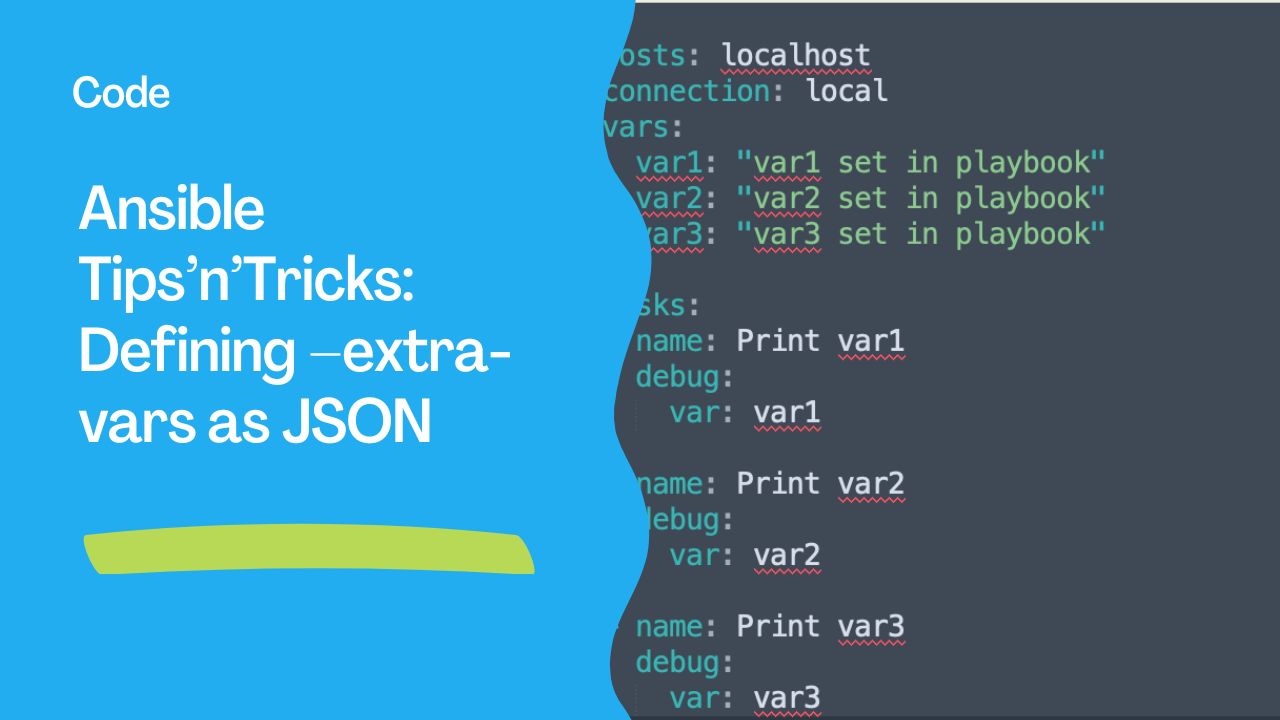
Consider the following simple playbook, main.yml:
---
- hosts: localhost
  connection: local
  vars:
    var1: "var1 set in playbook"
    var2: "var2 set in playbook"
    var3: "var3 set in playbook"

  tasks:
  - name: Print var1
    debug:
      var: var1

  - name: Print var2
    debug:
      var: var2

  - name: Print var3
    debug:
      var: var3
When executed, the variables output their default values:
$ ansible-playbook -i localhost, -v main.yml---
See also: Ansible JSON Query: Search & Extract Data with json_query
Overriding Variables
To override variables, use --extra-vars:
$ ansible-playbook -i localhost, -v main.yml --extra-vars "var2='new value' var3='another new value'"The output reflects the overridden values. However, this method becomes cumbersome with many variables.
---
Using JSON for --extra-vars
Instead of typing variables inline, create a JSON file, params.json:
{
  "var1": "value from JSON",
  "var2": "another value from JSON",
  "var3": "final value from JSON"
}
Run the playbook with:
$ ansible-playbook -i localhost, -v main.yml --extra-vars "@params.json"Here, @params.json tells Ansible to load the variables from the specified file.
Output Example
The playbook uses the values defined in params.json, ensuring consistency and readability:
TASK [Print var1] ********************************
ok: [localhost] => {
    "var1": "value from JSON"
}
---
See also: Ansible from_json & to_json Filters: Parse & Convert JSON (Guide)
Advantages of JSON --extra-vars
- Readability: Clearly organized parameters.
- Reusability: Easily switch parameter sets by swapping JSON files.
- Error Reduction: Minimizes typos and formatting issues.
- Version Control: Exclude JSON files from commits using
.gitignore.
Best Practices
- Default to
group_vars: Use playbooks' default variables for standard operations. - Isolate Edge Cases: Use
--extra-varsfor testing or temporary changes. - Secure Sensitive Data: Encrypt JSON files with
ansible-vaultwhen containing credentials.
Conclusion
Leveraging JSON for --extra-vars simplifies testing and enhances Ansible’s versatility. Adopt this practice to maintain clean version control and focus on developing robust automation solutions.
Happy Automating!
Passing JSON extra-vars
Simple key-value
ansible-playbook site.yml -e '{"app_version": "2.5.0", "env": "production"}'Dictionary/object
ansible-playbook site.yml -e '{"database": {"host": "db.example.com", "port": 5432, "name": "myapp"}}'In the playbook:
- debug:
    msg: "Connecting to {{ database.host }}:{{ database.port }}/{{ database.name }}"
List/array
ansible-playbook site.yml -e '{"packages": ["nginx", "curl", "git"]}'Boolean and numeric values
# JSON preserves types correctly
ansible-playbook site.yml -e '{"debug_mode": true, "workers": 4, "timeout": 30.5}'
Load extra-vars from File
JSON file
ansible-playbook site.yml -e @vars/production.json// vars/production.json
{
"app_version": "2.5.0",
"database": {
"host": "prod-db.example.com",
"port": 5432
},
"features": ["caching", "logging", "monitoring"]
}YAML file
ansible-playbook site.yml -e @vars/production.ymlMultiple extra-vars (combined)
ansible-playbook site.yml   -e @vars/defaults.json   -e @vars/production.json   -e '{"override_key": "value"}'
# Later -e flags override earlier ones
Shell Escaping Tips
Single quotes (Linux/macOS)
ansible-playbook site.yml -e '{"key": "value with spaces"}'Double quotes (Windows cmd)
ansible-playbook site.yml -e "{"key": "value"}"Variables with special characters
# Use single quotes outside, double inside
ansible-playbook site.yml -e '{"password": "p@ss!w0rd#123"}'
extra-vars Precedence
Extra vars (-e) have the HIGHEST precedence — they override everything:
-e variables > set_fact > include_vars > role vars > play vars > host_vars > group_vars > role defaultsThis makes -e useful for:
- Emergency overrides
- CI/CD pipeline parameters
- One-time testing changes
FAQ
JSON vs key=value format — which should I use?
| Format | Best For |
|---|---|
key=value | Simple strings: -e "version=2.0" |
| JSON | Complex types: dicts, lists, bools, numbers |
@file | Many variables, reusable configs |
key=value format treats everything as strings. debug_mode=true becomes the string "true", not boolean true.
Can I pass extra-vars to ansible-vault?
No — ansible-vault doesn't support -e. Use it with ansible-playbook and ansible commands.
How do I see what extra-vars were passed?
- debug:
    msg: "Extra vars: {{ ansible_extra_vars | default('not available') }}"
# Note: there's no built-in way to list only extra-vars
# They're merged into the regular variable namespace
Related Articles
Category: troubleshooting