Quota Management for WinRM Remote Shells
By Luca Berton · Published 2024-01-01 · Category: installation
Mastering WinRM Quotas for Optimal System Resource Management. Practical examples and step-by-step guidance on Quota Management for WinRM Remote Shells.
Introduction
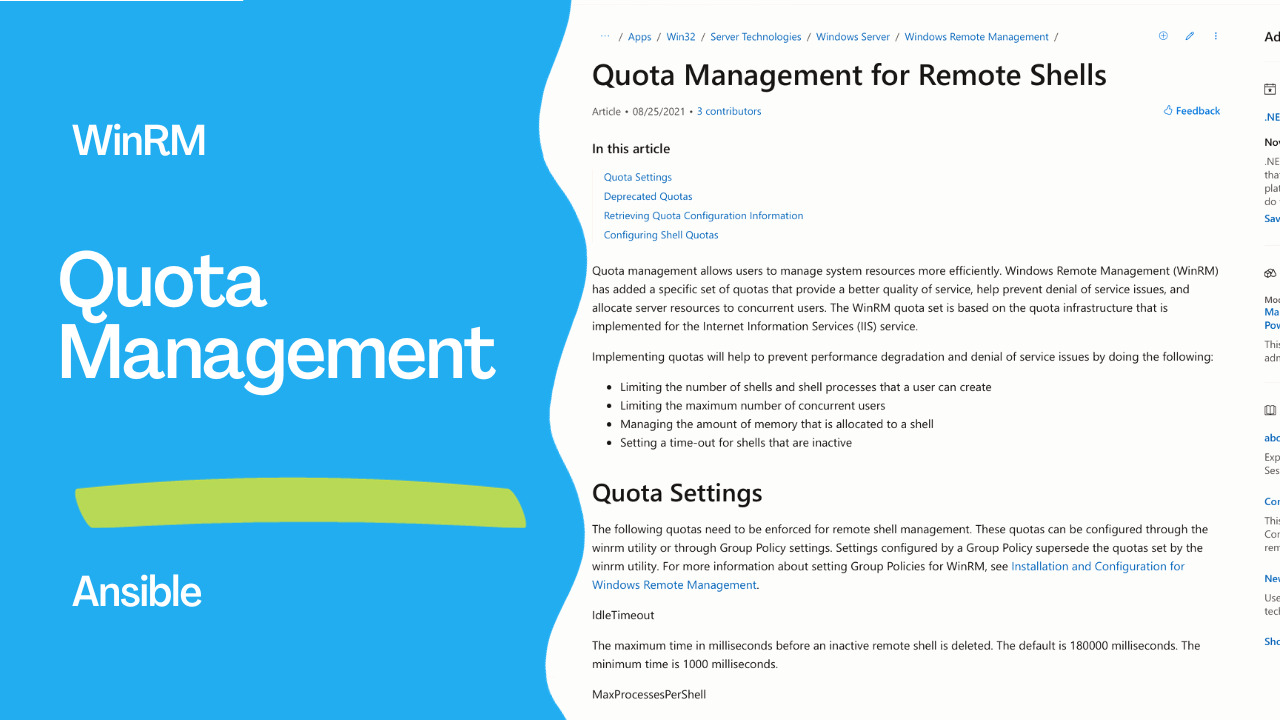
Managing system resources efficiently is paramount for the smooth operation of any networked environment. Windows Remote Management (WinRM), a crucial component in Windows Server environments, comes with its own set of quotas to ensure better service quality, mitigate denial of service issues, and allocate server resources to concurrent users effectively. These quotas are crucial for maintaining optimal system performance and security, and they are rooted in the quota infrastructure used by Internet Information Services (IIS). In this article, we’ll delve into the WinRM quota system, its settings, and how to configure them for your specific needs.See also: Configure WSL in a Domain Environment: Step-by-Step Guide
The Importance of Quota Management
The implementation of quotas within WinRM serves several critical purposes:- Limiting Shell and Process Creation: Quotas restrict the number of shells and shell processes a user can create. This prevents excessive resource consumption and potential system instability.
- Controlling Concurrent Users: WinRM quotas help manage the maximum number of concurrent users who can access the system through remote shells. This is vital for maintaining the system’s responsiveness and preventing overuse.
- Memory Allocation Management: Quotas also govern the amount of memory allocated to a shell, including its child processes. Effective memory management ensures that the system remains stable and responsive.
- Inactive Shell Timeout: An idle timeout is set for remote shells. When shells remain inactive for a defined duration, they are automatically terminated. This helps in freeing up resources and ensuring efficient utilization.
Quota Settings
To effectively manage and configure WinRM quotas, it’s essential to understand the various settings and parameters available:- IdleTimeout:
- Default: 180,000 milliseconds (180 seconds)
- Minimum: 1,000 milliseconds (1 second)
- MaxProcessesPerShell:
- Default: 25
- MaxMemoryPerShellMB:
- Default: 1,024 MB (1 GB)
- MaxShellsPerUser:
- Default: 30
- MaxConcurrentUsers:
- Default: 10
Deprecated Quotas
With WinRM 2.0, the MaxShellRunTime quota is read-only, meaning that attempts to modify this value will not affect the remote shells. This change is crucial to ensure system stability and security.
See also: Four Methods to Configure Maximum PowerShell Memory in Windows Server
Retrieving Quota Configuration Information
To check the current quota configuration settings, use the winrm get winrm/config command. This command provides you with a snapshot of the existing quota settings.Here’s a snippet of a text-based example of WinRM configuration with the default quota settings:
Config
   ...
   Winrs
      AllowRemoteShellAccess = true
      IdleTimeout = 7,200,000
      MaxConcurrentUsers = 10
      MaxProcessesPerShell = 25
      MaxMemoryPerShellMB = 1,024
      MaxShellsPerUser = 30
Configuring Shell Quotas
WinRM quotas can be configured through Group Policy settings or manually, depending on your requirements and preferences. Here’s how to set quotas using both methods:Setting Quotas with Group Policy:
- Open a Command Prompt window as an administrator.
- Type gpedit.msc to open the Group Policy Object Editor.
- Navigate to the Windows Remote Management and Windows Remote Shell Group Policy Objects (GPO) under Computer Configuration\Administrative Templates\Windows Components.
- On the Extended tab, select a setting to view its description. Double-click a setting to edit it.
- Open a Command Prompt window as an administrator.
- Use the command winrm set winrm/config/winrs '@{
=" "}' to manually set a quota. For example, to increase the maximum number of shells per user from 5 to 7, use the following command:
winrm set winrm/config/winrs '@{MaxShellsPerUser="7"}'See also: Tunneling WinRM via SSH with PSRP
Conclusion
In conclusion, effective quota management is essential for maintaining the performance, security, and stability of your WinRM-enabled systems. Understanding and appropriately configuring WinRM quotas ensures that your remote shell sessions are both efficient and secure while preventing resource overuse and potential denial of service issues.
Related Articles
Category: installation